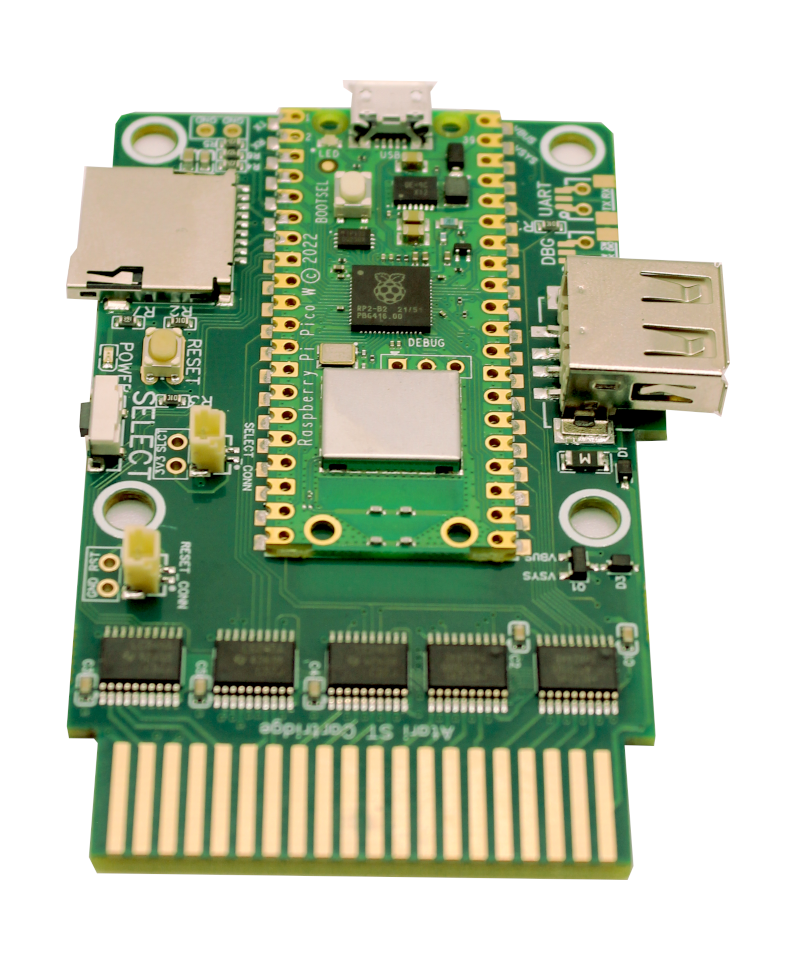
Assembled · Pico W soldered
from €40Plug and play · No soldering
- Raspberry Pi Pico W reflowed onto the board for a professional finish
- Ready to use out of the box, no tools required
- The right pick if it is your first Multi-device




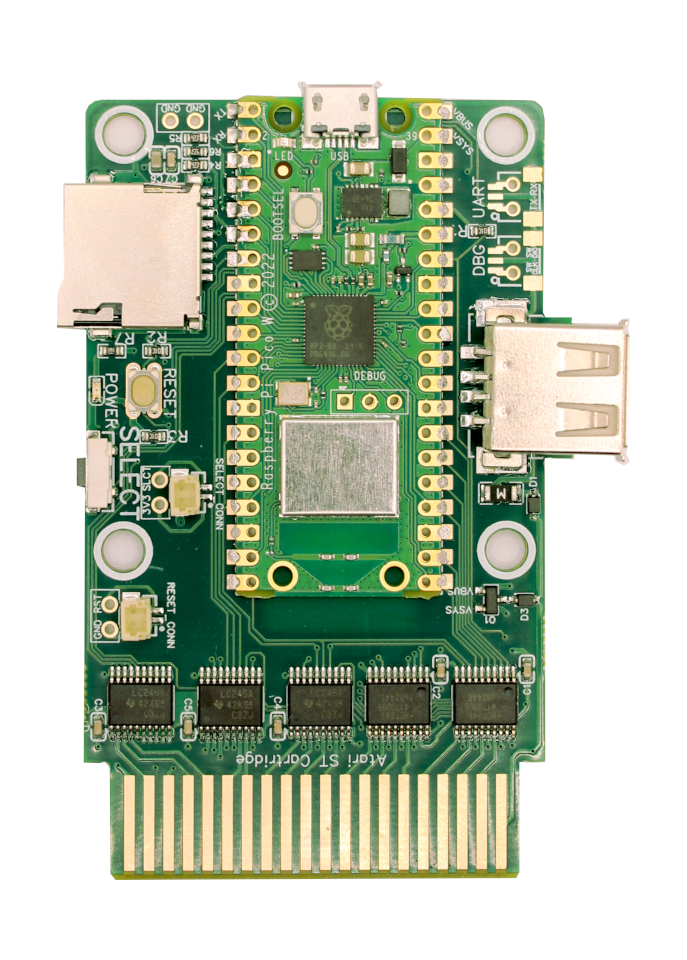
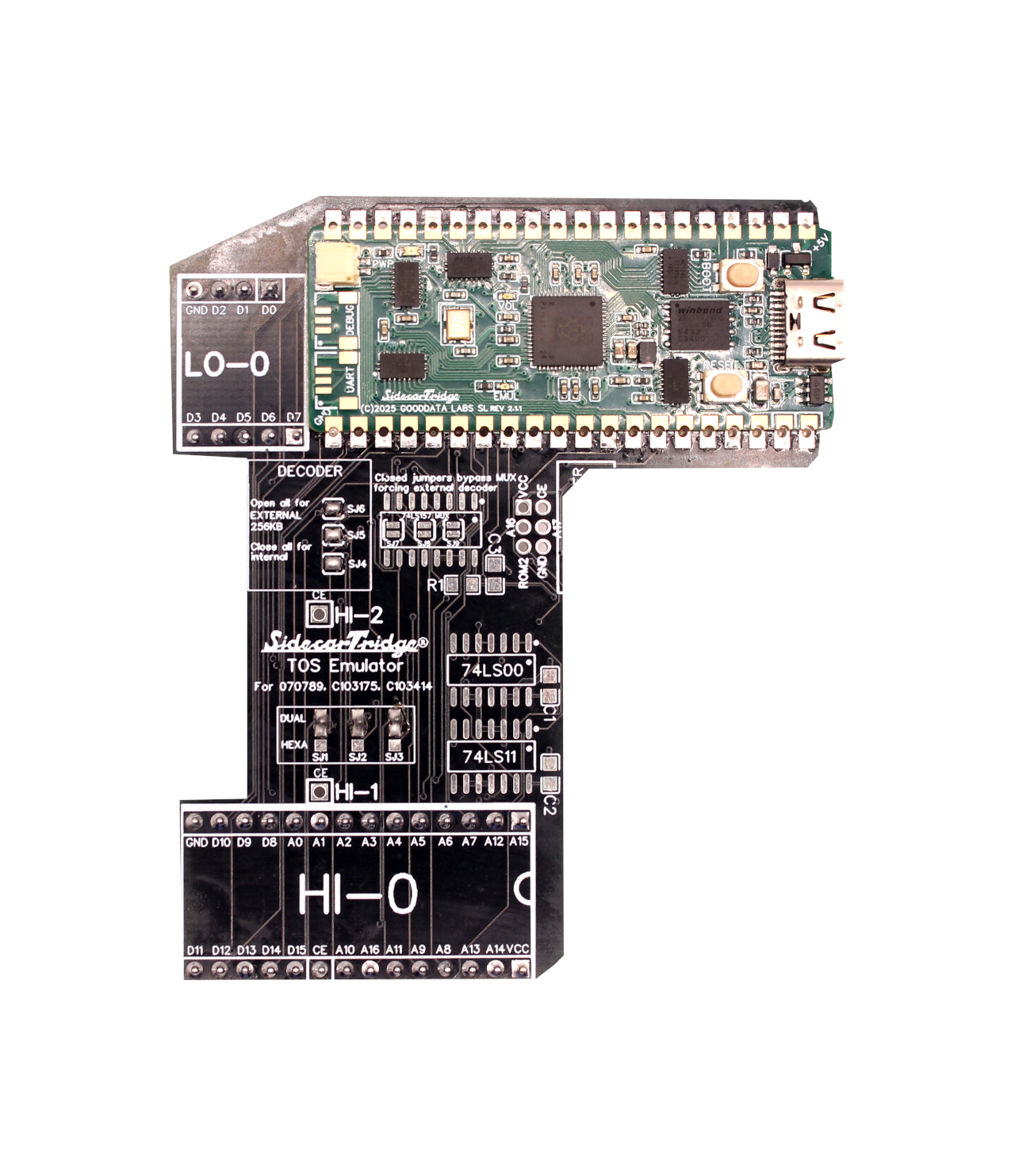
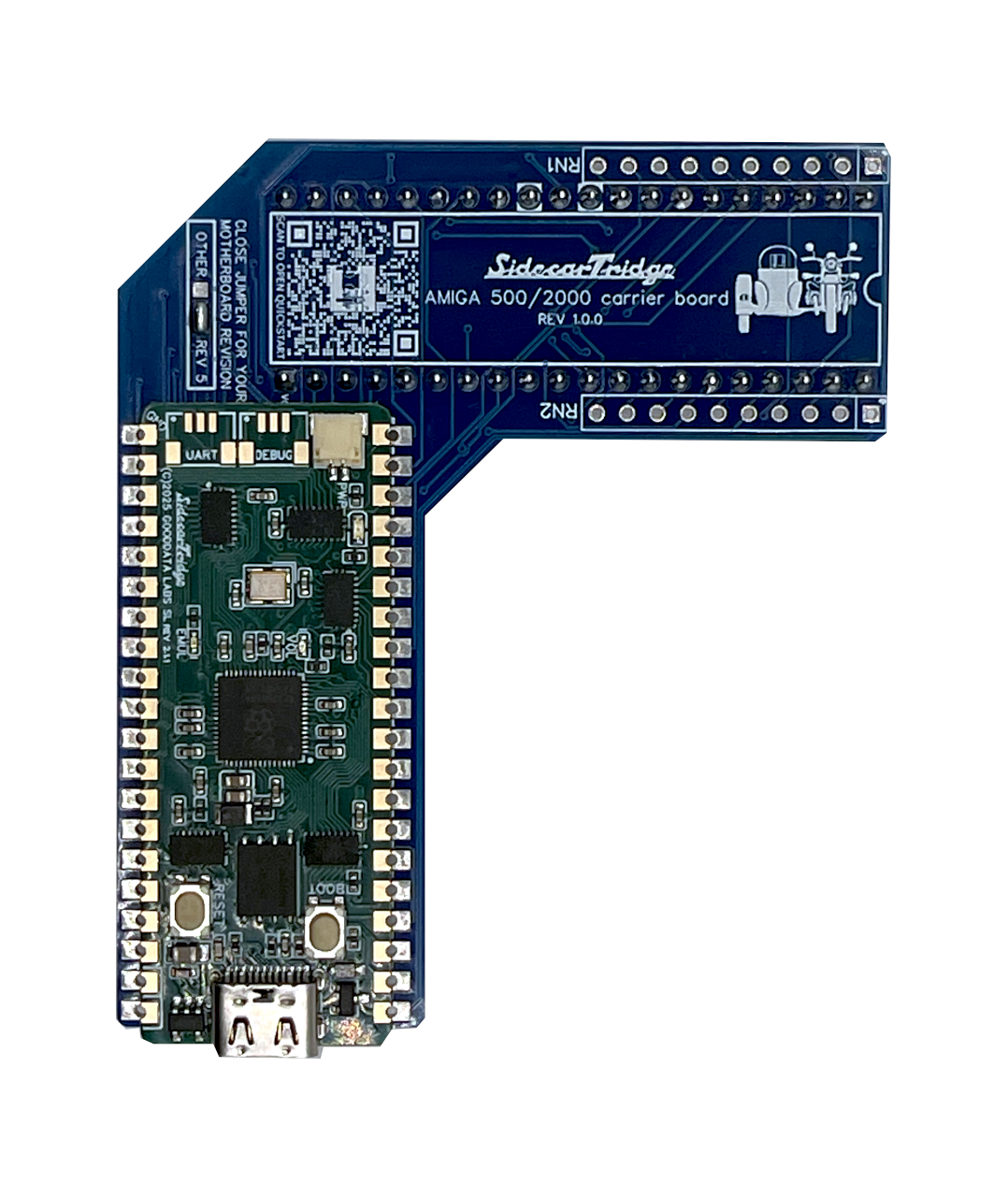
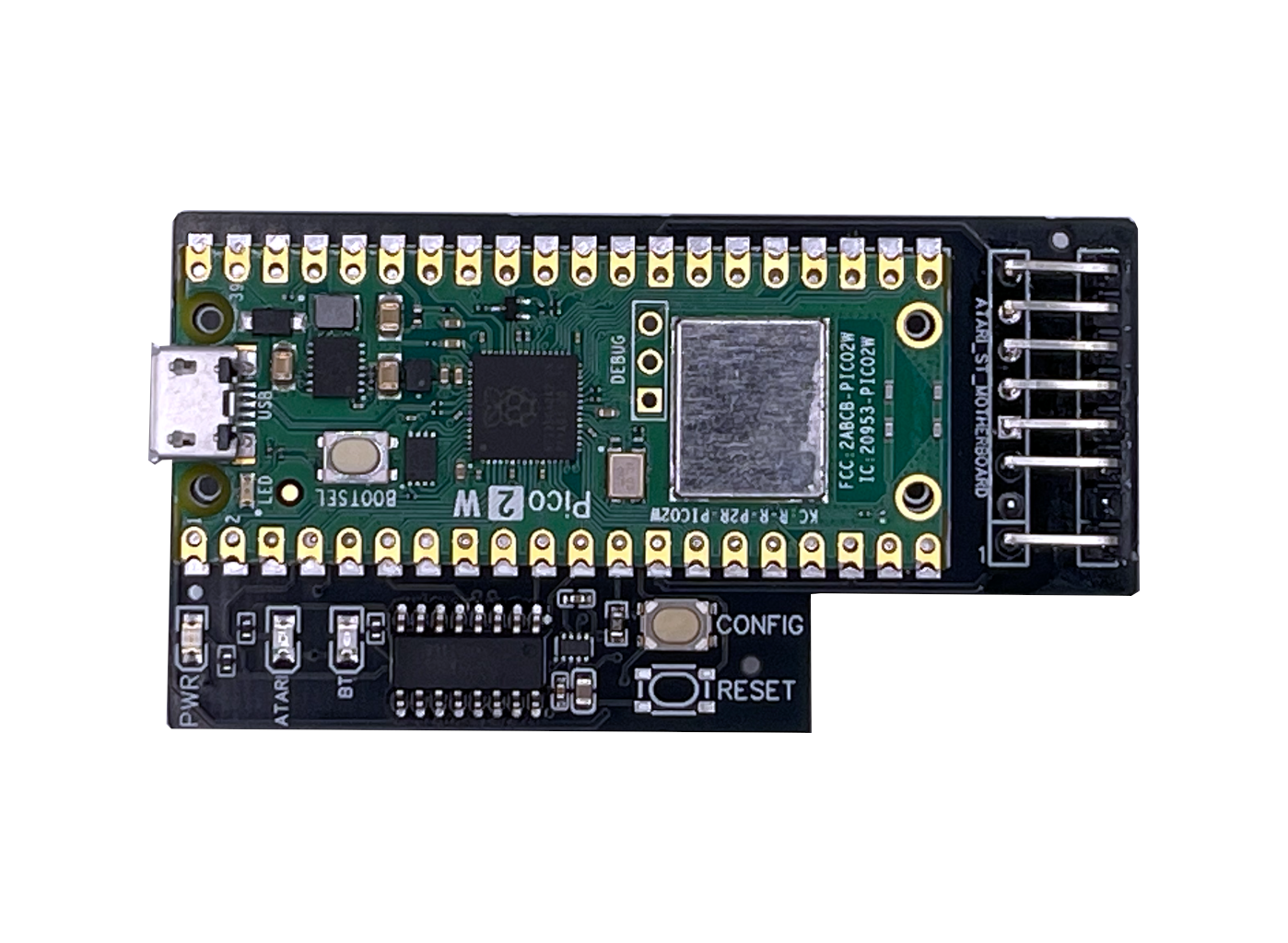
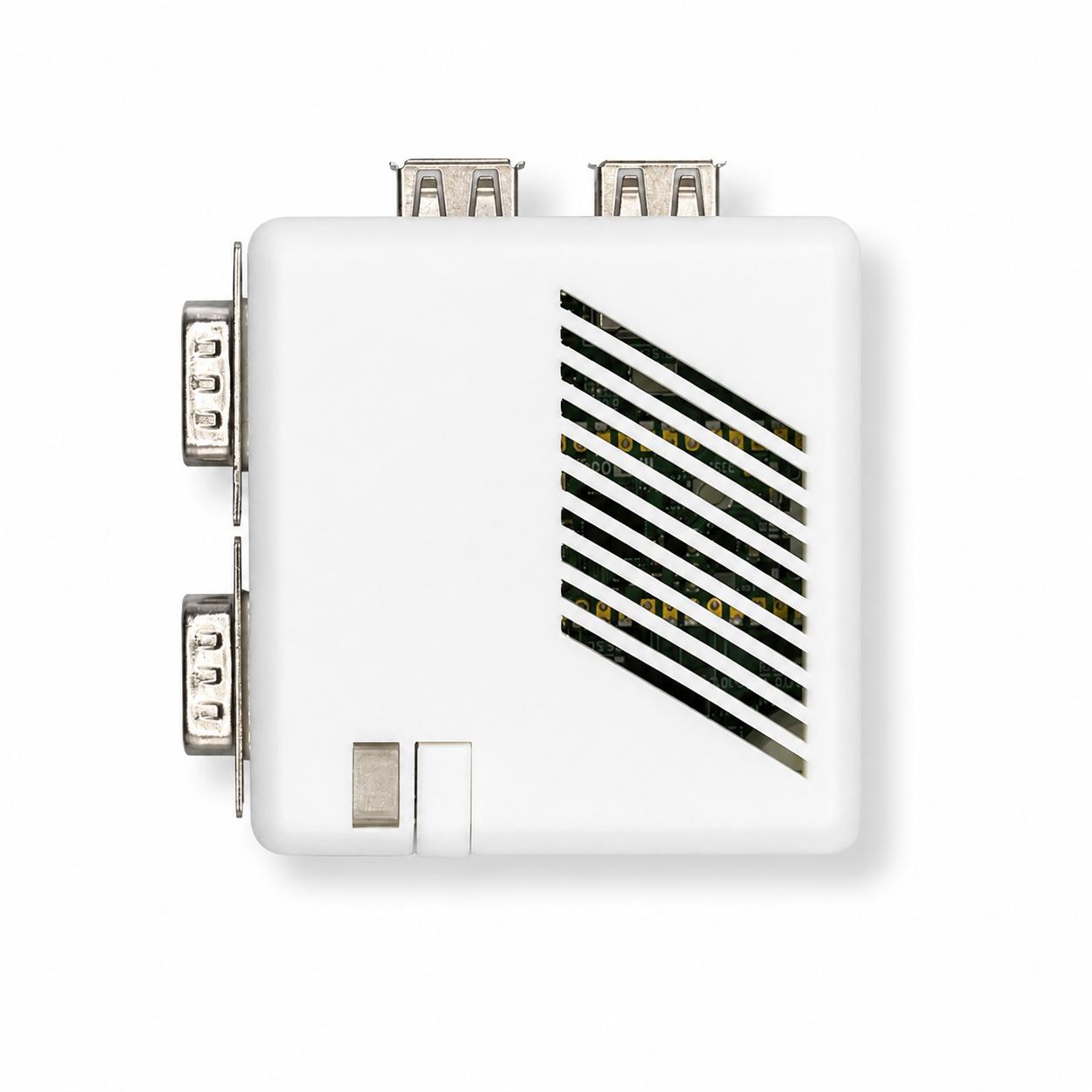
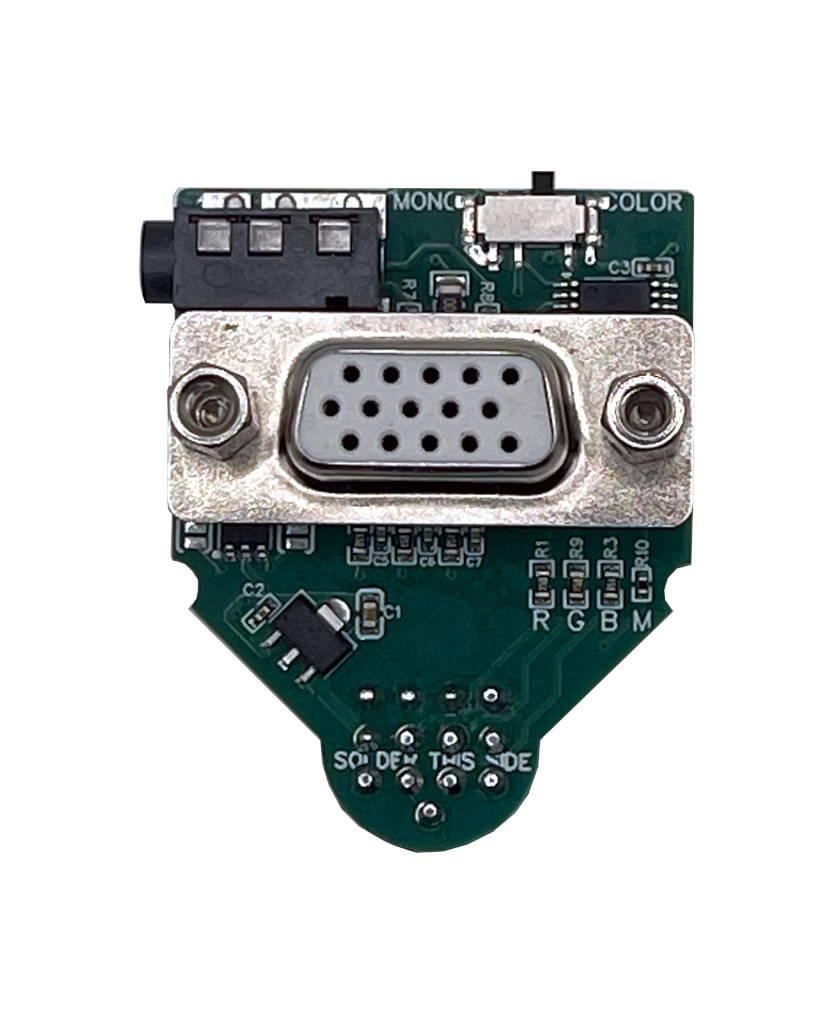
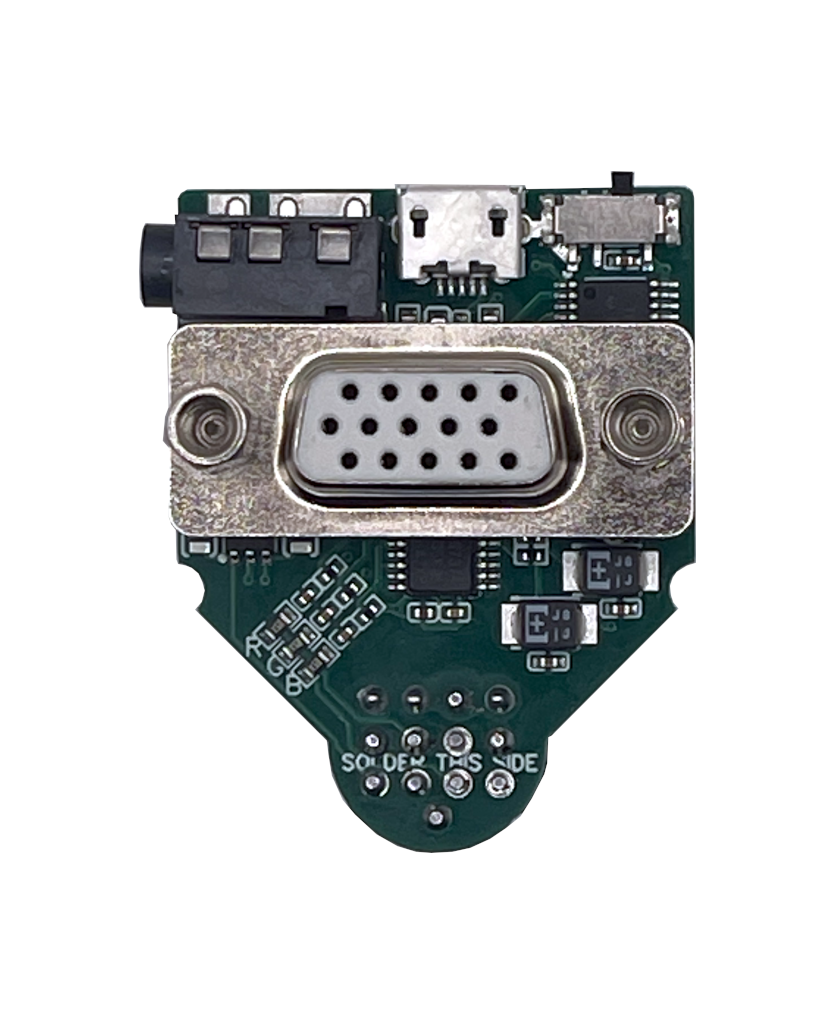
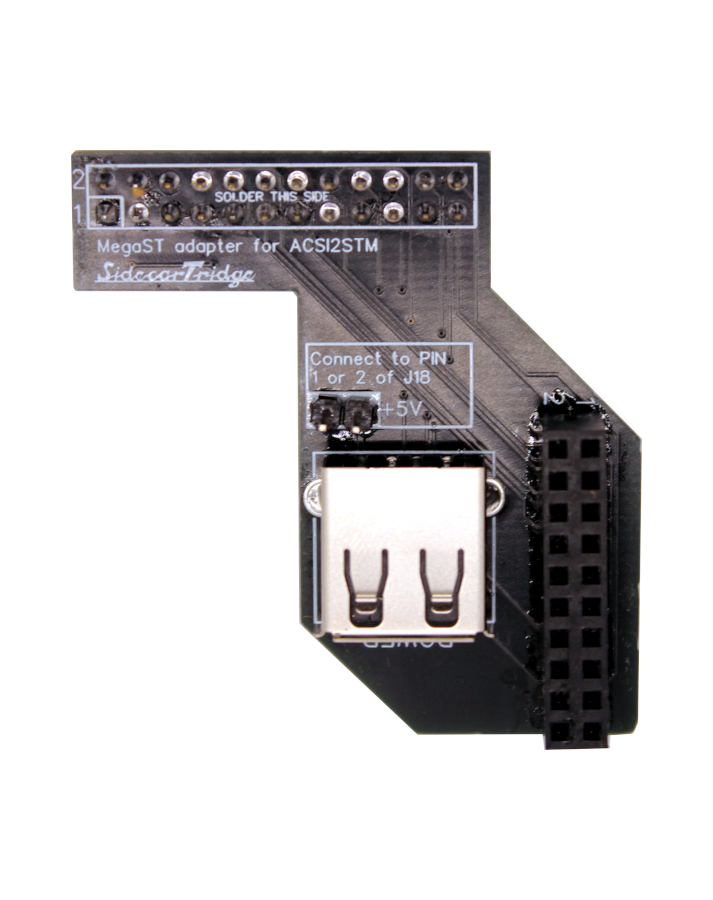
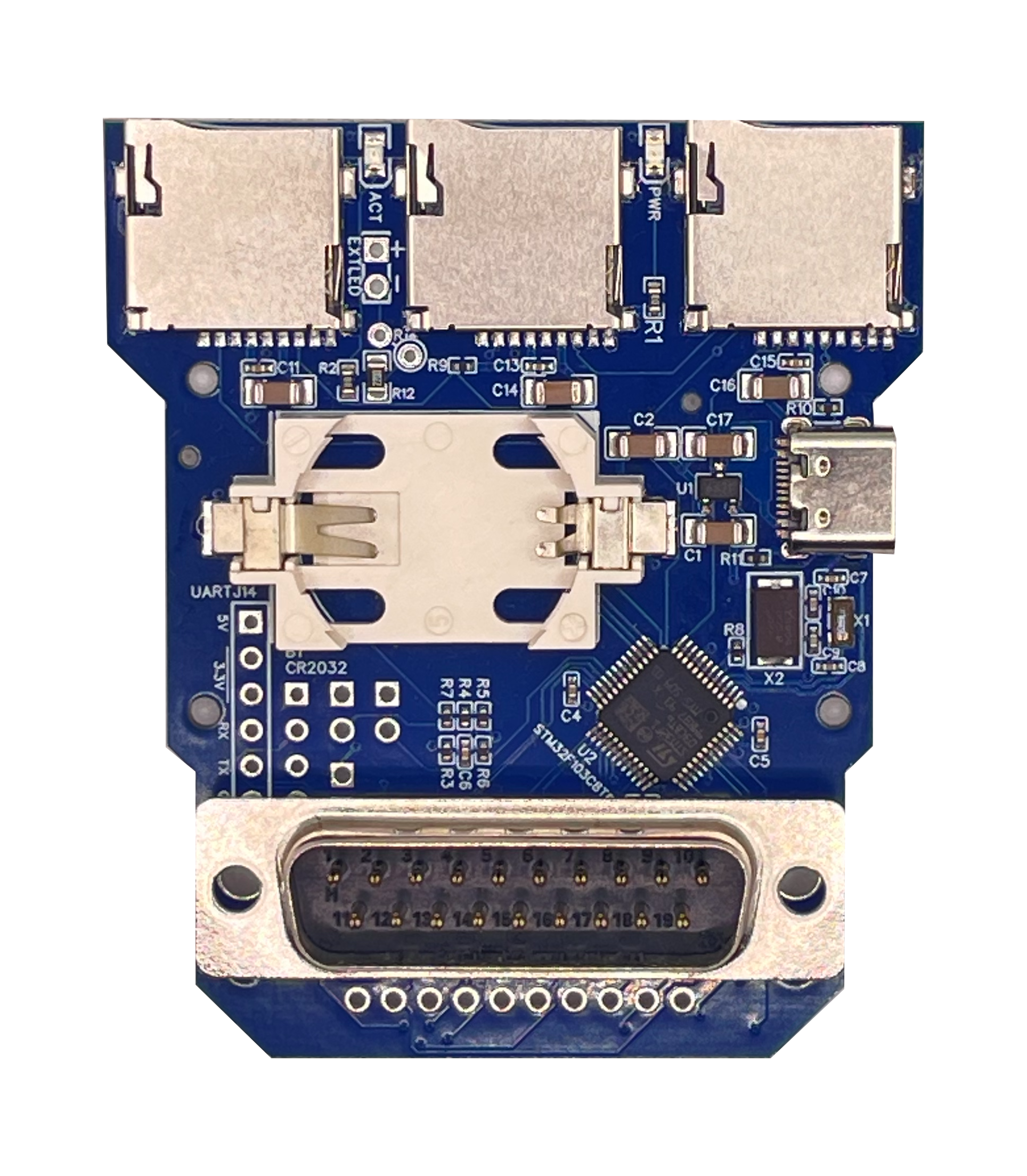
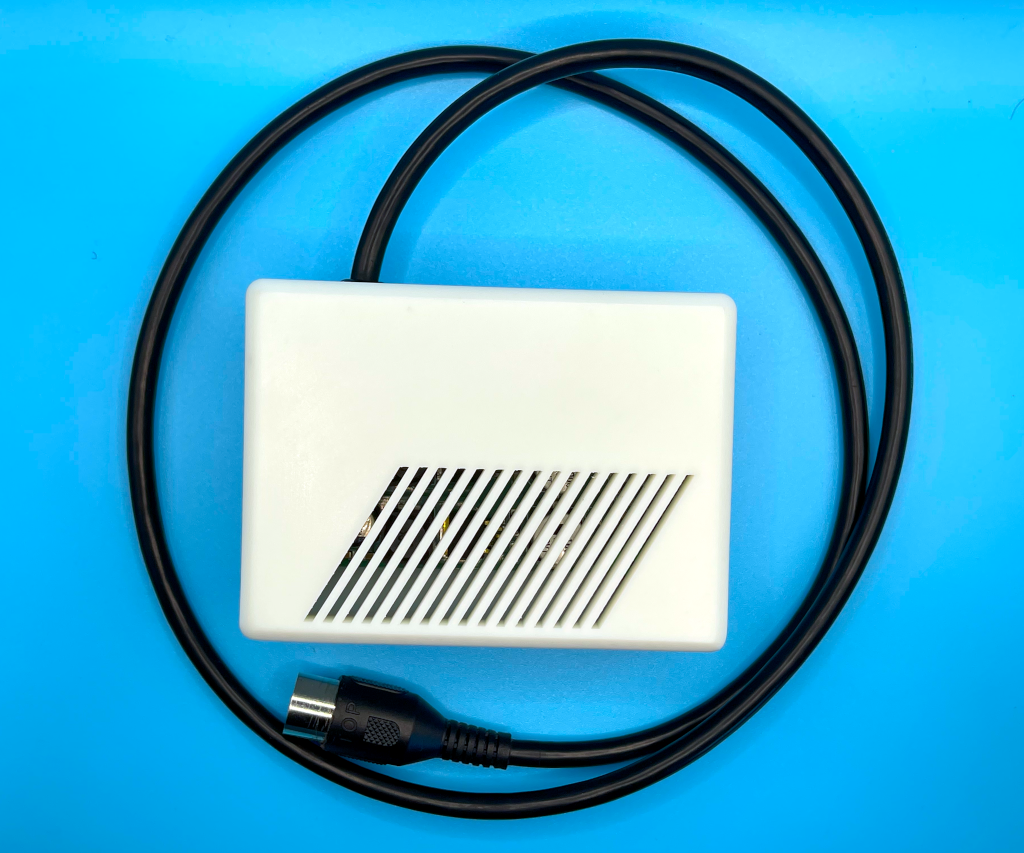
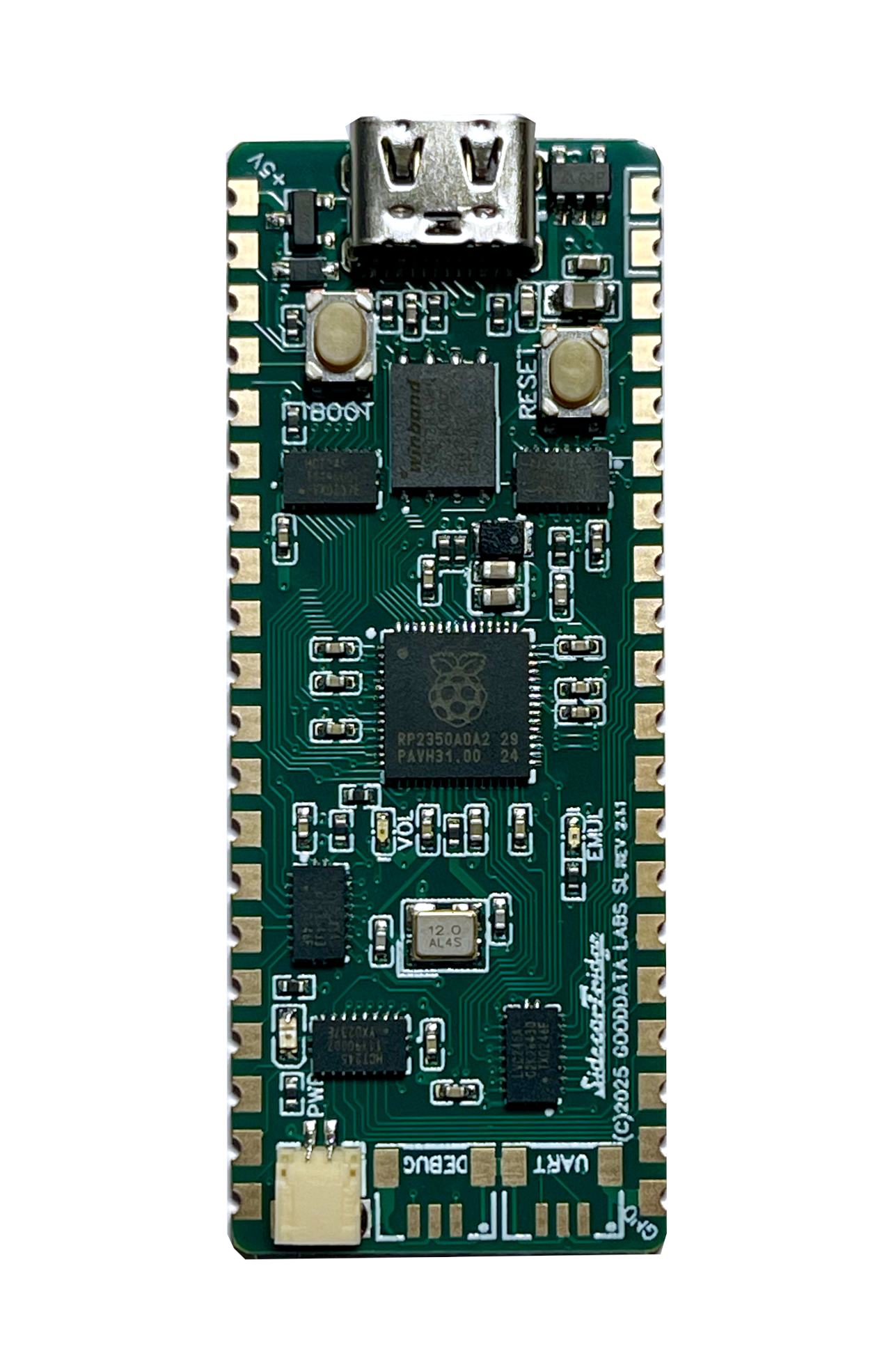
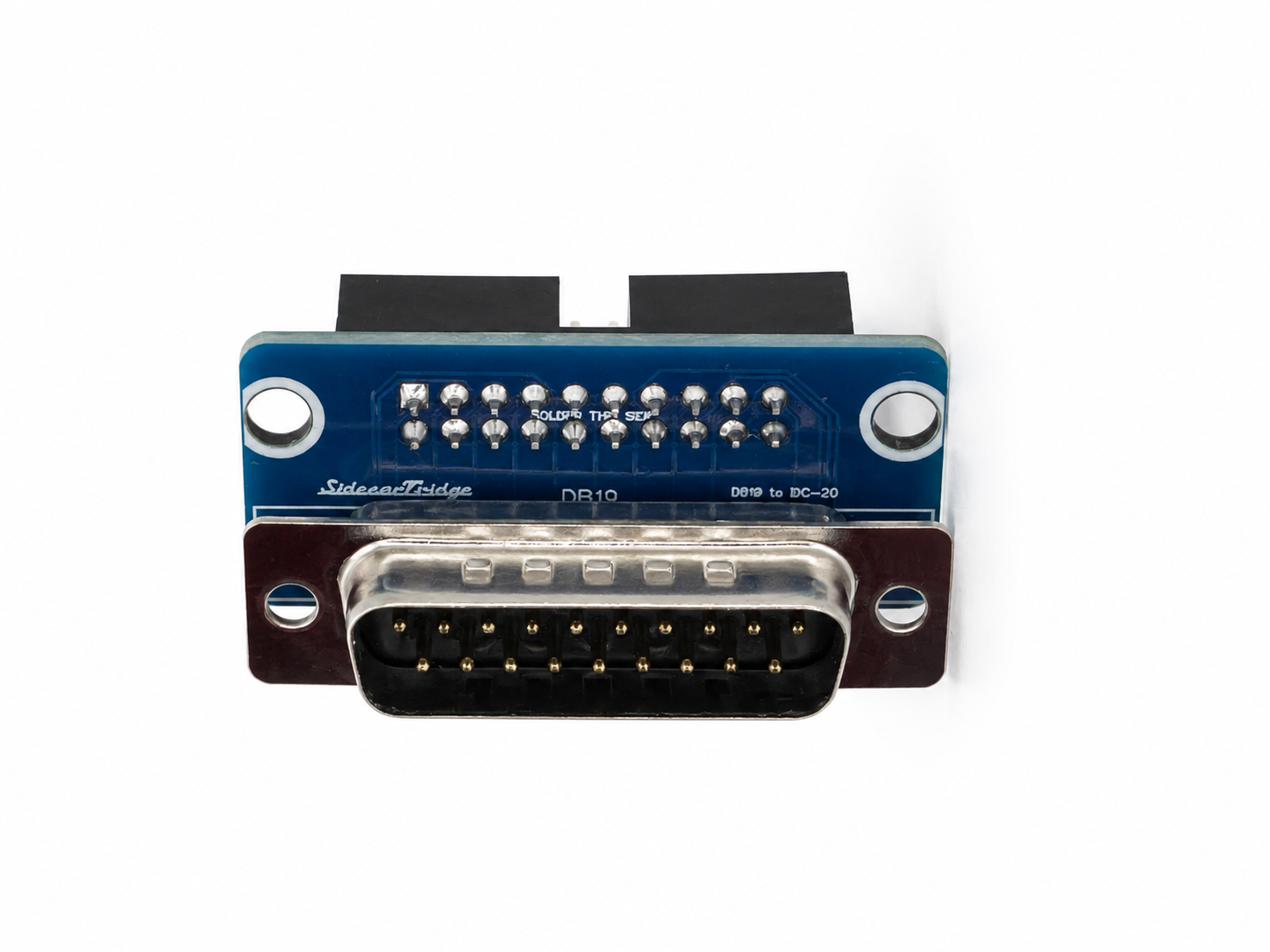
Assembled with Raspberry Pi Pico W soldered from €40. Developer edition with Pico WH from €45. Taxes not included.
The SidecarTridge Multi-device plugs into the cartridge port of any Atari ST, STE, Mega, TT or Falcon. A Raspberry Pi Pico W inside brings Wi-Fi and a microSD slot, and runs a growing catalog of modular apps. Boot floppy images. Swap ROMs over the air. Run a hard disk without opening the case. Download games online. No soldering, no internal mods.
Same hardware platform, two ways to get it. Both run Firmware V2 and the full apps catalog.
Plug and play · No soldering
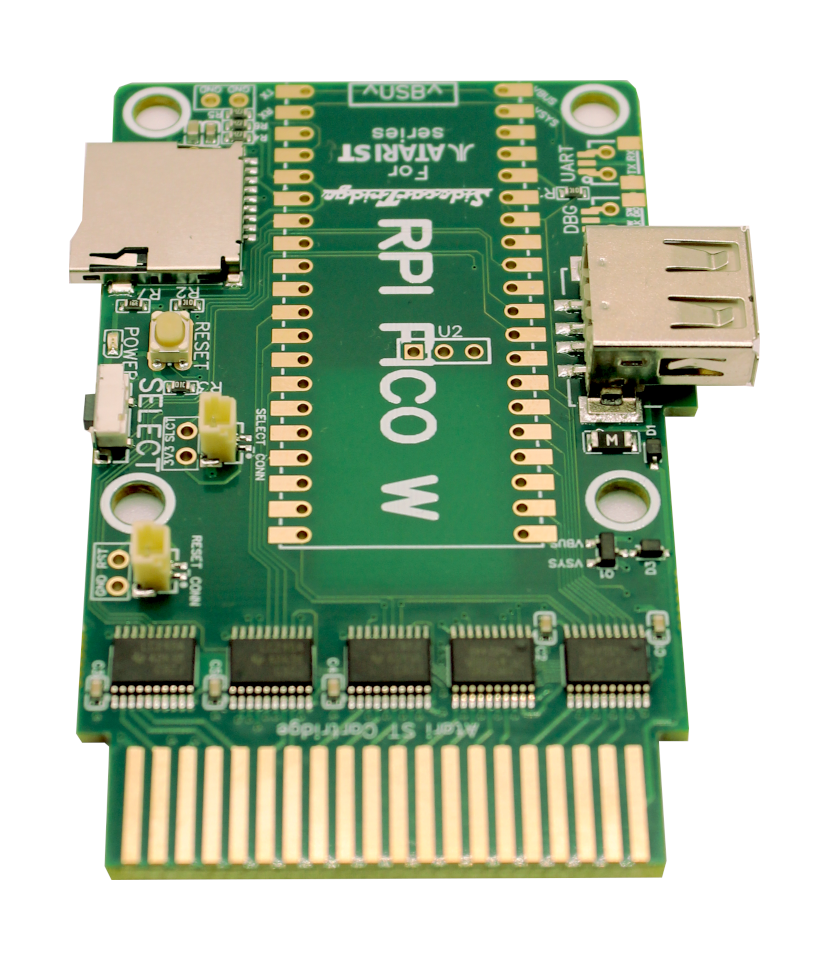
Build your own apps · Soldering required
Taxes not included. Both variants ship from Spain. EU / UK compliance documents ↗
SidecarTridge Multi-device (aka The SidecarT) is a state-of-the-art multi-device emulator crafted for the Atari ST, STE, and Mega series. It leverages the robust capabilities of the RP2040 microcontroller found in the Raspberry Pi Pico, enabling it to:
Emulate both 64Kbyte and 128Kbyte ROMs by simply loading the binary files from a microSD card or via a Wi-Fi connection.
Interact with the cartridge bus in real-time for data reading and writing, which allows for seamless emulation of devices such as floppy disks, hard disks, real-time clocks, keyboards, mouse devices, and more.
Dive into a realm of possibilities, limited only by your creativity. Thanks to its open architecture and the open-source code, SidecarTridge can evolve to meet any challenge you envision.
Load 64K or 128K cartridge ROMs from microSD or over Wi-Fi. Swap them on the fly.
The RP2040 reads and writes the cartridge bus in real time. The base layer every app stands on.
Firmware V2 runs a growing catalog of modular apps for floppy, hard disk, ROM, network and more. Switch without reflashing.
Hardware design and firmware are public on GitHub. Build your own app or hack the existing ones.
Raspberry Pi Pico W brings Wi-Fi and BLE to every Atari, with predictable real-time performance on top of the RP2040.
New apps land over the air as the community builds them. Your Atari keeps gaining capabilities.
Powered by Firmware V2, the Multi-device runs a growing catalog of modular apps. Switch what your ST does in seconds — no reflashing, no extra hardware. New apps land over the air.
Getting started takes about ten minutes. Six steps:
Install the hardware. Power off the Atari ST, STE, Mega, TT or Falcon. Slide the Multi-device into the lateral cartridge port. Power back on.
Connect the device to your Wi-Fi. On first boot the Multi-device exposes its own SIDECART Wi-Fi network. Join it from a phone or laptop, open http://192.168.4.1, pick your home Wi-Fi and save. From then on the device joins your network automatically. Full walkthrough in the quickstart guide.
Open the on-device app menu. Once connected, the Multi-device shows a QR code with the IP your router assigned. Scan it (or open the URL on a phone or laptop) to reach the web UI that lists every installed app.
Pick what your ST should become. Drives Emulator for floppy and hard-disk images from microSD. ROM Emulator for cartridge ROMs over Wi-Fi. Browser to search and boot floppy images online. MIDI-to-IP to bridge the MIDI port to the open Internet. RTC, and many more. See the Apps Catalog above for the full list.
Run your Atari. Reset or power-cycle the computer. The Multi-device behaves like the device the chosen app emulates, and stays in that mode across reboots until you switch apps.
Switch apps any time. Go back to the web UI, pick a different app, reboot the Atari. New apps land over the air as they ship.
Still on Firmware V1? The original flow boots from a
SIDECART.TOSprogram on GEMDOS instead of the on-device app menu. We recommend updating to V2 to get the full apps catalog.
And of course, 100% backward compatible with the previous version.
The assembled Multi-device comes with a Raspberry Pi Pico W reflow-soldered. The Multi-device for developers comes with a Pico WH that you plug into female headers soldered to the board.
No, it is not compatible with the Raspberry Pi Pico. It requires the Infineon CYW43439 Wifi/Bluetooth module, which is only available in the Raspberry Pi Pico WH and W.
No, at this time, the device is not compatible with the Raspberry Pi Pico 2W. But future versions of the firmware may support it.
Yes. Starting with version 3, the board supports direct soldering of the Raspberry Pi Pico W for a more secure and integrated assembly.
Revision 3 is a complete electronic redesign, making it smaller, more efficient, and fully compatible with the previous version. Key improvements include:
While maintaining full backward compatibility, revision 3 delivers better performance and greater flexibility for users and case designers alike
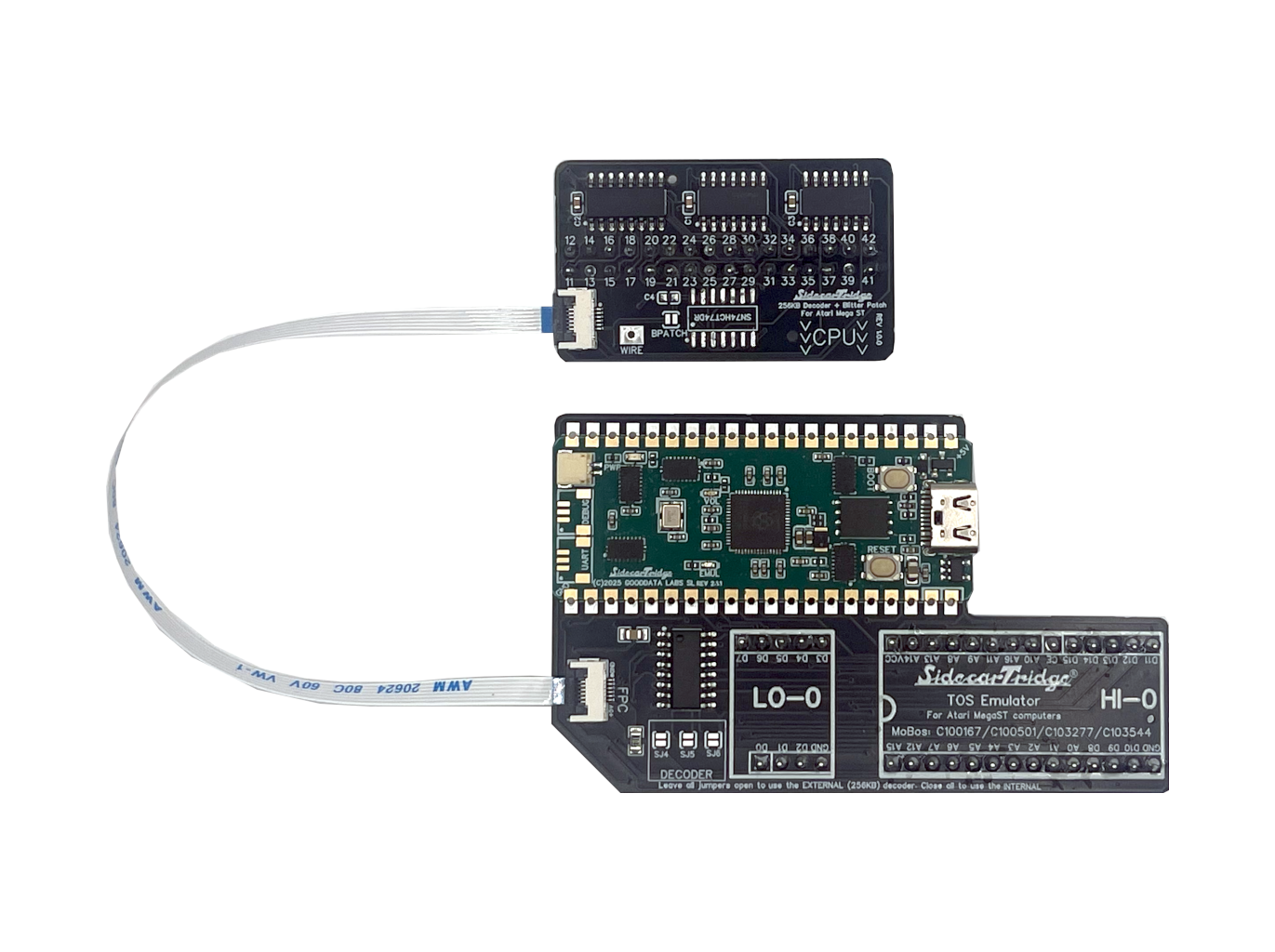
They are different beasts. The Multi-device connects to the expansion port and can emulate different devices like external ROM (but not the TOS ROM), floppy, RTC, hard disk, etc. It works as an expansion device, not a replacement for an existing computer part. The TOS emulator replaces the internal ROM TOS with a custom board, making it as easy to change TOS versions as it is to change files in RAM. You can learn more about the TOS emulator in the TOS Emulator page.
It has undergone extensive testing on various Atari ST, STE, MegaST, and MegaSTE computers featuring diverse TOS versions. However, it’s important to note that only the new Firmware version 2.0 supports Atari TT and Falcon, and their clones. While heavily modified and customized computers are likely compatible, it’s up to you to decide to use the device. As a rule of thumb, it’s guaranteed to work with any computer at stock speed.
Starting with Firmware version 2, only microSDHC, microSDXC and microSDUC cards are supported. Plain microSD (SDSC) cards are not supported. Most cards work fine, even inexpensive ones, as long as they belong to one of those three types. The card must be formatted as exFAT before use, following the formatting guide.
Firmware V2 reworks the device into an apps platform (see the Apps Catalog above). Headline changes:
Full architecture write-up in the docs. Latest builds on the downloads page.
The hardware revision refers to the physical design of the SidecarTridge Multi-device board. It has gone through different versions (revision 1, revision 2, and now revision 3), each with improvements in size, power efficiency, connectivity, and overall performance. You can learn about the differences between hardware revisions in the Documentation site.
The firmware version refers to the software that runs on the Raspberry Pi Pico W inside the SidecarTridge Multi-device. The firmware has also evolved over time, with version 1 being the initial release and version 2 introducing a new architecture with modular microfirmwares, OTA updates, and support for more devices like the Atari TT and Falcon.
Both firmware versions are compatible with all hardware revisions.
The microSD path stays fully usable without Wi-Fi. You can boot floppy and hard disk images straight from the card, and load ROMs that you have copied onto it. What needs a solid signal is the online layer (online floppy catalog, OTA updates, online ROM swapping). If your ST lives in a dead zone, the easiest fix is to move the router closer or to drop in a Wi-Fi repeater near the computer.
My lack of 3D printing skills is legendary, so I let the community do the work for me. You can find a list of cases in the cases page. The list grows very often, so if you have a case that you want to share with the community, please let me know!
The Raspberry Pi Pico WH is the right choice. It bundles a JST SH 3x1mm male connector on top of the board, which connects to the Raspberry Pi Debug Probe. Also don’t forget to get a two JST SH 3x1mm female cable for the UART connection. The Multi-device for developers bundles the board with a Pico WH ready for the Debug Probe. You can learn more in this guide.
Of course! Please visit the Documentation site page to learn how to start contributing to the project! No matter if you are a microcontroller ninja, an Atari ST guru, or a C aficionado. You are welcome!
Adopting the General Purpose License for the source code is my way of ensuring that the benefits belong to the community at large, rather than being held by a particular individual or entity.
The essence of this project lies in community involvement and sheer passion, not profit-making. It’s disheartening to envision entities or individuals merely reproducing the design for commercial gains without adding any substantial value. While I’m completely supportive of enthusiasts creating their own device for personal use or for fellow aficionados, those aiming for monetary benefits should recognize the efforts and intentions behind this initiative. If profits are to be made, they should rightfully support the original creator or face the consequences of violating the license agreement.
No, they are not. If someone is trying to sell you a compatible device, it is not endorsed by the project or me. These devices are pirated designs and violate the license agreement. You can report any such instances to legal@sidecartridge.com for further action. Remember, any brand-new clone sold for profit is not an official product.
I have gathered some images in this directory. You can download them, or simply connect the device to your Wi-Fi and browse the catalog online from your Atari ST!
Just like in Soviet Russia, you don’t look for applications — they hunt you down. Use the embedded Browser microfirmware search engine to type a name, press Enter, and watch the Multi-device fetch and boot the floppy image for you. Prefer to scout titles from your phone or desktop first? Browse the whole catalog on the web at the Atari ST Public Floppy Database.
Yes, if you enjoy tinkering with retro hardware. The Multi-device is built for hobbyists who like to experiment with their Atari ST. The polish is hobbyist polish, not consumer-electronics polish. In exchange you get capabilities and openness that no off-the-shelf product offers for the platform.
Probably not. The Multi-device is meant to be joyful and stress-free, and it spends a lot of time online. Make peace with radio waves first, then come back and we’ll still be here.
This product has been assessed for European (CE) and UK (UKCA) conformity. Click a variant to see its Declaration of Conformity and EMC Assessment reports.