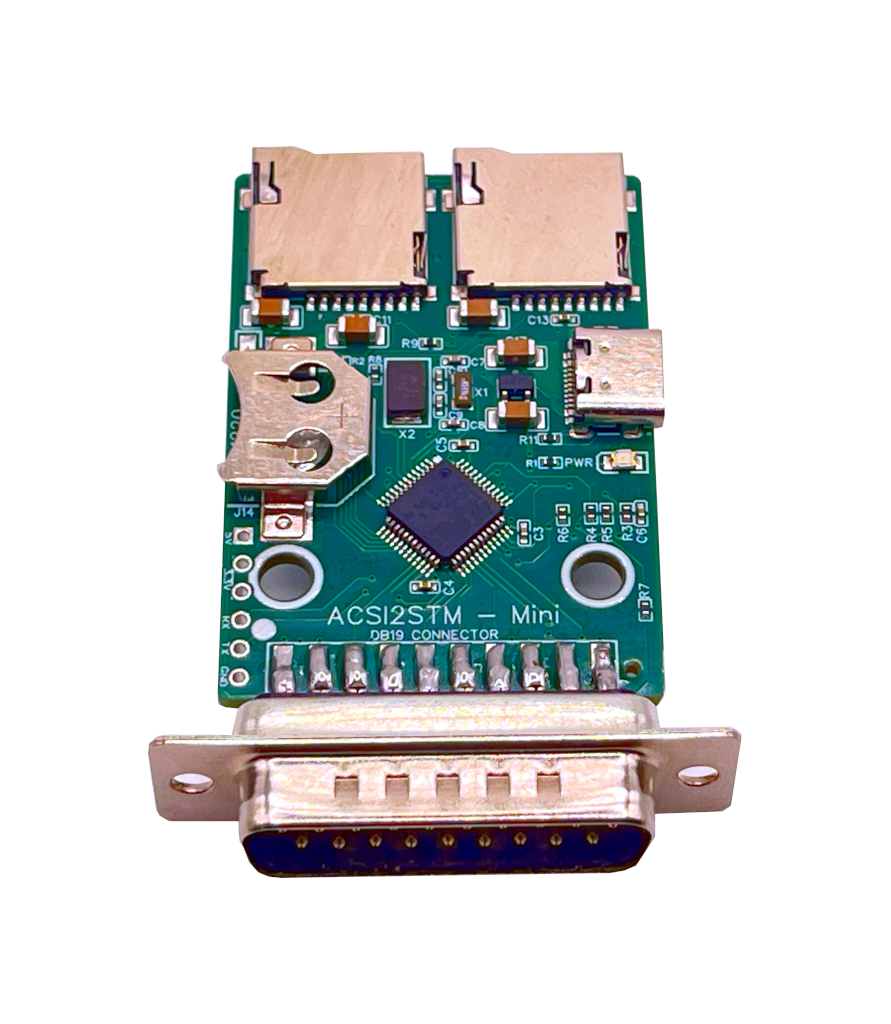
65 × 35 mm footprint
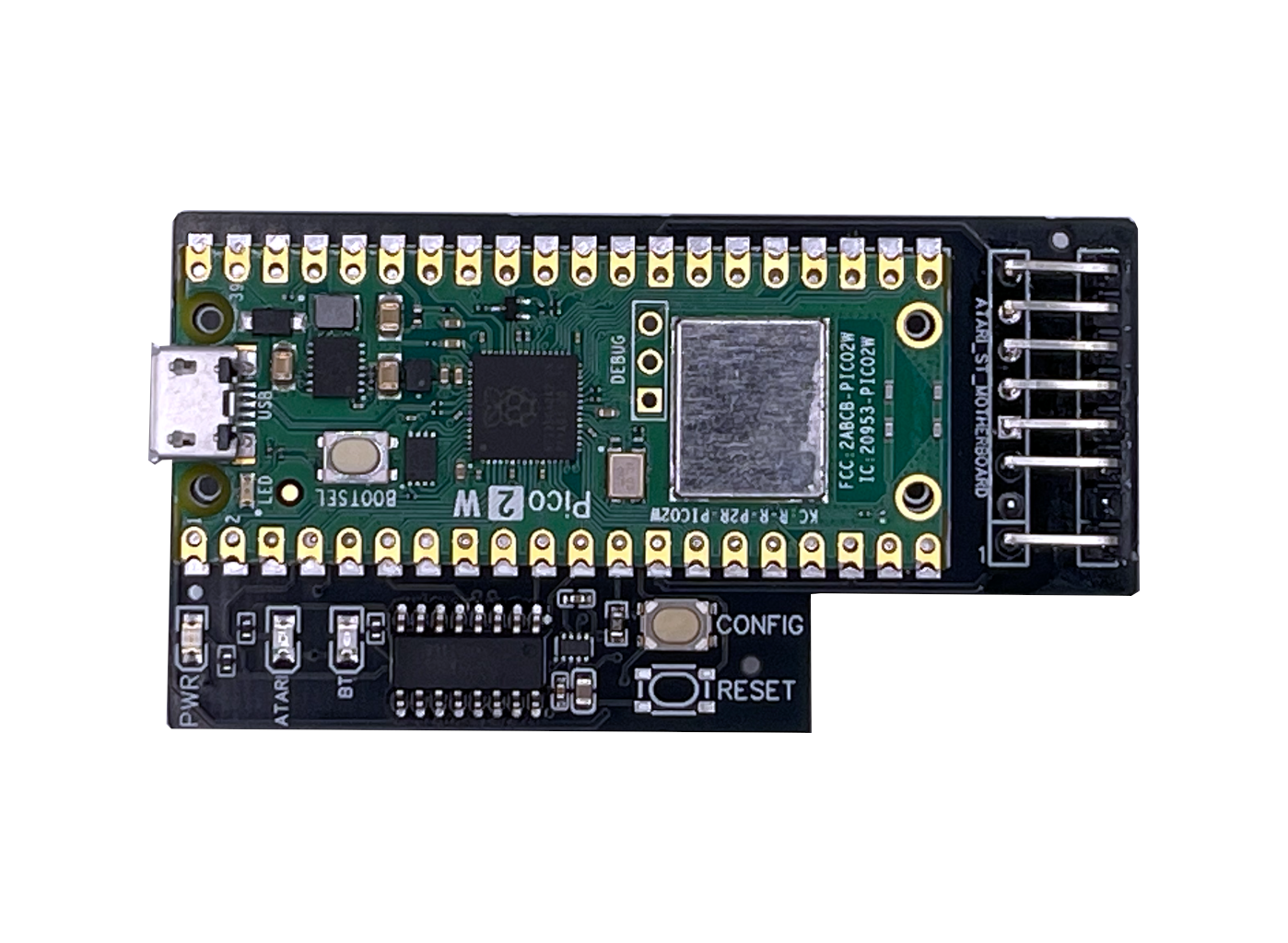
One of the smallest ACSI hard-disk emulators available. Sits flush against the Atari's ACSI port without dominating the desk or trailing cables across the setup.






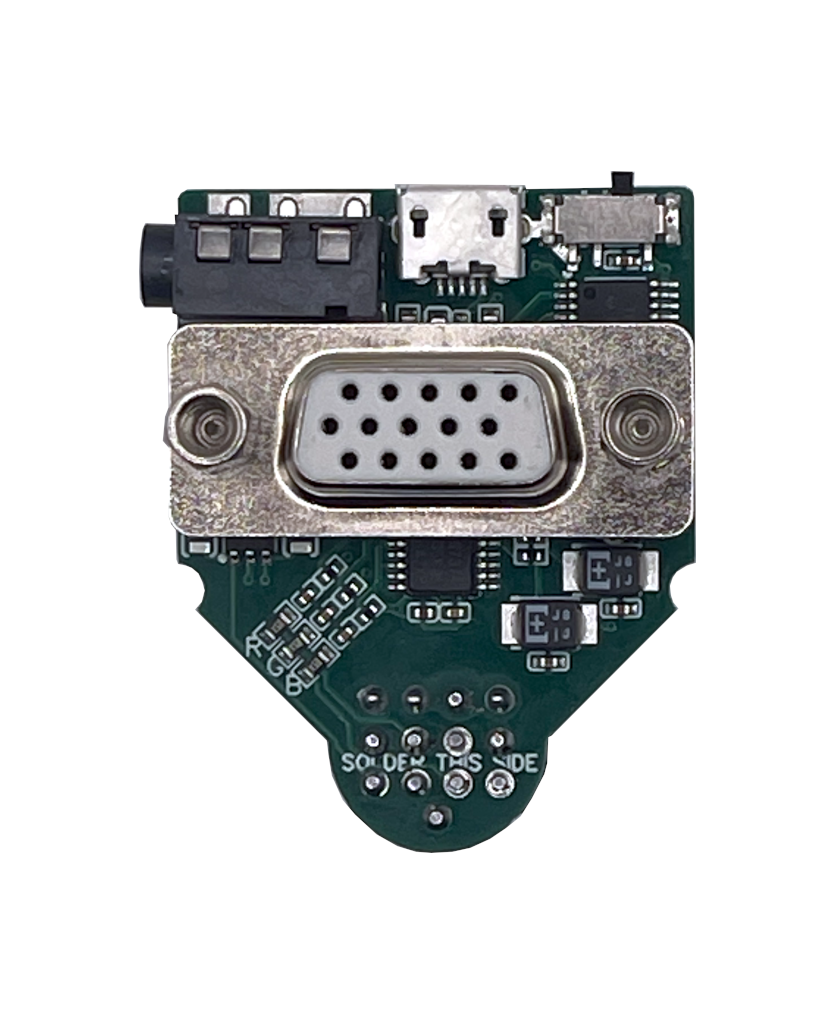
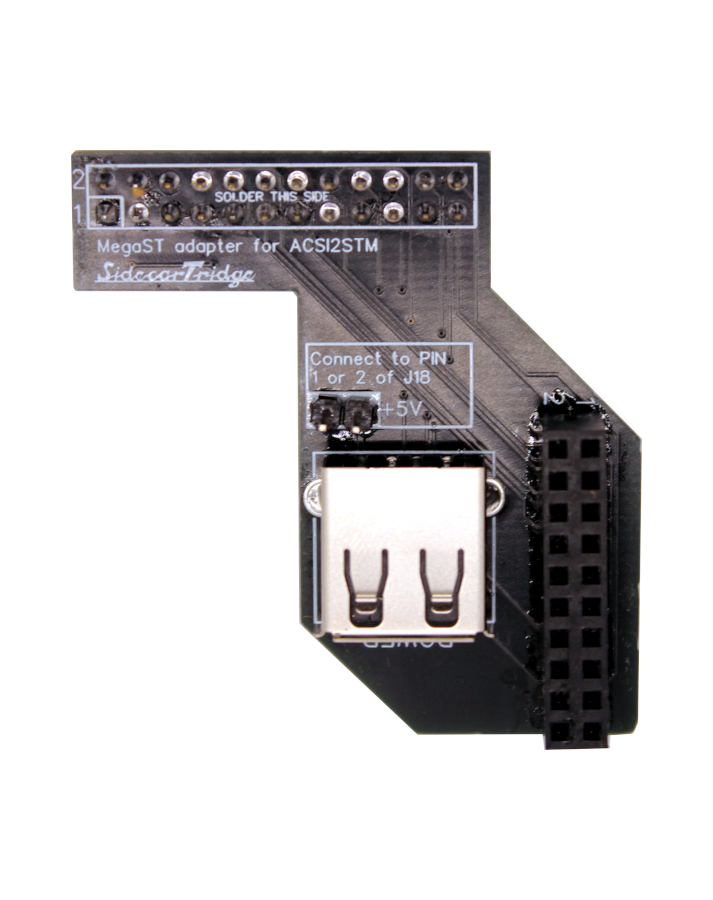
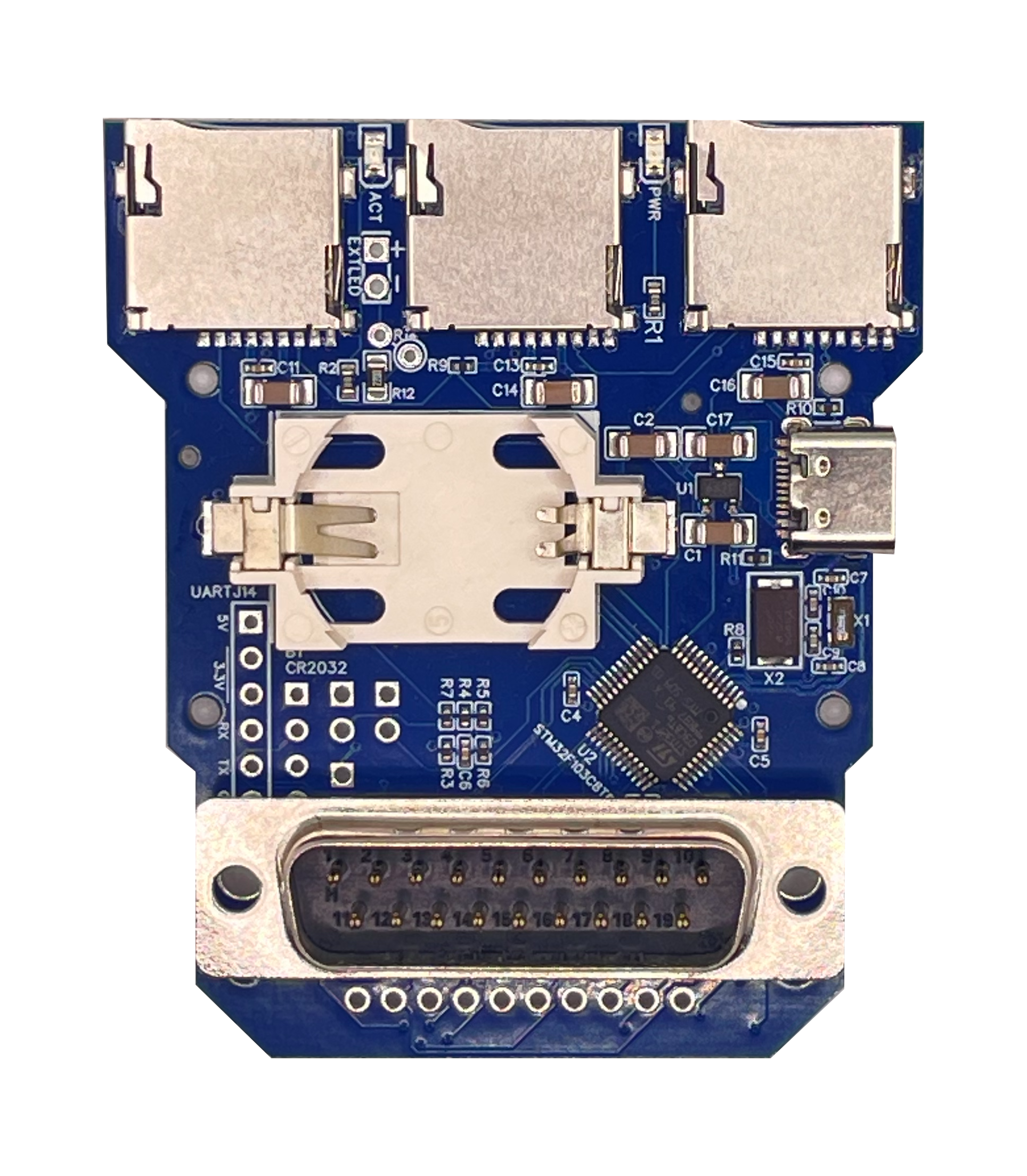
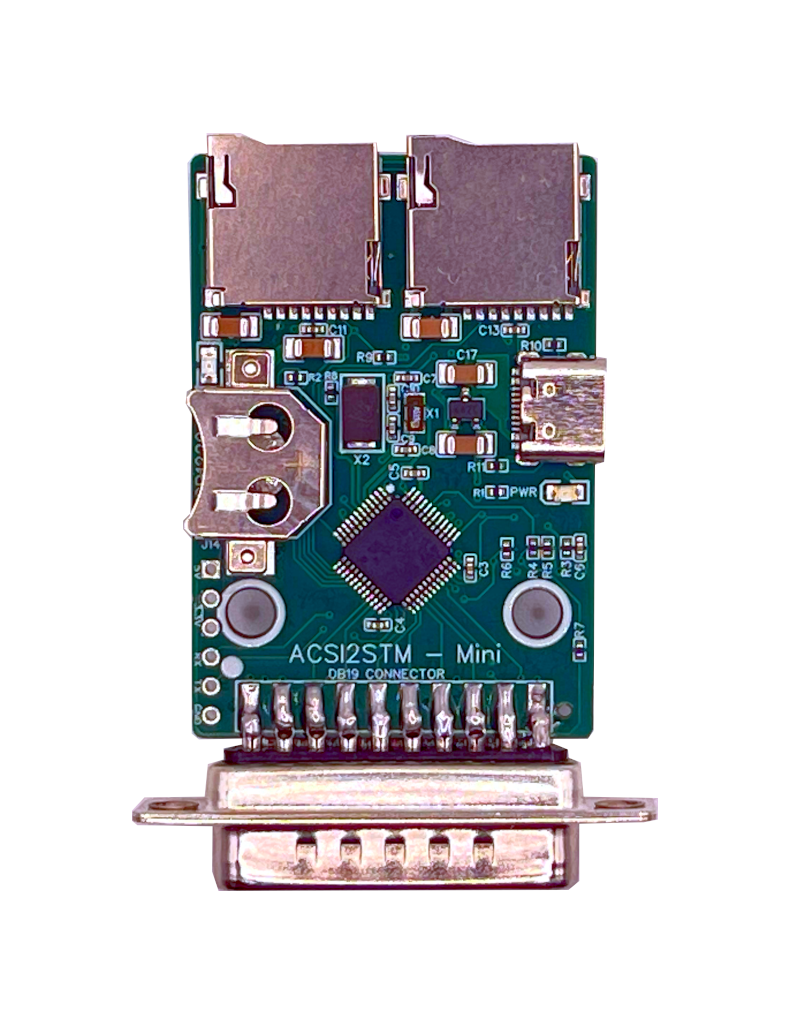
From €26 plus taxes. Ships from Spain. Atari ST, STE, Mega ST and Mega STE.
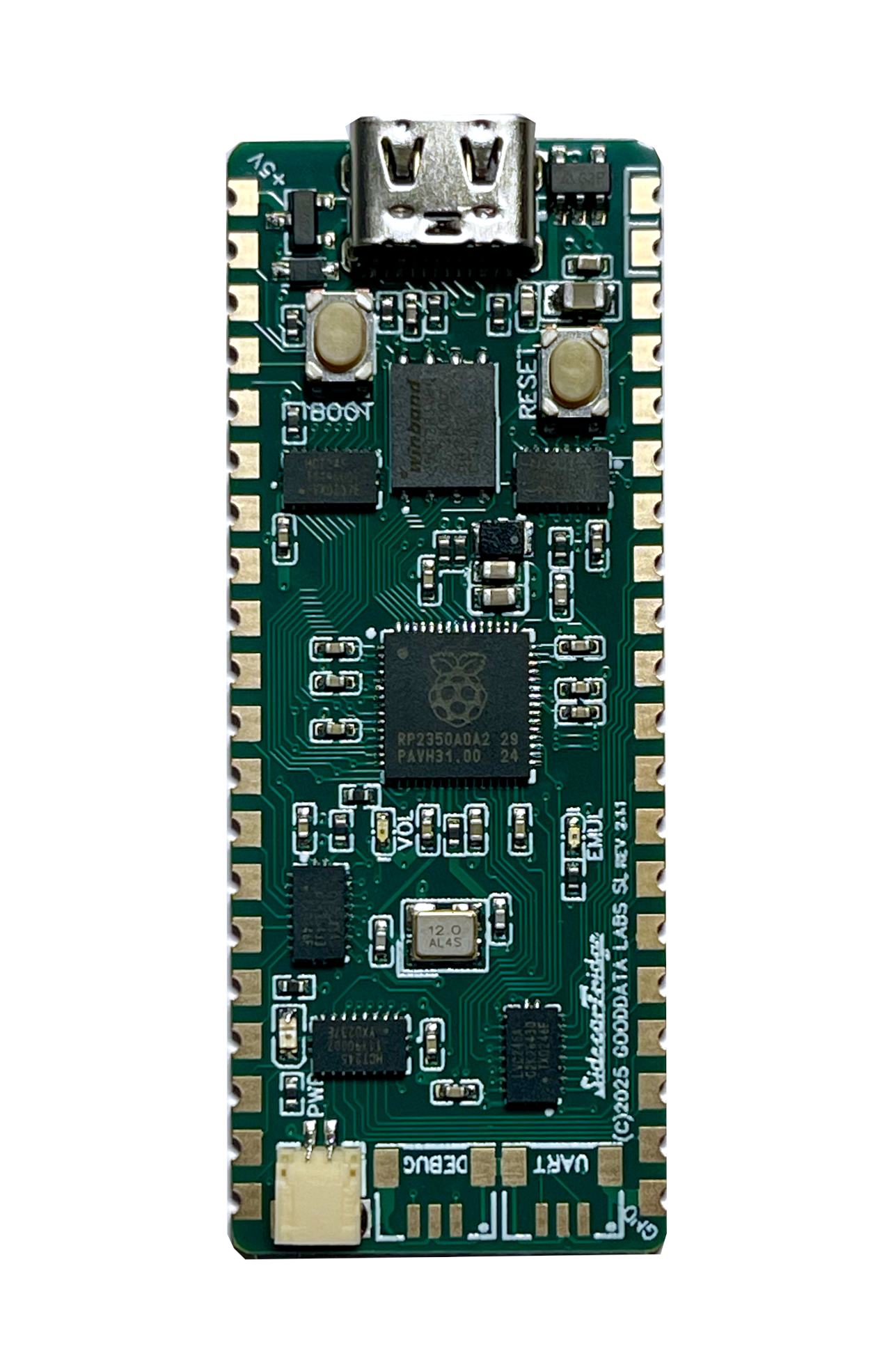
The ACSI2STM Mini turns a microSD card into a fast, silent hard disk for any Atari with an ACSI port, on a 65 × 35 mm board with a built-in DB-19 connector. It is a derivative of the ACSI2STM open-source project by retro16 and runs the same firmware as the ACSI2STM Compact, with the same GemDrive and ACSI operating modes. Order the board on its own or with a desk-ready 3D-printed enclosure.
One of the smallest ACSI hard-disk emulators available. Sits flush against the Atari's ACSI port without dominating the desk or trailing cables across the setup.
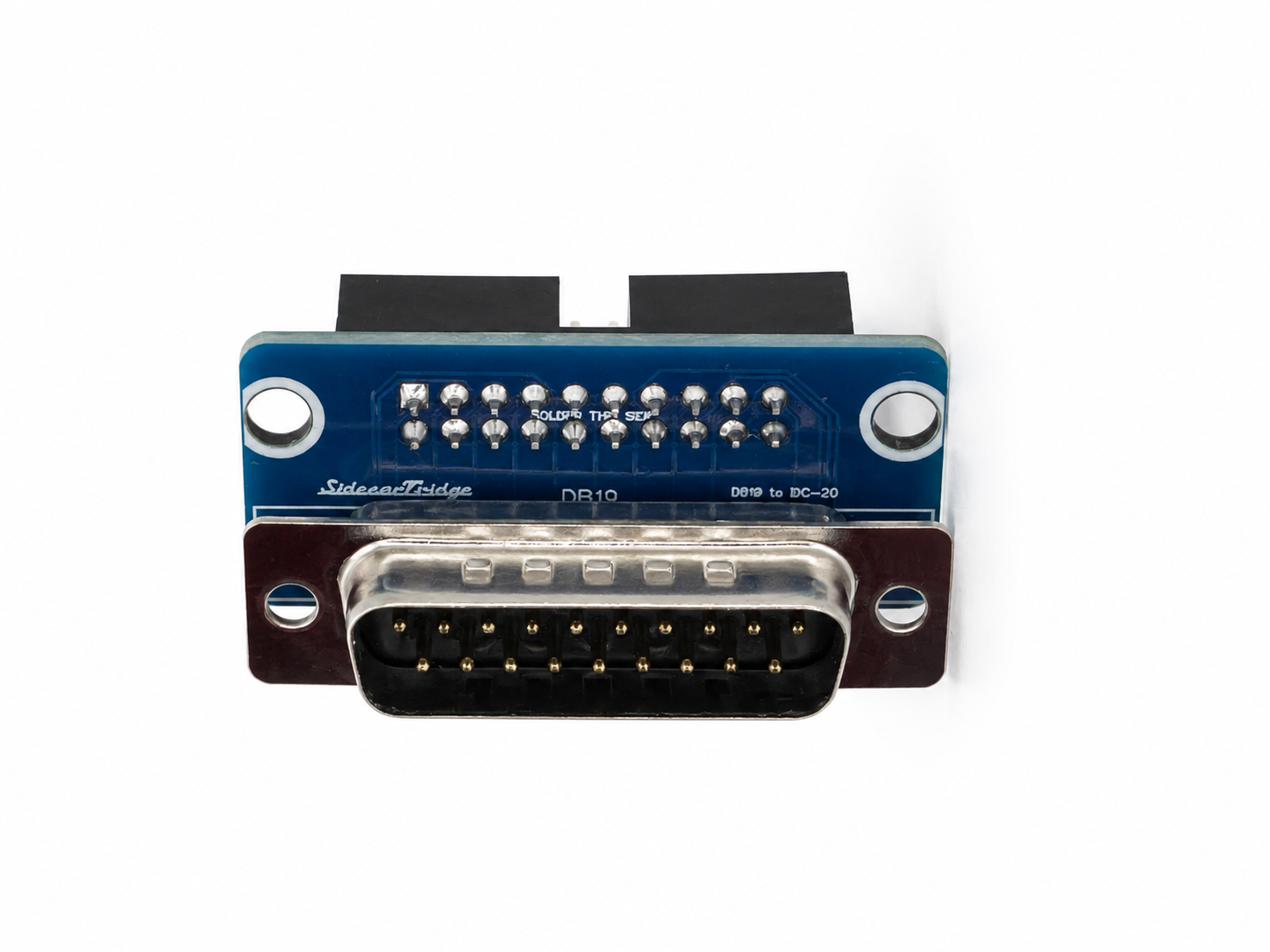
Built-in D-SUB DB-19 connector mates the board straight into the Atari ACSI port. No loose ribbon cables, no adapters, no flaky contacts on an aging port.
Same upgraded 4-layer PCB as the Compact for clean signal integrity on electrically noisy machines, plus two high-quality push-eject microSD slots from the SidecarTridge Multi-device.
Format the microSD card with FAT16, FAT32 or ExFAT, drop in files from any modern PC, and the Atari sees them straight away. No Atari-side drivers, no extra partitioning.
Emulates traditional ACSI hard drives with multiple partitions using Atari-compatible drivers, for full compatibility with classic software that expects a "real" hard disk.
On-board real-time clock keeps the date right between cold boots when fed by a CR1220 or CR1225 lithium battery (not included). Recognised by software that already speaks UltraSatan RTC.
Future fixes and features land directly through the Atari itself via the firmware update utility. No JTAG, no programmer, no host PC required.
The crystal oscillator circuit was recalibrated with updated capacitor values, fixing rare boot and startup issues present in the original design. Full technical detail in the upstream issue thread.
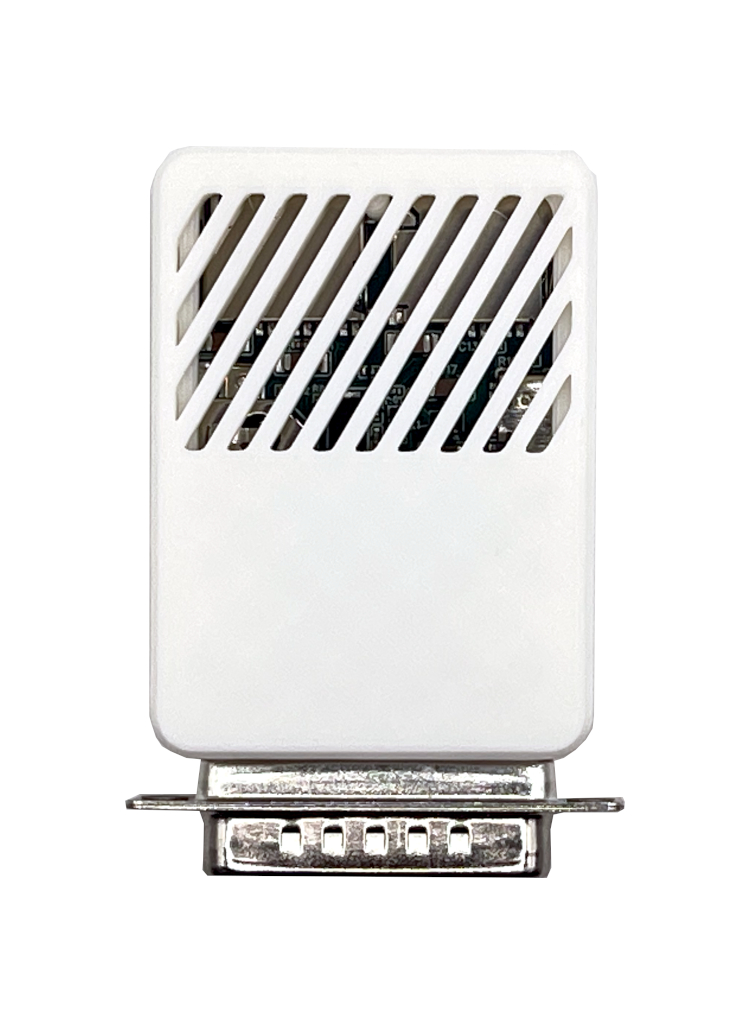
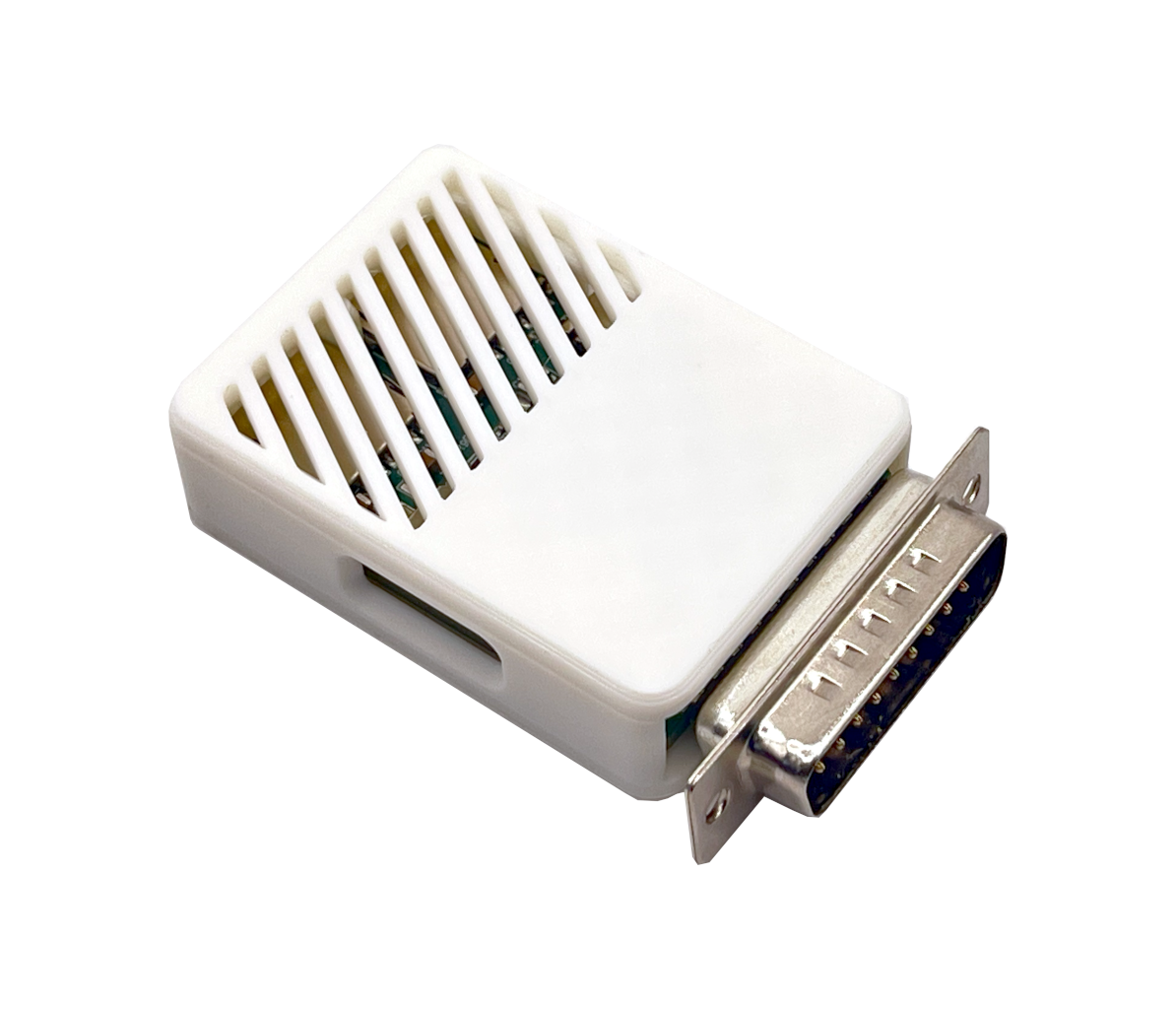
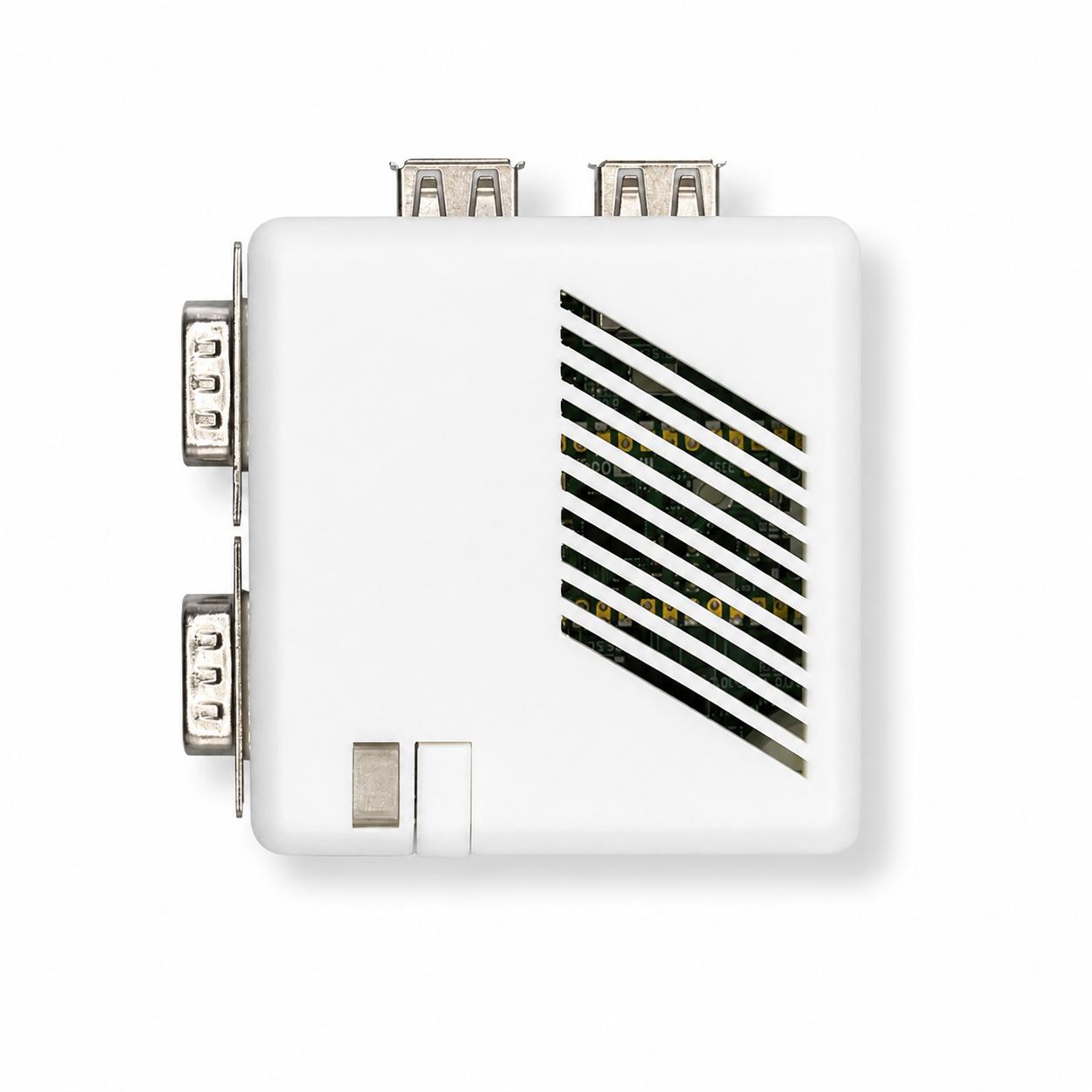
Order the board on its own or paired with a custom 3D-printed enclosure designed specifically for the Mini, for a clean look without firing up a 3D printer.
from €26 plus taxes
from €30 plus taxes
Both kits ship from Spain with the latest stable firmware preloaded. You will still need a USB-C cable, a USB power source and a microSD card. The CR1220 or CR1225 RTC battery is optional.
Full documentation lives at docs.sidecartridge.com/acsi2stm-atari-st.
| Atari model | Status |
|---|---|
| Atari 520 STF / STFM | Supported |
| Atari 1040 STF / STFM | Supported |
| Atari STE / 1040 STE | Supported (Bad-DMA workaround via PIO mode if needed) |
| Atari Mega ST | Supported (external only) |
| Atari Mega STE | Supported (external ACSI port only) |
| Atari TT | Not supported |
| Atari Falcon | Not supported |
The Mini is an external device with a fixed DB-19 connector. It does not install inside a Mega ST or Mega STE; if you need an internal install with chaining or external LED support, pick the ACSI2STM Compact. The PIO workaround for the Atari STE Bad-DMA issue is part of the firmware; trade-off is slower transfers, full detail in the documentation.
| Feature | ACSI2STM Mini | ACSI2STM Compact |
|---|---|---|
| Audience | Users prioritising size and simplicity | Users needing expansion and chaining |
| Dimensions | 65 mm × 35 mm | 70 mm × 60 mm |
| PCB layers | 4-layer | 4-layer |
| ACSI connector | Integrated DB-19 | Integrated DB-19 |
| microSD slots | 2 | 3 |
| Real-time clock | Yes (CR1220 or CR1225) | Yes (CR2032) |
| Firmware upgrade | From the Atari / serial | From the Atari / serial |
| Operating modes | GemDrive and ACSI | GemDrive and ACSI |
| Power supply | USB-C cable (not included) | USB-C cable (not included) |
| Enclosure option | Yes (3D-printed) | No (community STL files) |
| IDC20 chaining | No | Yes |
| External LED output | No | Yes |
| Internal Mega install | No | Yes (with riser kit) |
The Mini is the right pick if you want the smallest possible footprint, a desk-friendly setup with the optional enclosure and the same core firmware and operating modes as the Compact. The Compact is the right pick if you want IDC20 chaining and SatanDisk compatibility, an external activity LED output, or an internal install in a Mega ST or Mega STE through a dedicated riser kit.
Yes. The Mini is a derivative of the ACSI2STM project by retro16 and is 100% compatible with the upstream firmware.
Four things, all of them by design: IDC20 chaining for SatanDisk-style adapters, an external LED output for clean activity feedback when installed inside a case, an internal install in a Mega ST or Mega STE through a dedicated riser kit, and a third microSD slot. The Mini trades those for a much smaller board.
The Mini does not target TT or Falcon machines and is not supported on them. Stick to the Atari ST, STE, Mega ST and Mega STE families listed in the compatibility table.
Yes. The firmware ships with a PIO-mode workaround for affected Atari STE machines. Enable it as documented; expect a slower transfer rate as the trade-off for clean compatibility.
No. The Mini has a hard-soldered DB-19 connector designed to mate with the external ACSI port. If you want an internal install, the ACSI2STM Compact with its matching riser kit is the right product.
GemDrive lets you drop files onto the microSD card from any modern PC formatted with FAT16, FAT32 or ExFAT, and the Atari accesses them without any Atari-side driver. ACSI emulates a classic ACSI hard disk with partitions and requires an Atari hard-disk driver, which gives you full compatibility with software that expects “real” hard-disk semantics.
For convenience and modern workflows, pick GemDrive. For maximum software compatibility on the Atari side, pick ACSI. The board supports both, you choose per microSD card.
Both implementations are inspired by the Hatari emulator. On the Mini, GemDrive runs over the ACSI bus messaging. On the Multi-device, GemDrive runs over the cartridge port. The end result is the same on the Atari side; the path each one takes through the operating system is different.
The ACSI port does not deliver enough current to power the Mini, so the board draws 5V over USB-C. Any USB-C charger or power bank does the job; you can also feed it from a host computer’s USB-C port or from a SidecarTridge Multi-device’s USB-C connector.
Yes. The Multi-device exposes a USB-C power connector that is happy to feed the Mini, which lets you simplify the cabling on the desk.
Yes. The Mini supports firmware updates directly from the Atari through the bundled update utility. No JTAG, no extra programmer, no host PC required.
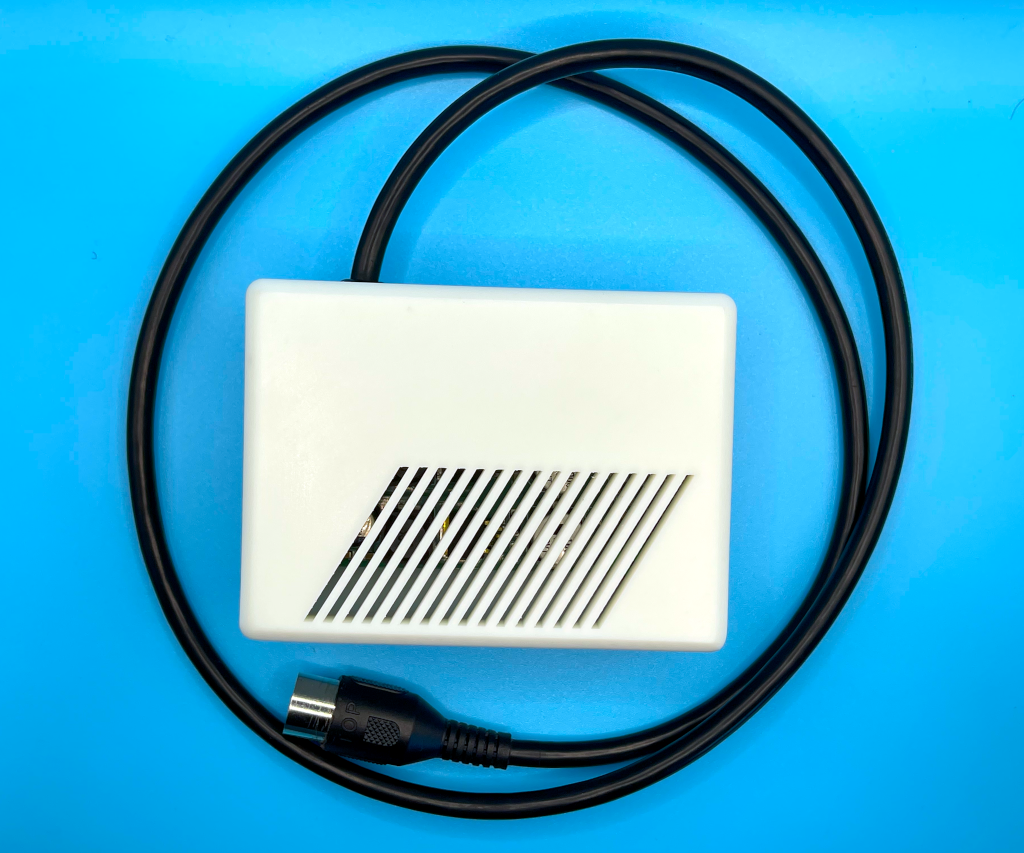
The board + enclosure kit ships with a custom 3D-printed enclosure designed specifically for the Mini. If you bought the board on its own, you can 3D-print the same enclosure from the STL files published on Printables.
Yes, if you like running real Atari hardware and you are happy to copy files onto a microSD card and read documentation. The firmware is an actively developed open-source project; you get a board that runs out of the box, plus the option to follow firmware releases as they come. If you want a sealed appliance with a single-vendor warranty stack, the Mini is not that.
The Mini runs upstream firmware. Bug reports and feature requests go on the retro16/acsi2stm GitHub repository, which is where development happens. SidecarTridge handles hardware-side support for the boards it sells.
The Mini has been assessed for European (CE) and UK (UKCA) conformity. Official Declarations of Conformity and EMC Assessment reports for revision ACSI2STM-MINI REV1.1:
EU / CE
UK / UKCA