External plug-in replacement
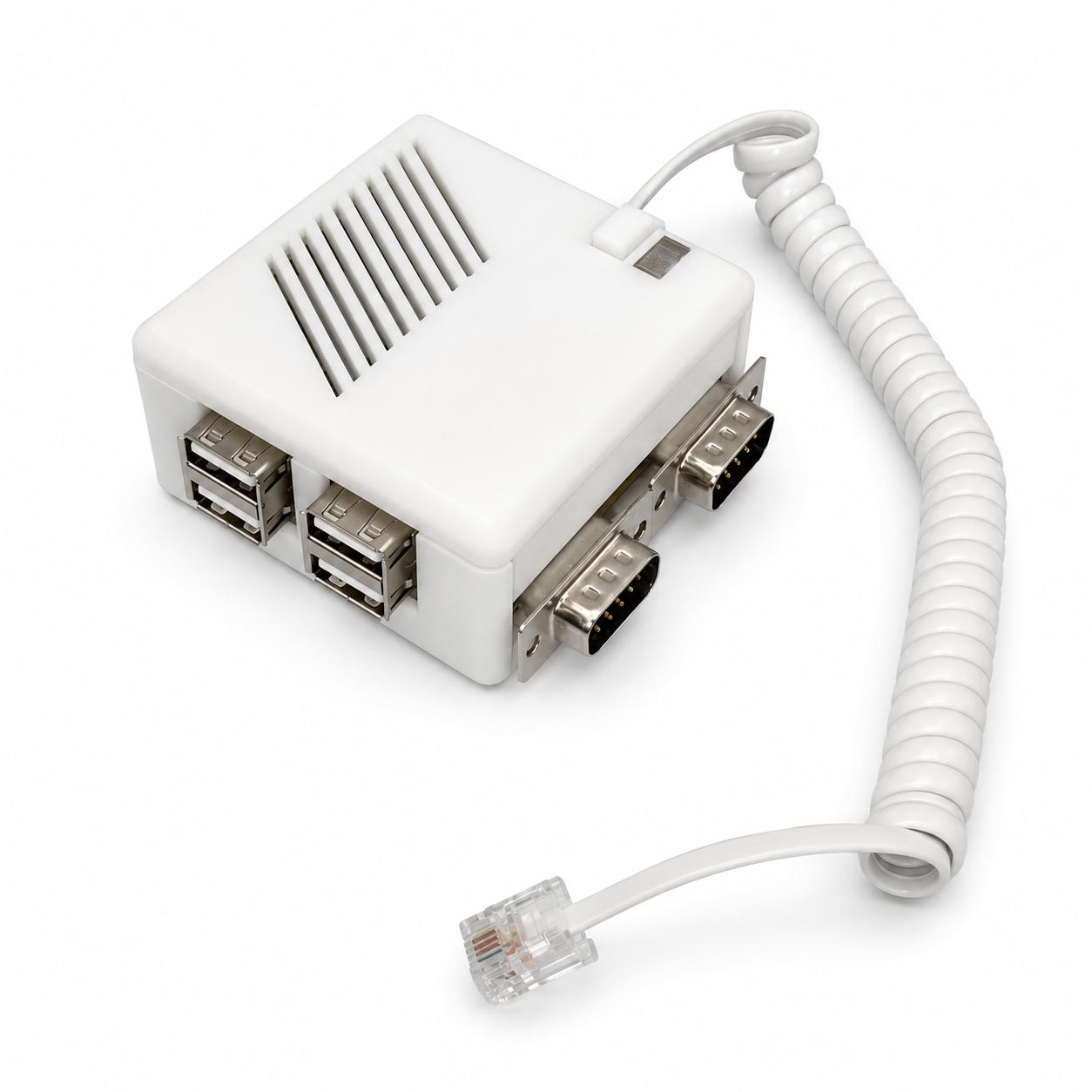
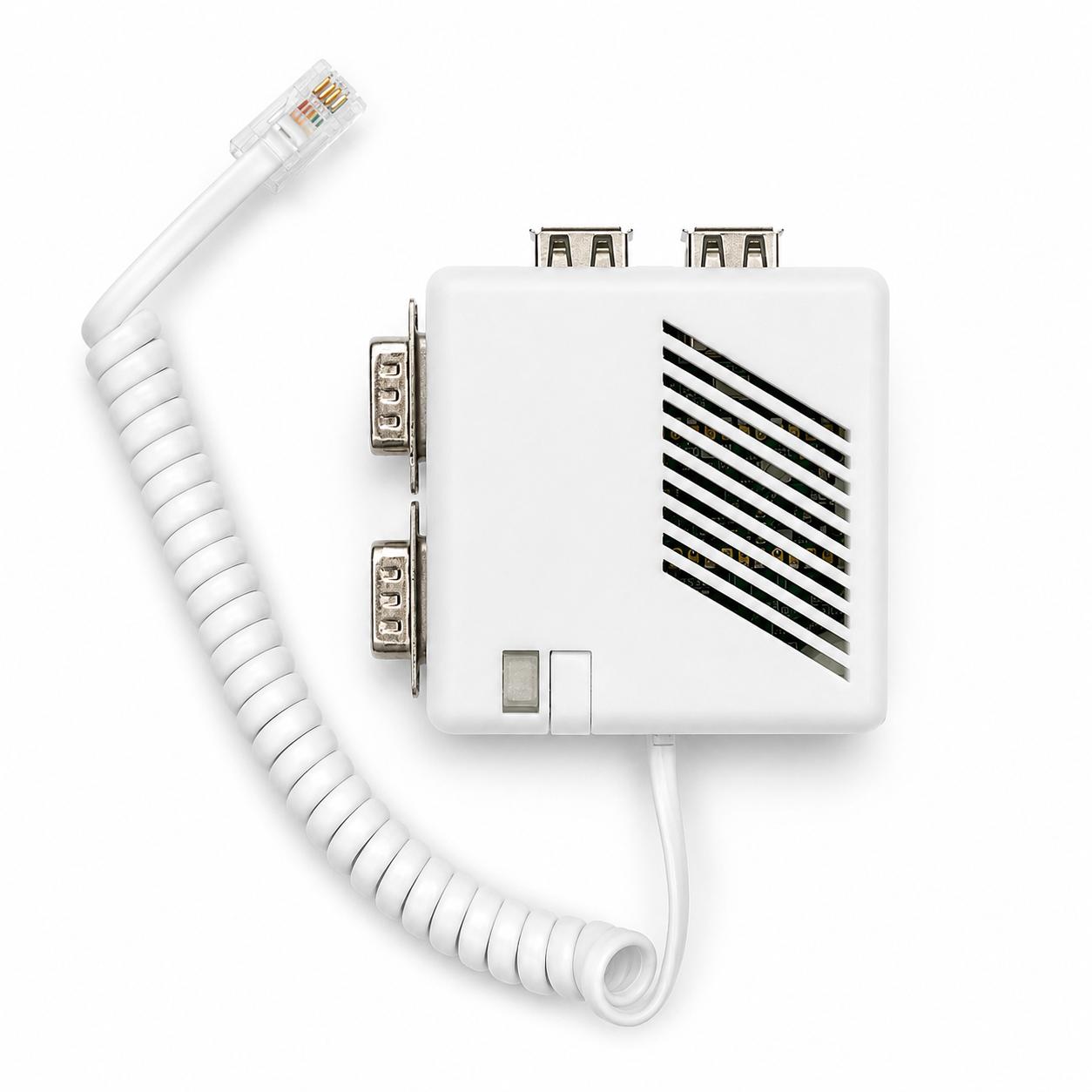
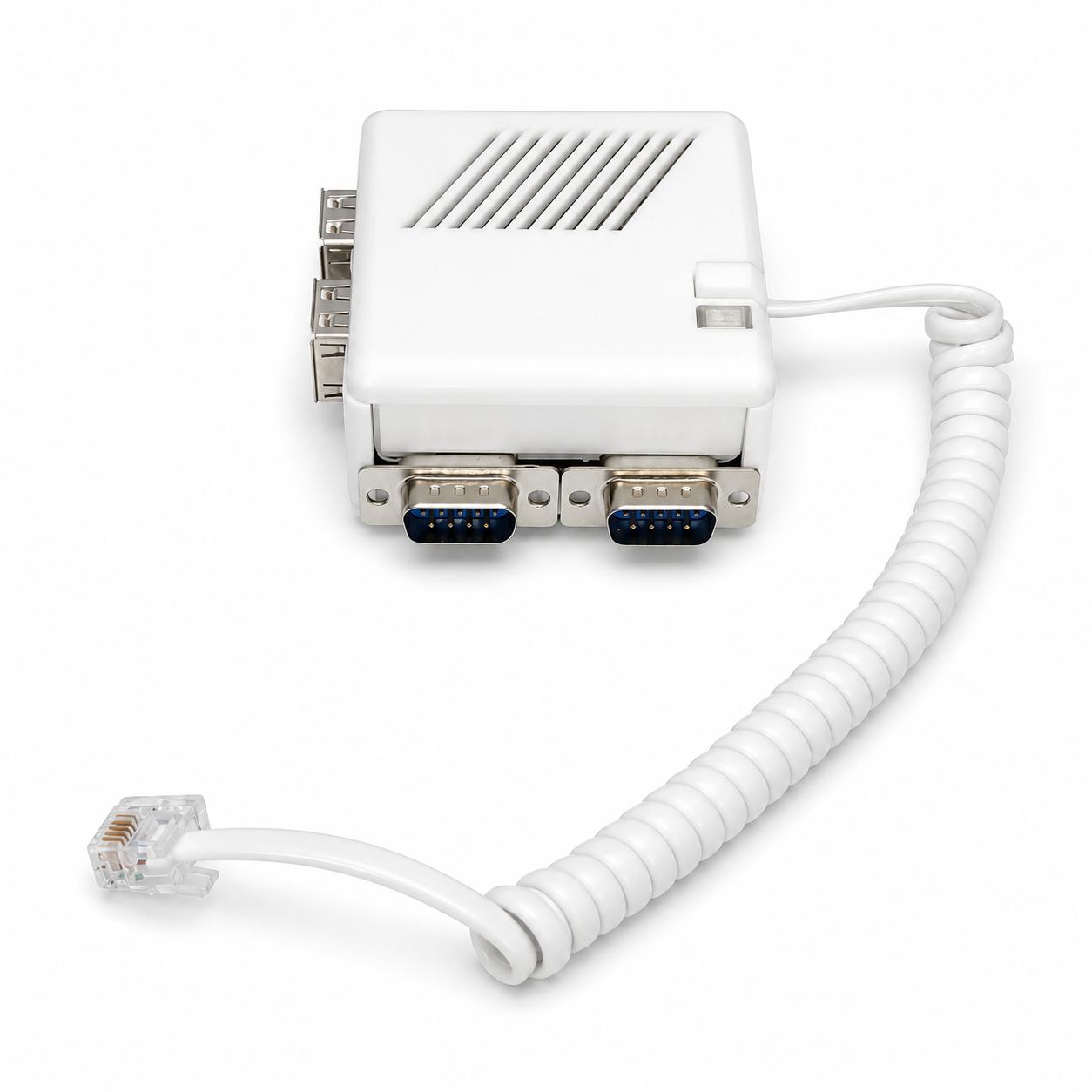
Connects to the Mega ST and Mega STE keyboard port through a 1 m coiled RJ11 6P4C cable, in place of the original keyboard. No opening the machine, no motherboard modification, no soldering.




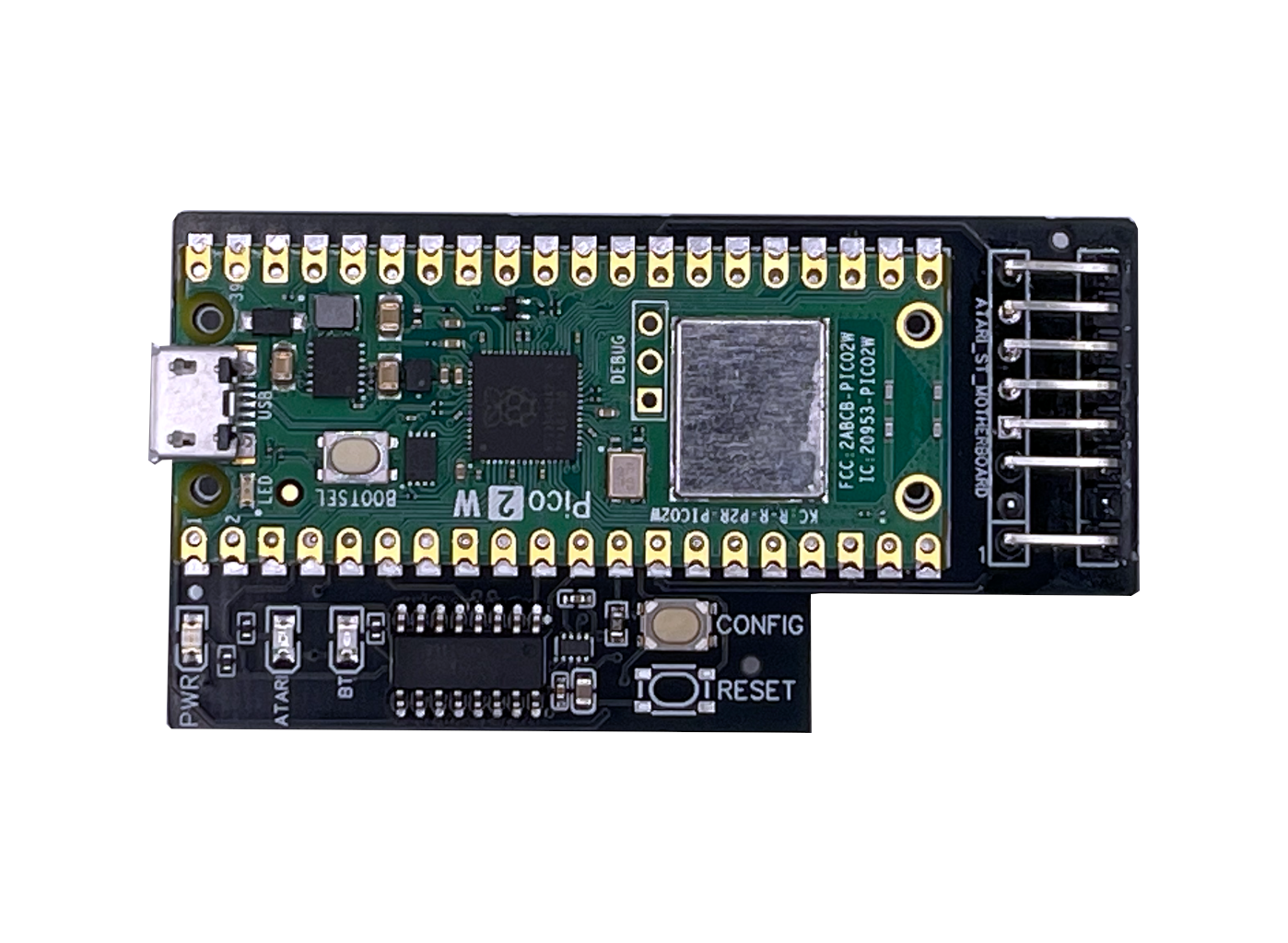
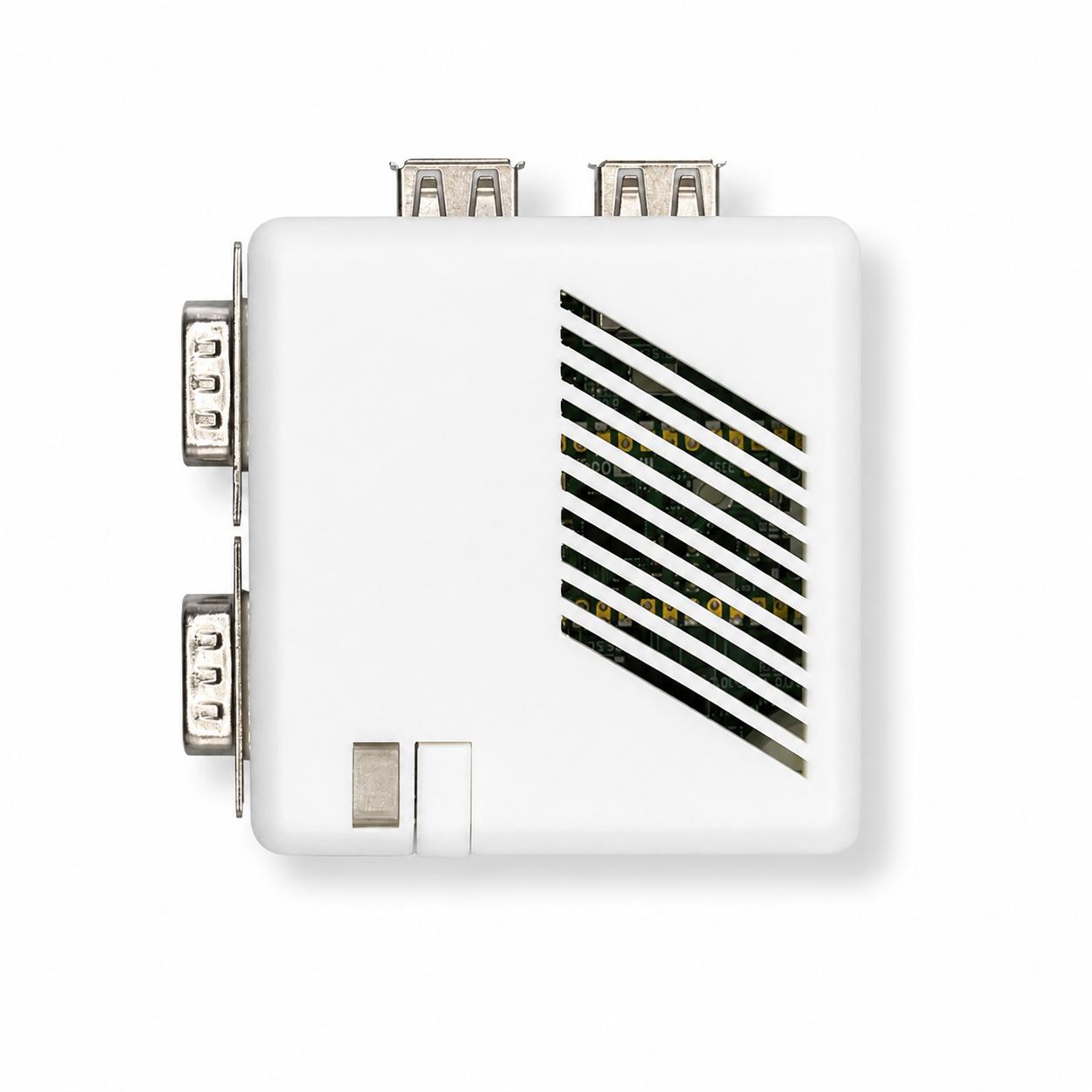
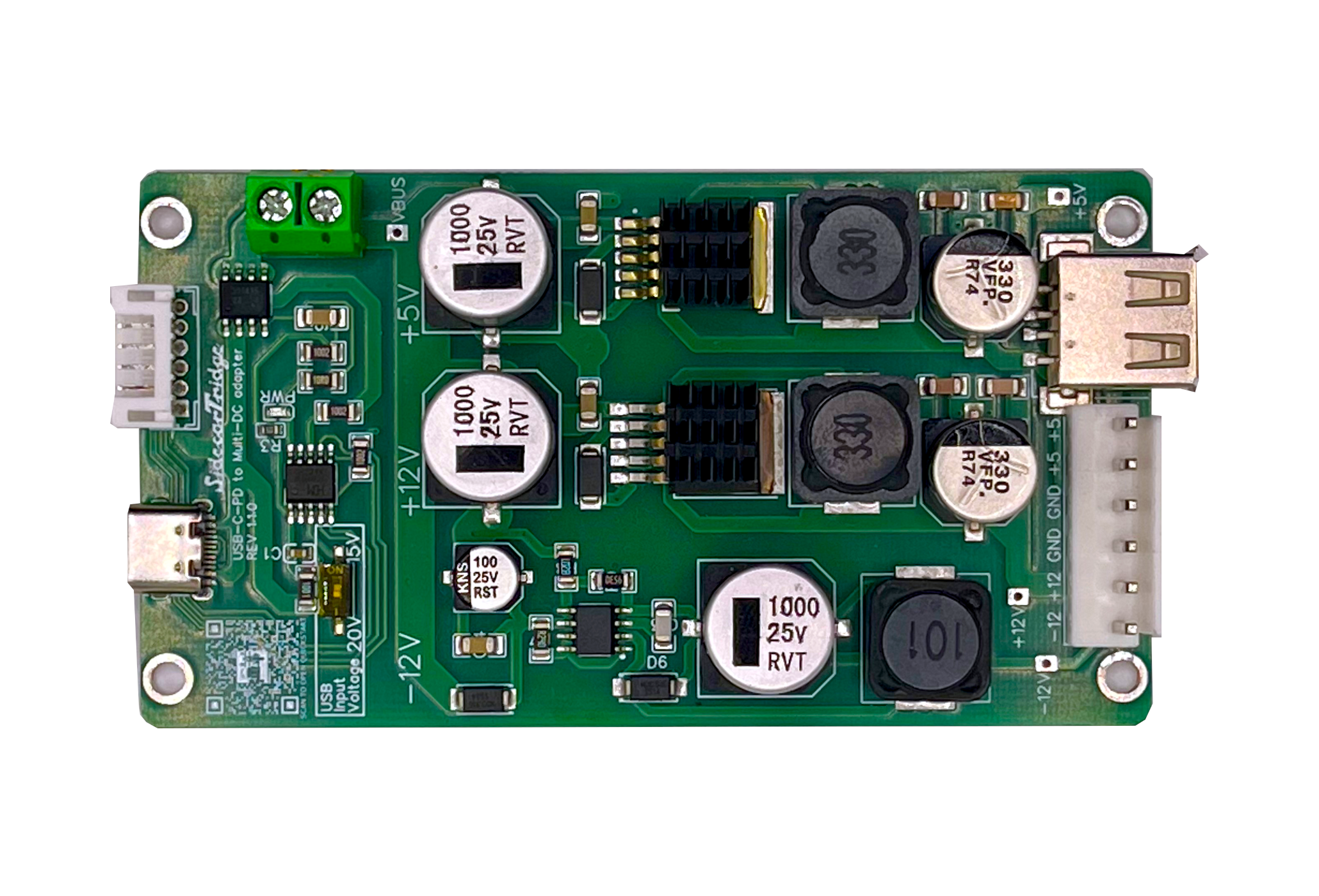
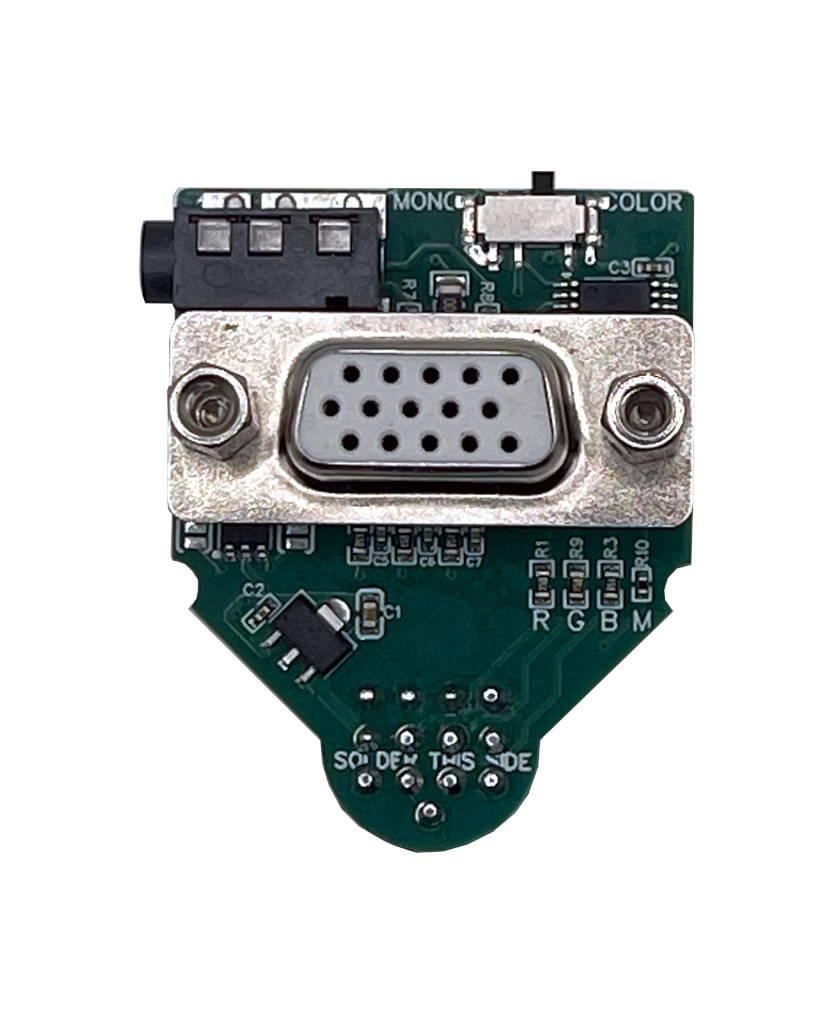
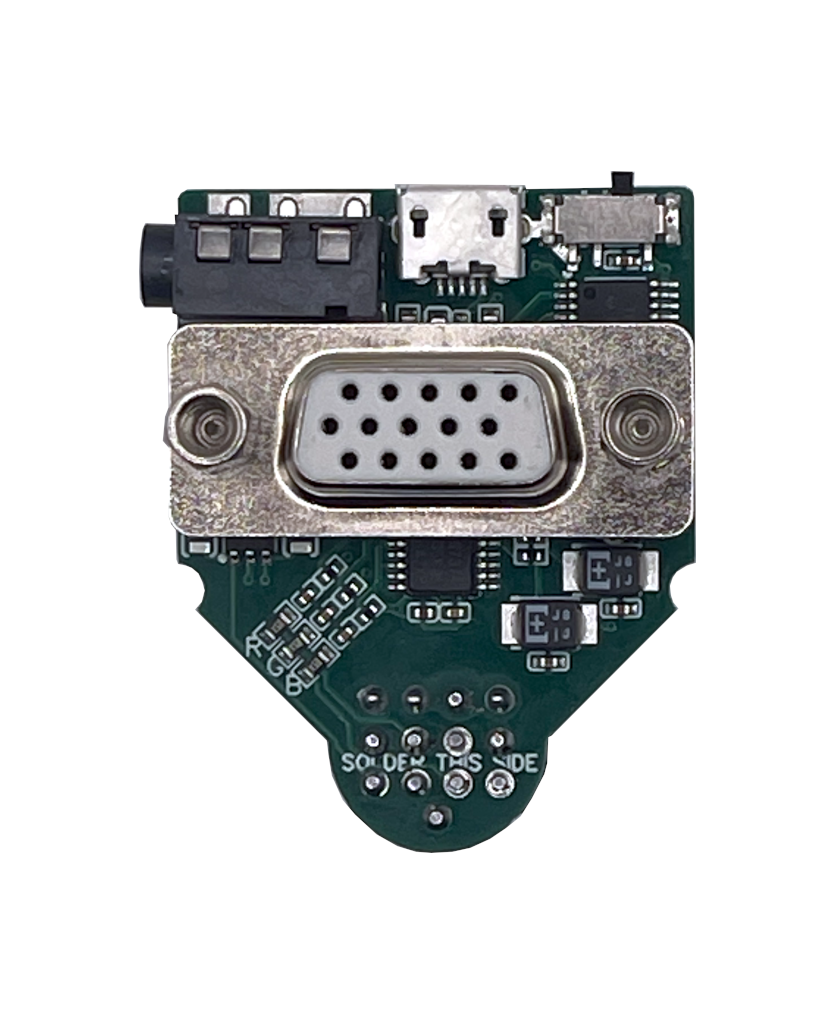
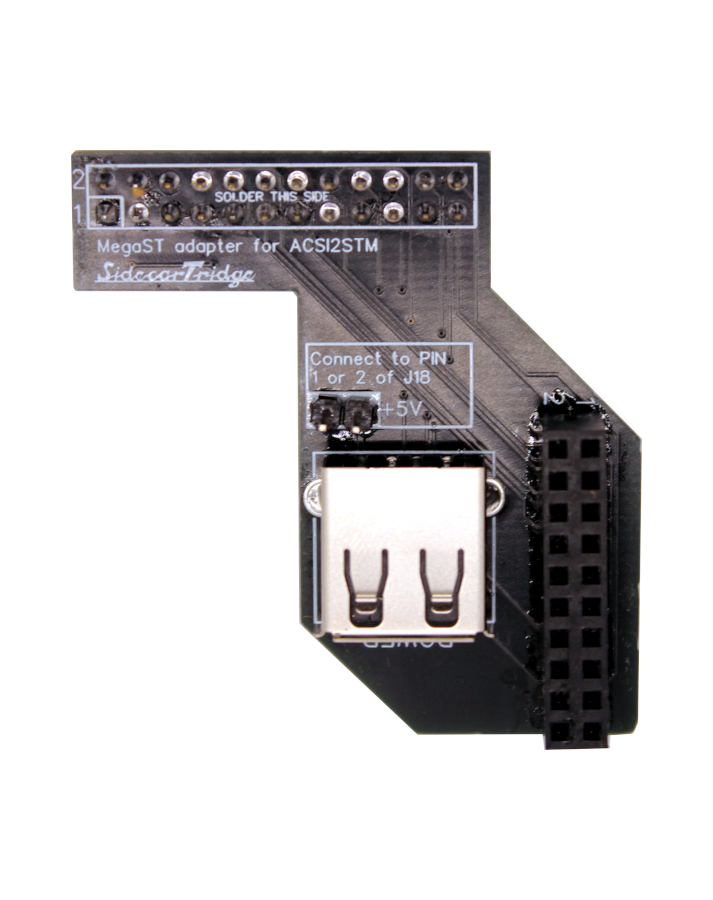
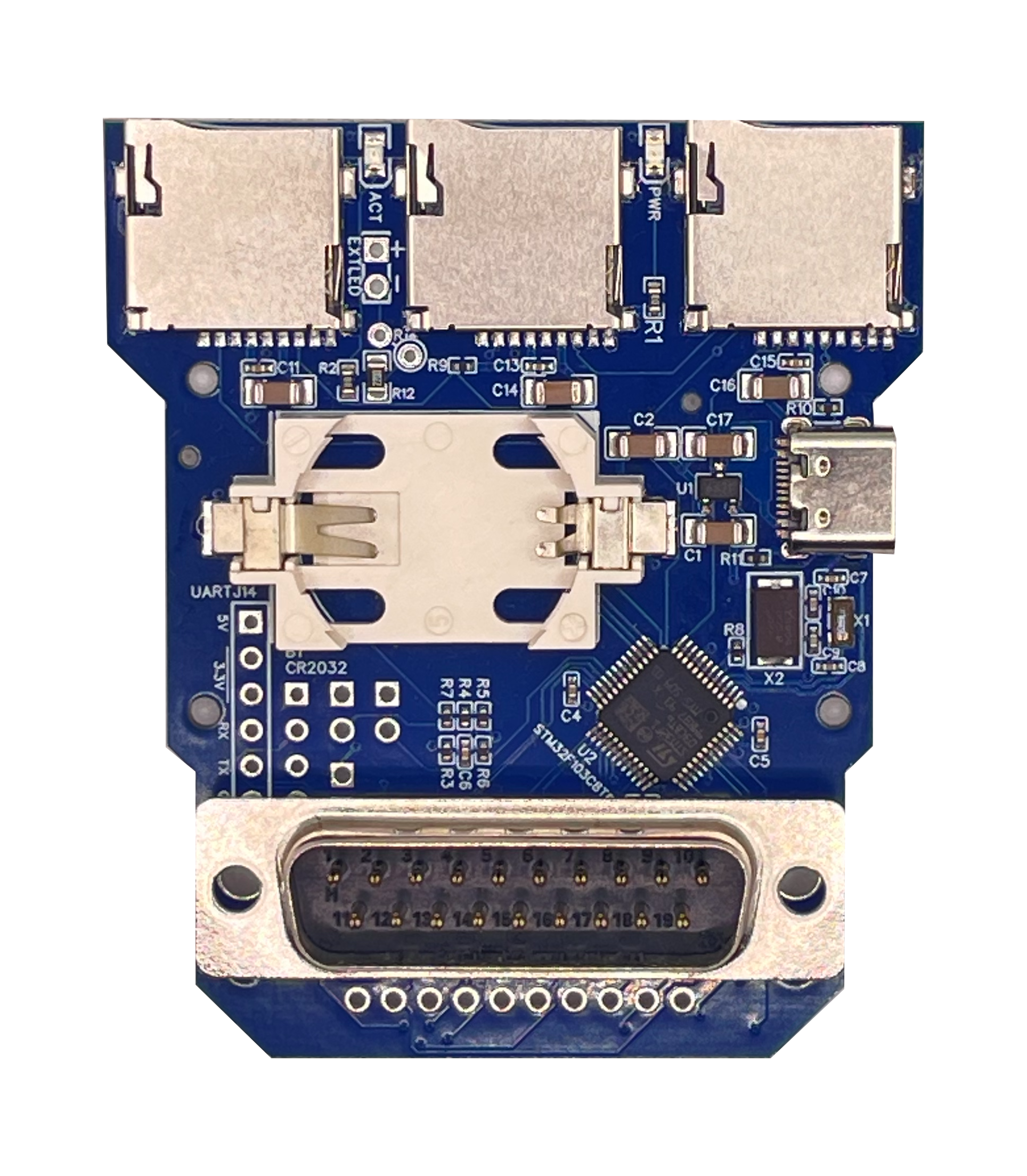
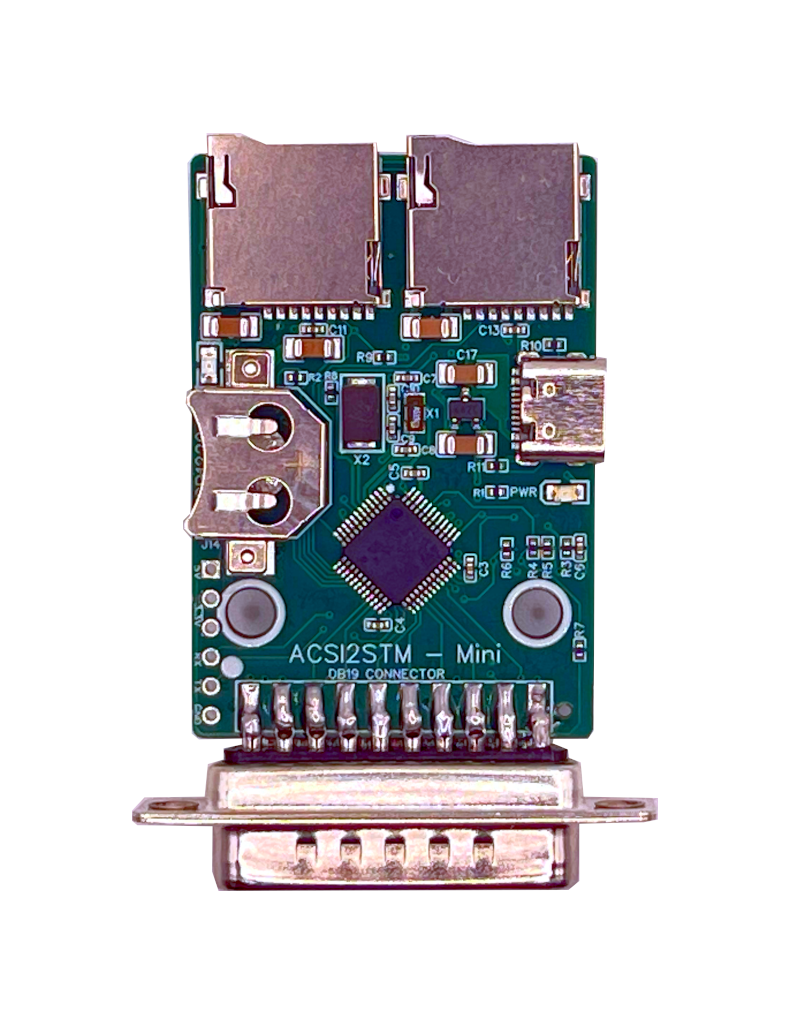
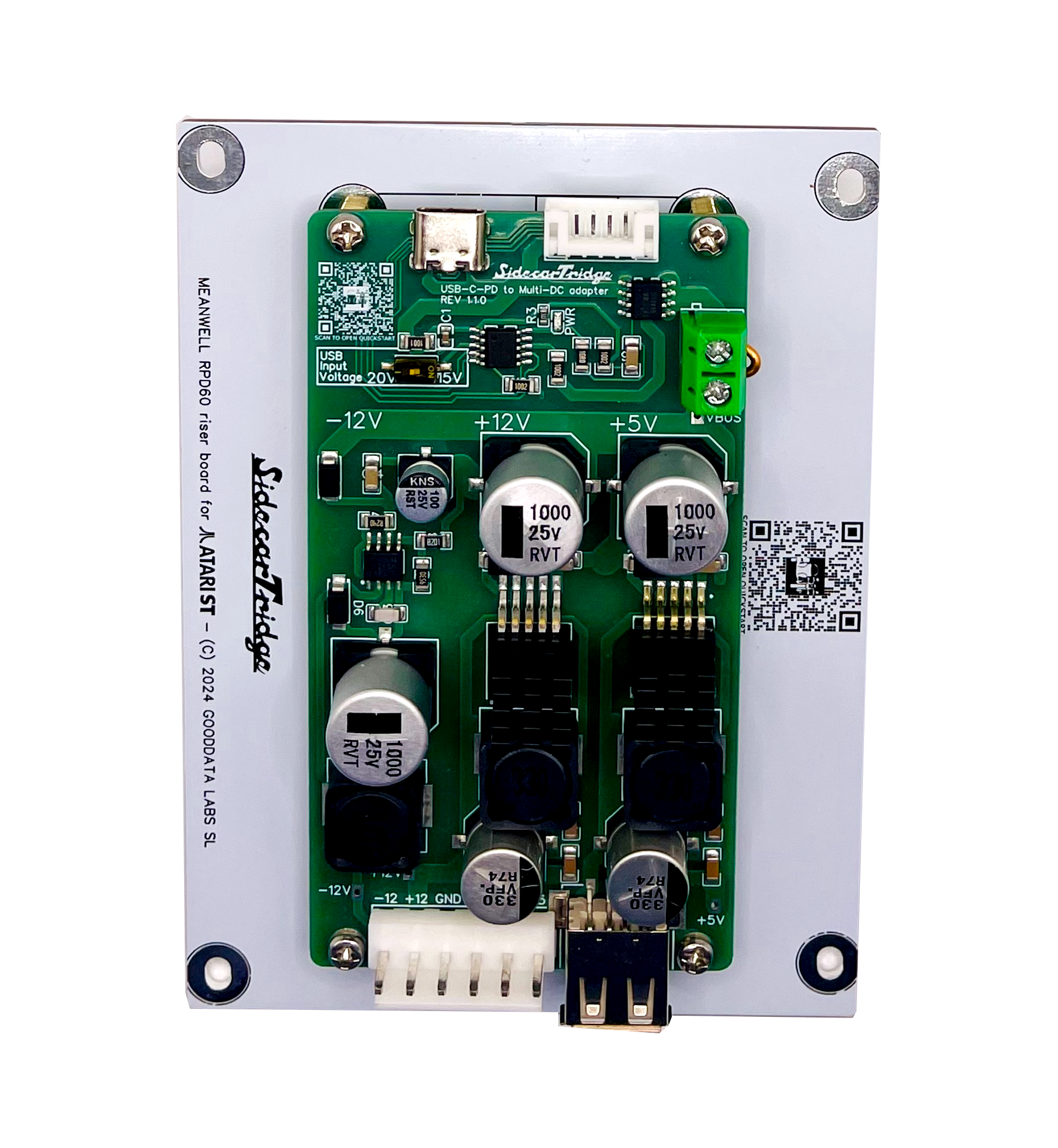
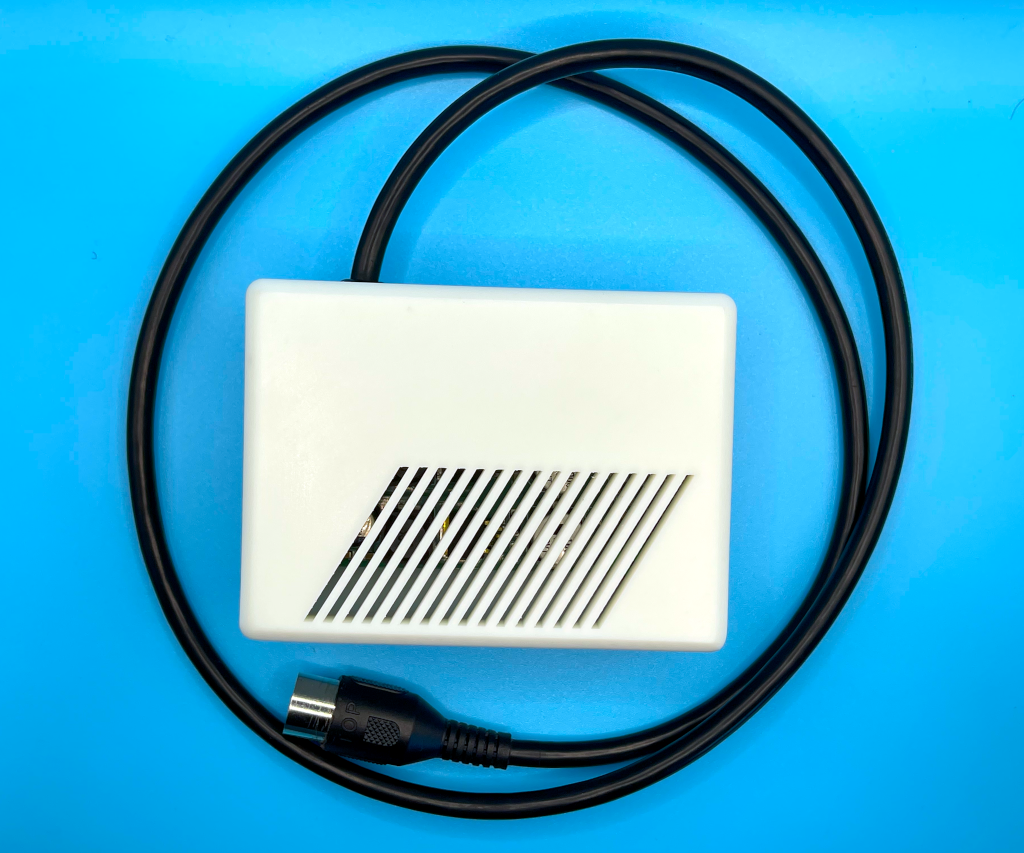
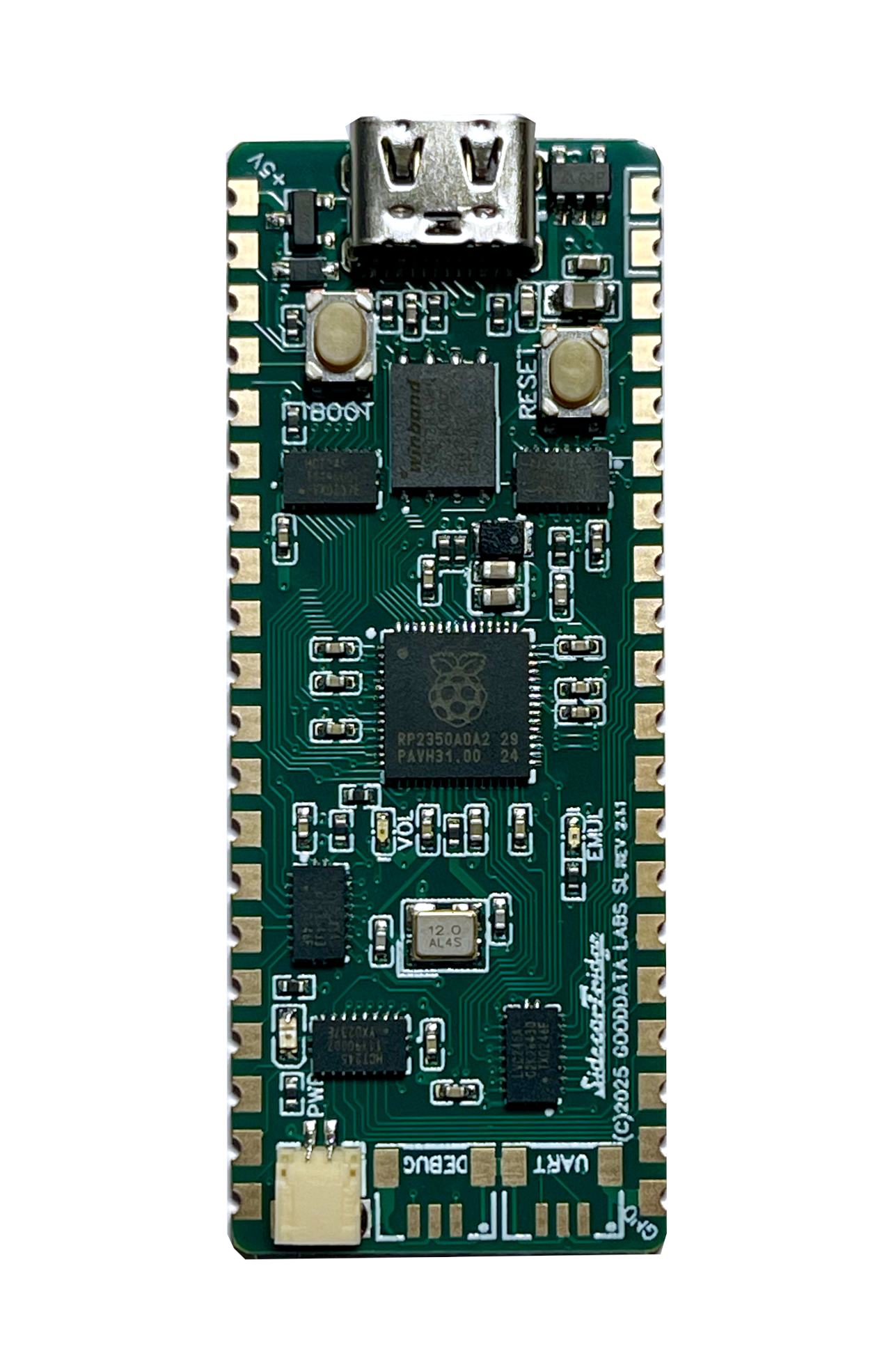
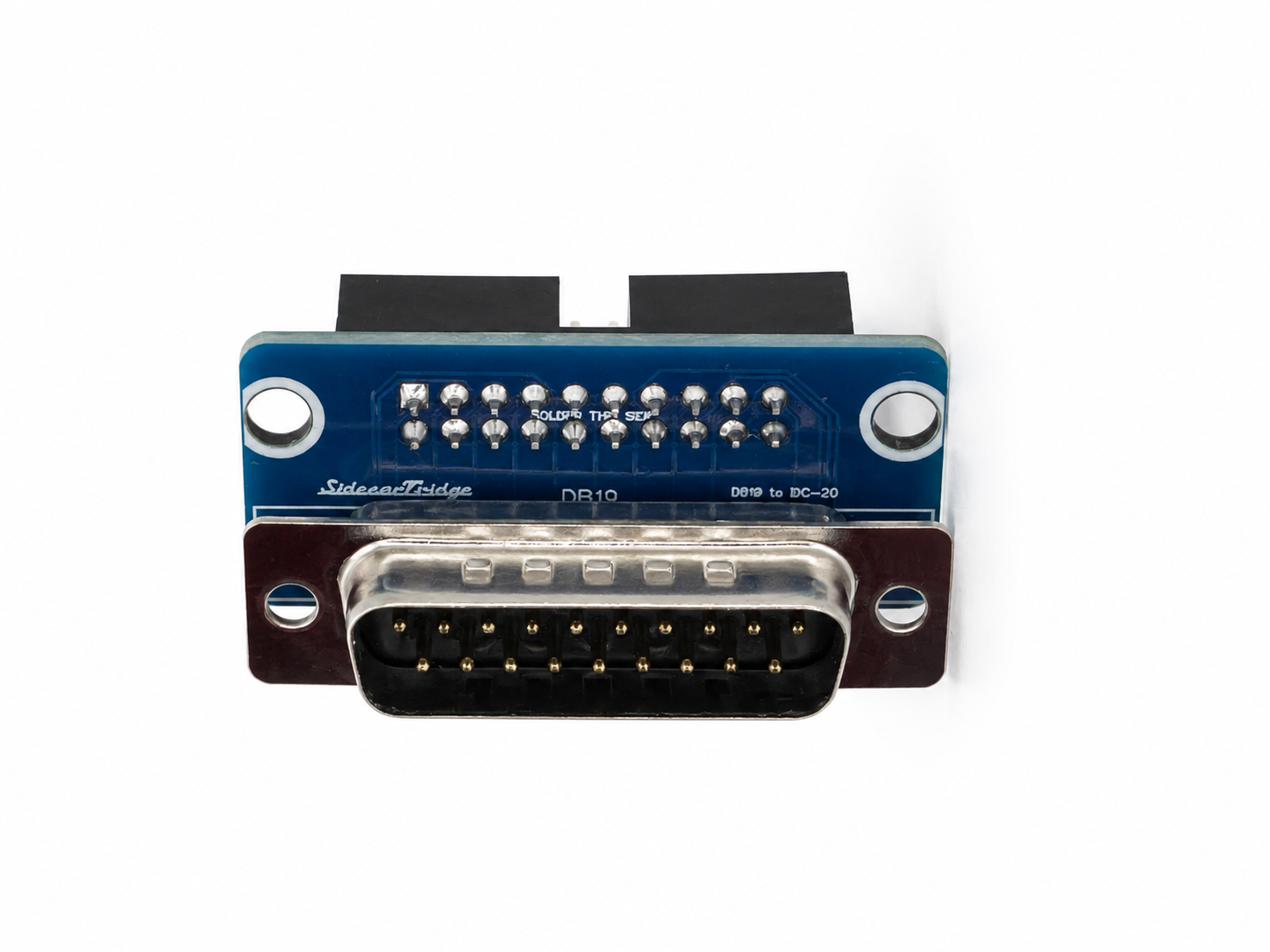
From €41 plus taxes. Ships from Spain. For the Atari Mega ST and Mega STE keyboard connector.
The SidecarTridge Soufflè is the external member of the SidecarTridge Keyboard Emulator family. It connects to the Mega ST and Mega STE keyboard port through a 1 m coiled RJ11 6P4C cable, taking the place of the original keyboard and behaving like the IKBD the computer expects. A built-in USB hub brings modern keyboards, mice and gamepads to the machine, while two native Atari outputs keep your original mouse and joysticks working. It is a strong fit for any Mega whose original keyboard is missing or no longer works.
Connects to the Mega ST and Mega STE keyboard port through a 1 m coiled RJ11 6P4C cable, in place of the original keyboard. No opening the machine, no motherboard modification, no soldering.
Four USB-A ports on board for modern keyboards, mice and gamepads. Plug in the input devices you already own and use them on the Atari with IKBD-native behaviour.
Two DB9 outputs keep your original Atari mouse and joysticks fully working, side by side with the modern USB devices. Nothing about the classic input path is lost.
Bluetooth Classic and BLE support for keyboards, mice and gamepads. Pair wireless devices straight to the Mega and keep the machine behaviourally honest, built around the IKBD model the computer expects.
Set pairing, keyboard layout, mouse speed and auto-fire from any modern browser. Soufflè exposes its own Wi-Fi access point on first setup and joins your network afterwards.
Firmware updates land through the on-board micro-USB connector. New features and fixes stay one cable away, with no JTAG, no programmer and no Atari-side rituals.
from €41 plus taxes
Ships from Spain with the latest stable firmware preloaded. The 4-port USB hub is built into the board. You provide your USB or Bluetooth input devices plus a micro-USB cable for setup and firmware updates. A modern phone or laptop is enough to run the web configuration interface.
Full step-by-step in the Soufflè quickstart. Reference for Bluetooth pairing, keyboard layouts, mouse speed and firmware updates is in the keyboard emulator documentation.
| Atari model | Status |
|---|---|
| Atari Mega ST | Supported |
| Atari Mega STE | Supported |
| Atari 520 / 1040 ST / STF / STFM / STE (internal 7-pin keyboard) | Use the internal Croissant board instead |
| Atari TT | Works in theory, use at your own risk |
| Atari Falcon | Not supported (different keyboard architecture) |
Soufflè is the external option for the Mega keyboard port. For machines with the internal 7-pin keyboard connector, the internal Croissant board is the right fit.
Soufflè is designed for the Atari Mega ST and Atari Mega STE. It plugs into the external keyboard connector of those machines through its RJ11 6P4C coiled cable.
Not the right product. Machines with the internal 7-pin keyboard connector are served by the internal Croissant board. Soufflè is the external variant for the Mega keyboard port.
No. Soufflè is fully external. It connects in place of the original keyboard with no opening, no shield removal and no motherboard modification.
Not at all. Soufflè replaces the original keyboard outright, so it is a clean way to bring a Mega back to life when its keyboard is missing or no longer works.
Yes. Soufflè provides two native DB9 outputs that keep your original Atari mouse and joysticks working, side by side with your modern USB input.
Yes. Soufflè has a built-in 4-port USB hub for modern keyboards, mice and gamepads, and it also supports Bluetooth Classic and BLE devices.
Atari ST-family software talks to the IKBD for keyboard input and everything else routed through that controller. Emulating the IKBD protocol keeps compatibility with software that expects the original controller architecture. A simpler translator would feel close, but it would also break corner cases that matter on the Atari.
Initial setup and normal configuration run through the Soufflè web interface over Wi-Fi. Firmware updates are installed through the on-board micro-USB connector.
All of it lives in the web configuration interface, documented in the keyboard emulator documentation. Keyboard layouts, mouse speed and auto-fire are configured there.
Probably not. Soufflè is meant to be joyful and stress-free, and it spends its life chatting on the 2.4 GHz band. Make peace with radio waves first, then come back and we will still be here.
Yes, if you run a real Atari Mega and you want a modern input path without giving up your original mouse and joysticks. Soufflè is a homebrew product built for hobbyists who like experimenting. If you want a sealed appliance with a single-vendor warranty stack, this is not that.
Open a ticket from the contact page so we can route it to the right place. Hardware-side support for the boards we sell is handled directly by SidecarTridge.