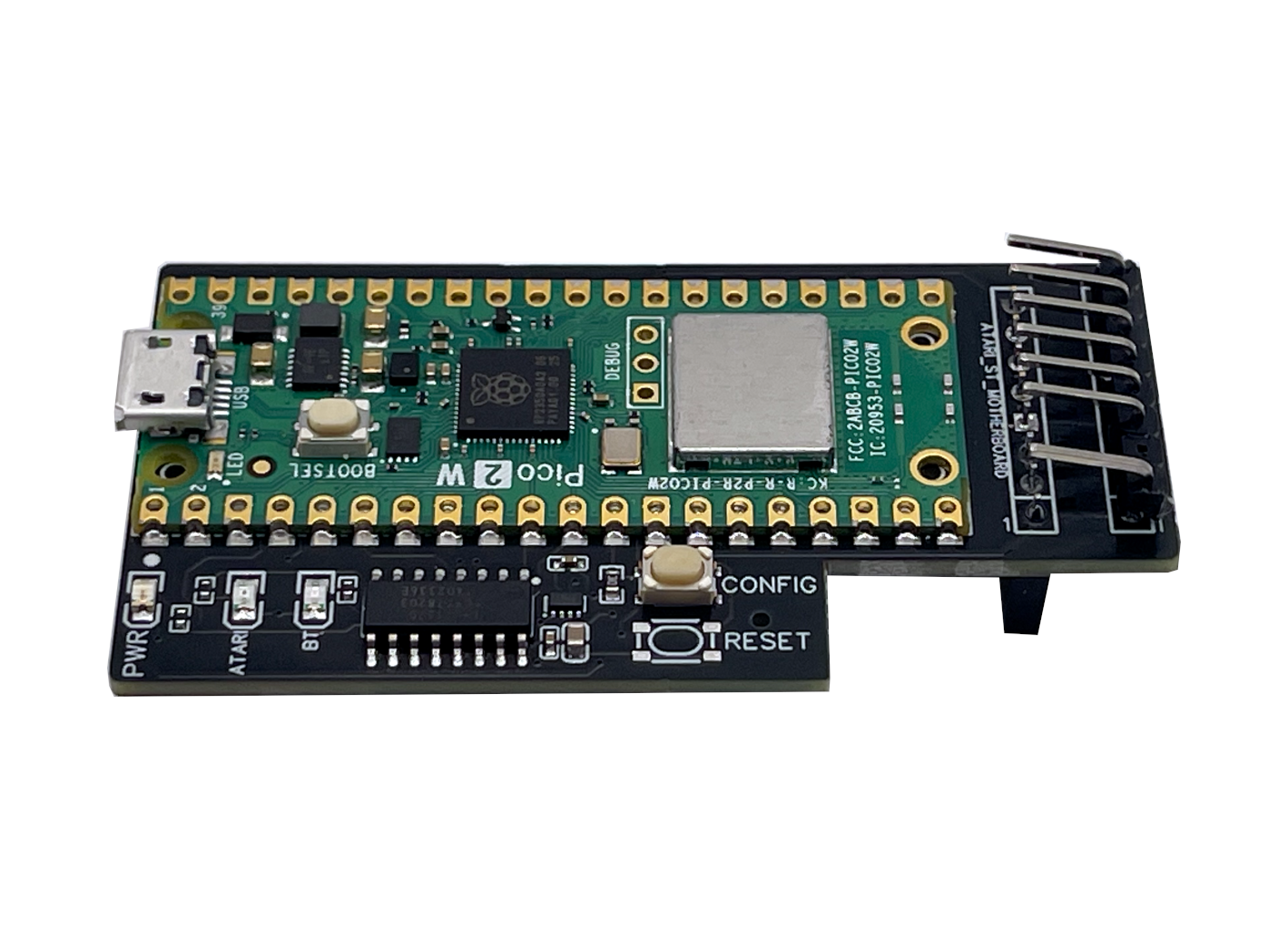
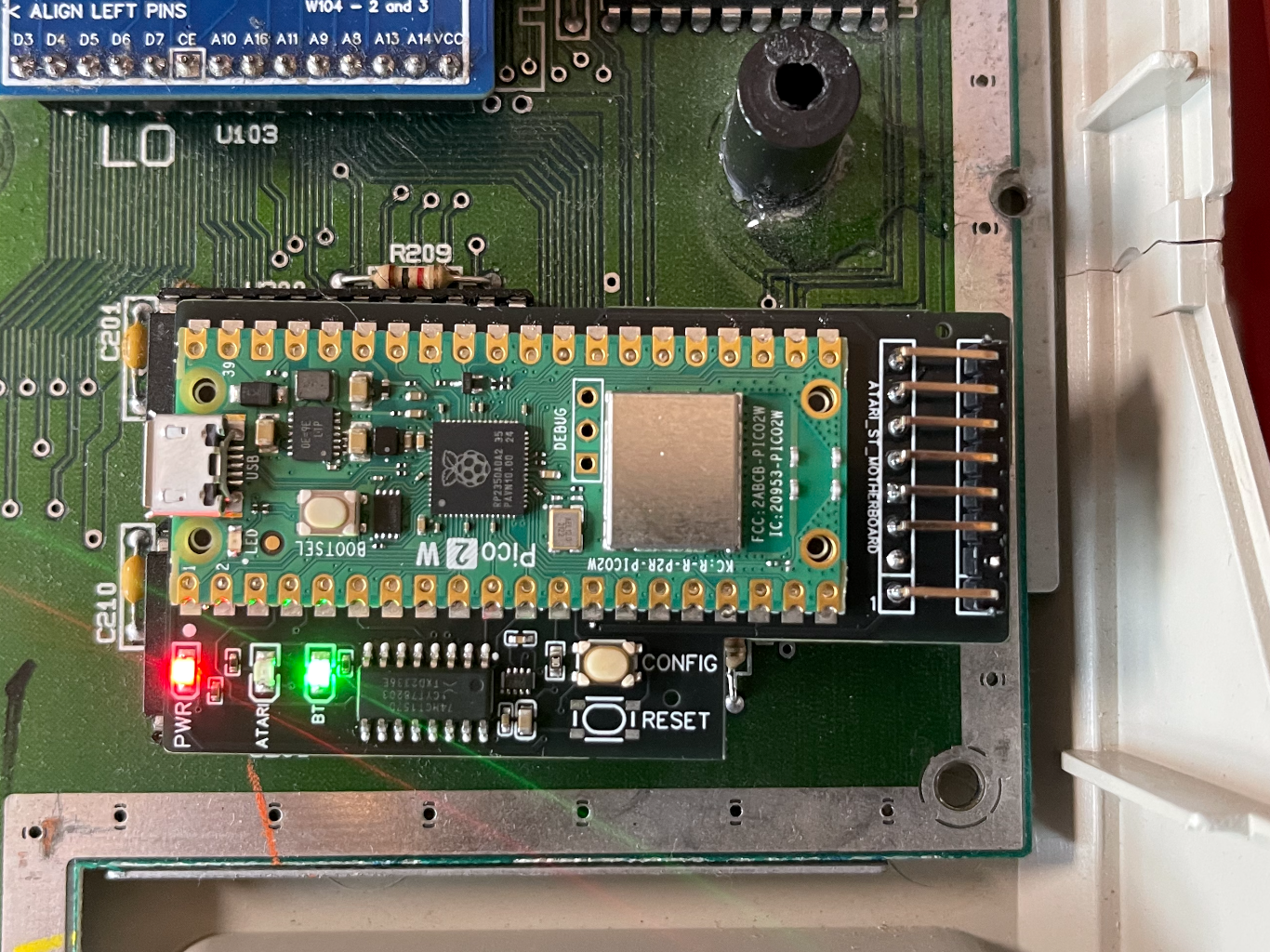
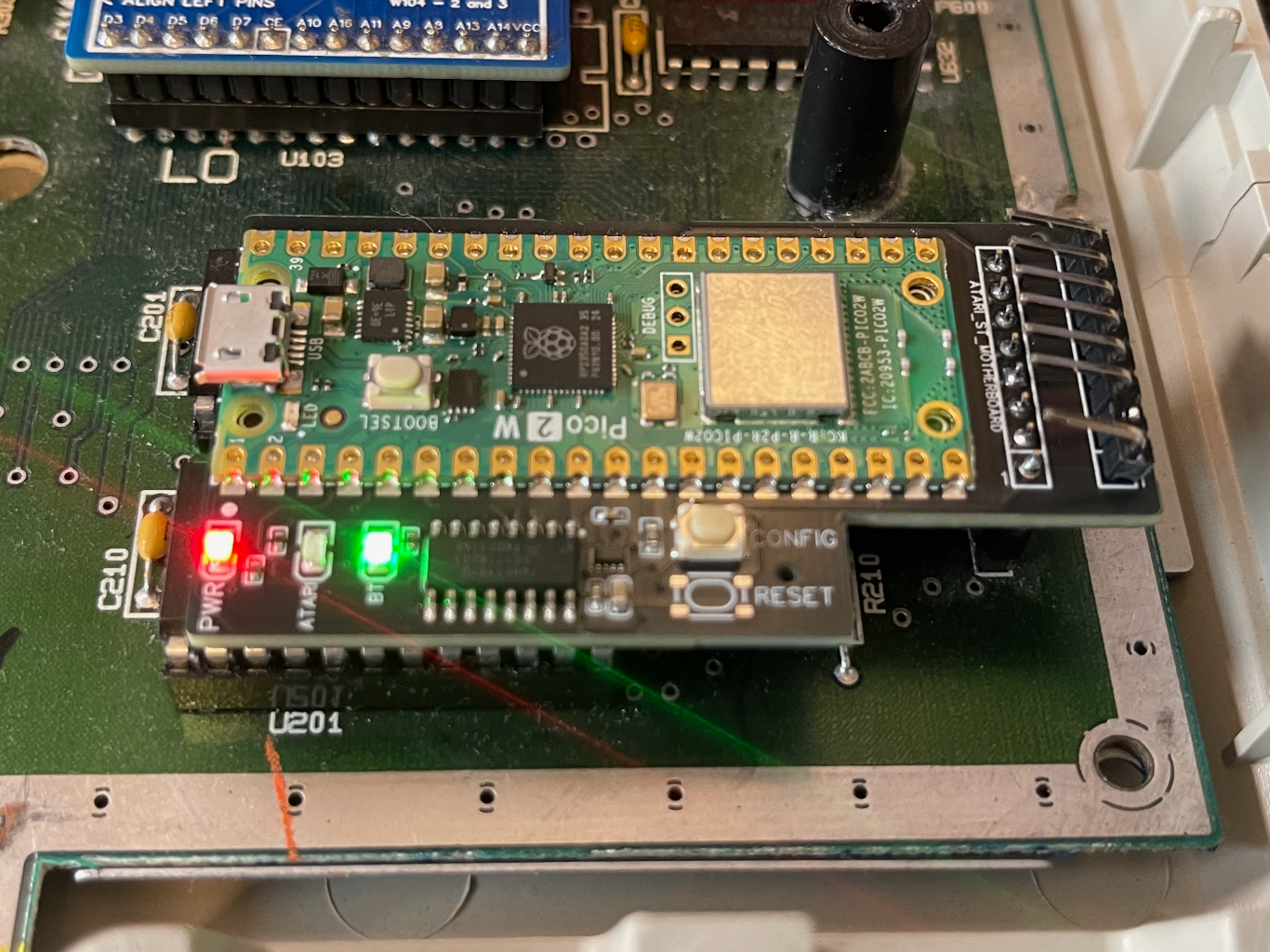
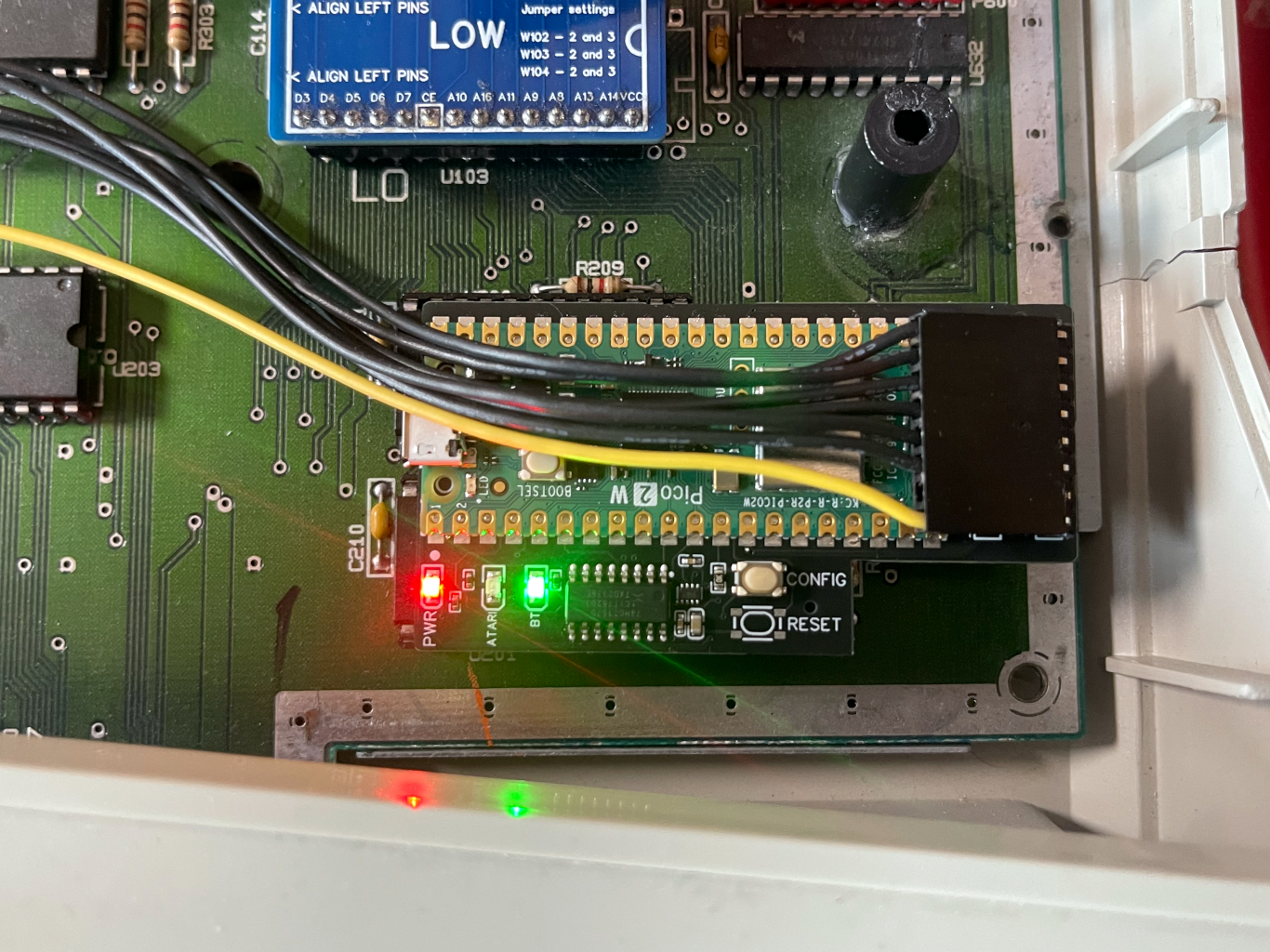
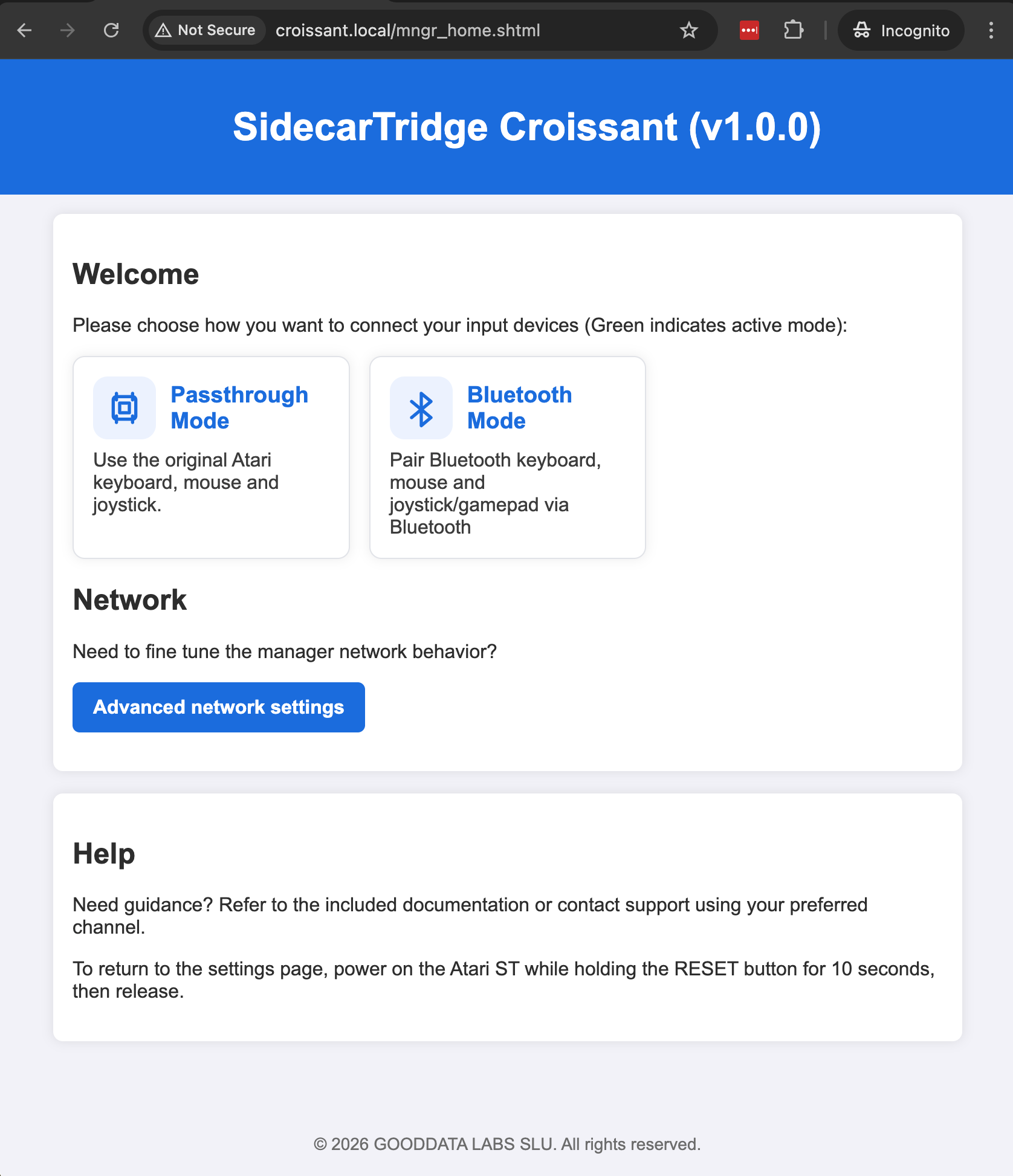
Internal inline install
Plugs into the 7-pin internal keyboard header inside the Atari case. No external dongle, no ribbon hanging off the side, no permanent motherboard modification on supported machines.






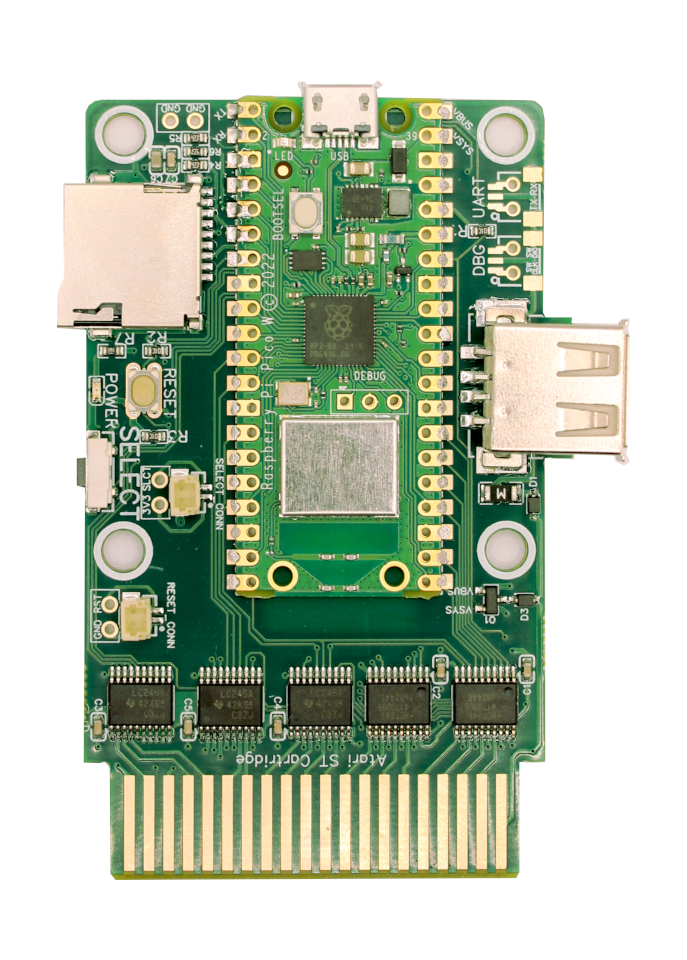
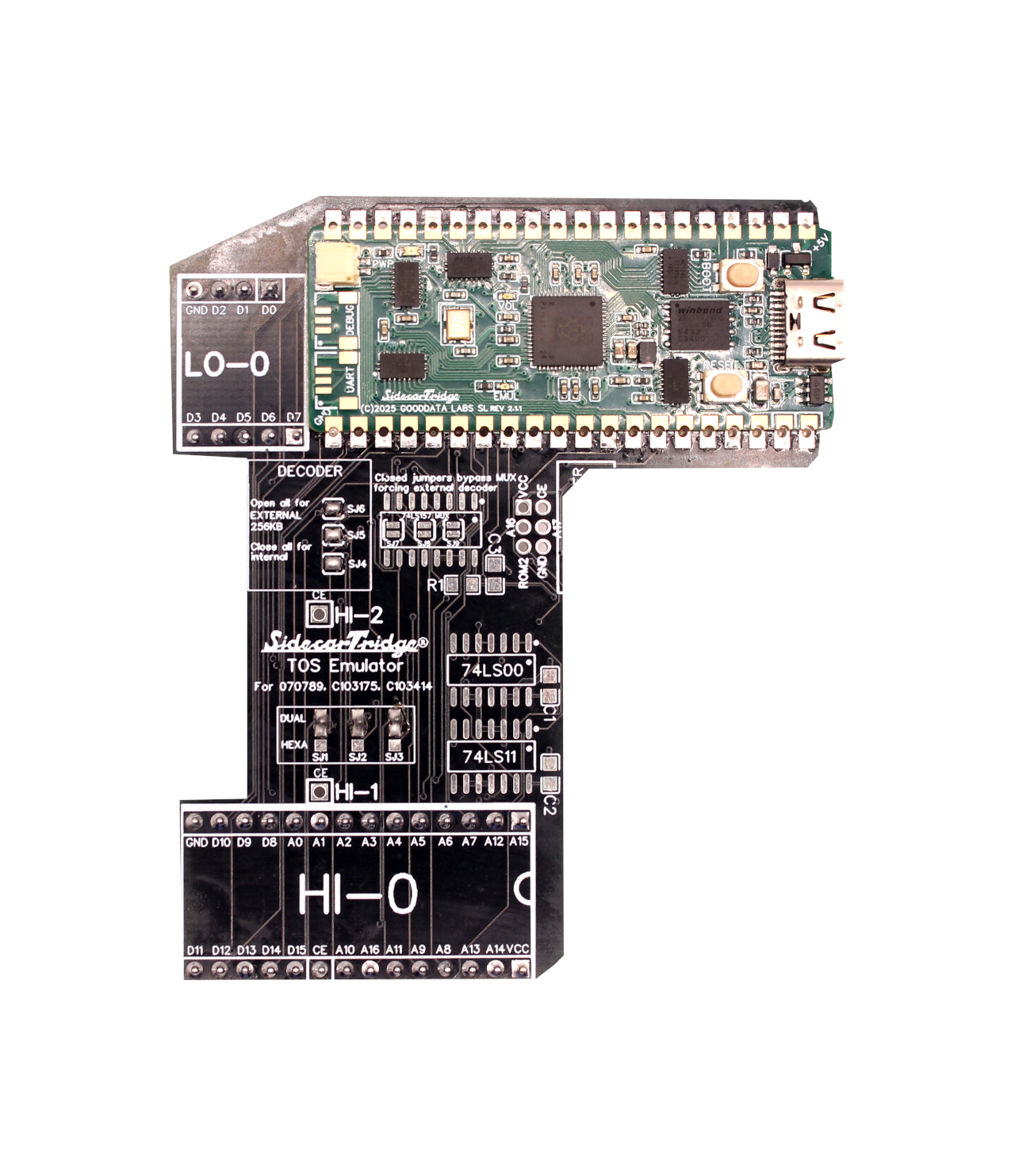
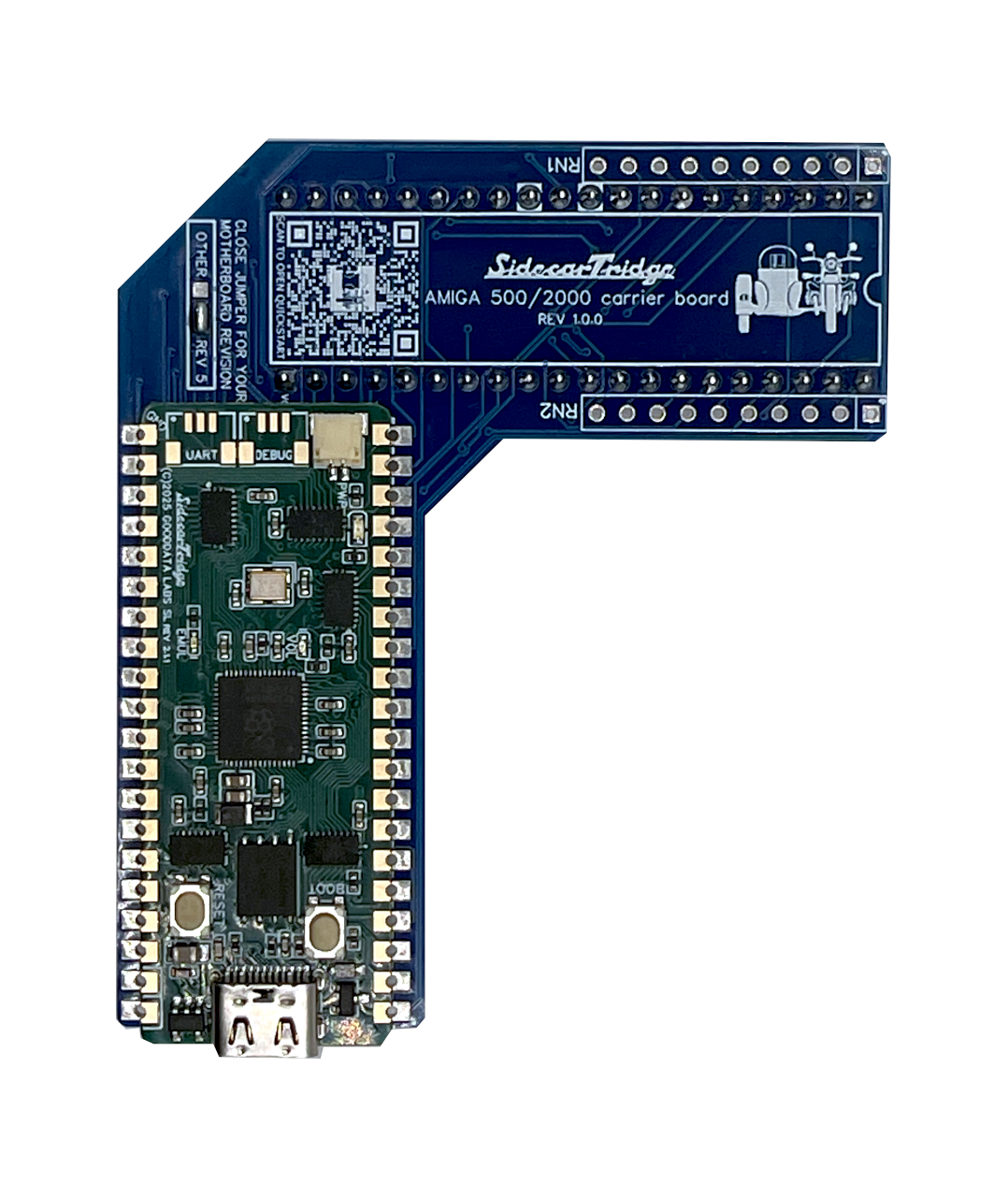
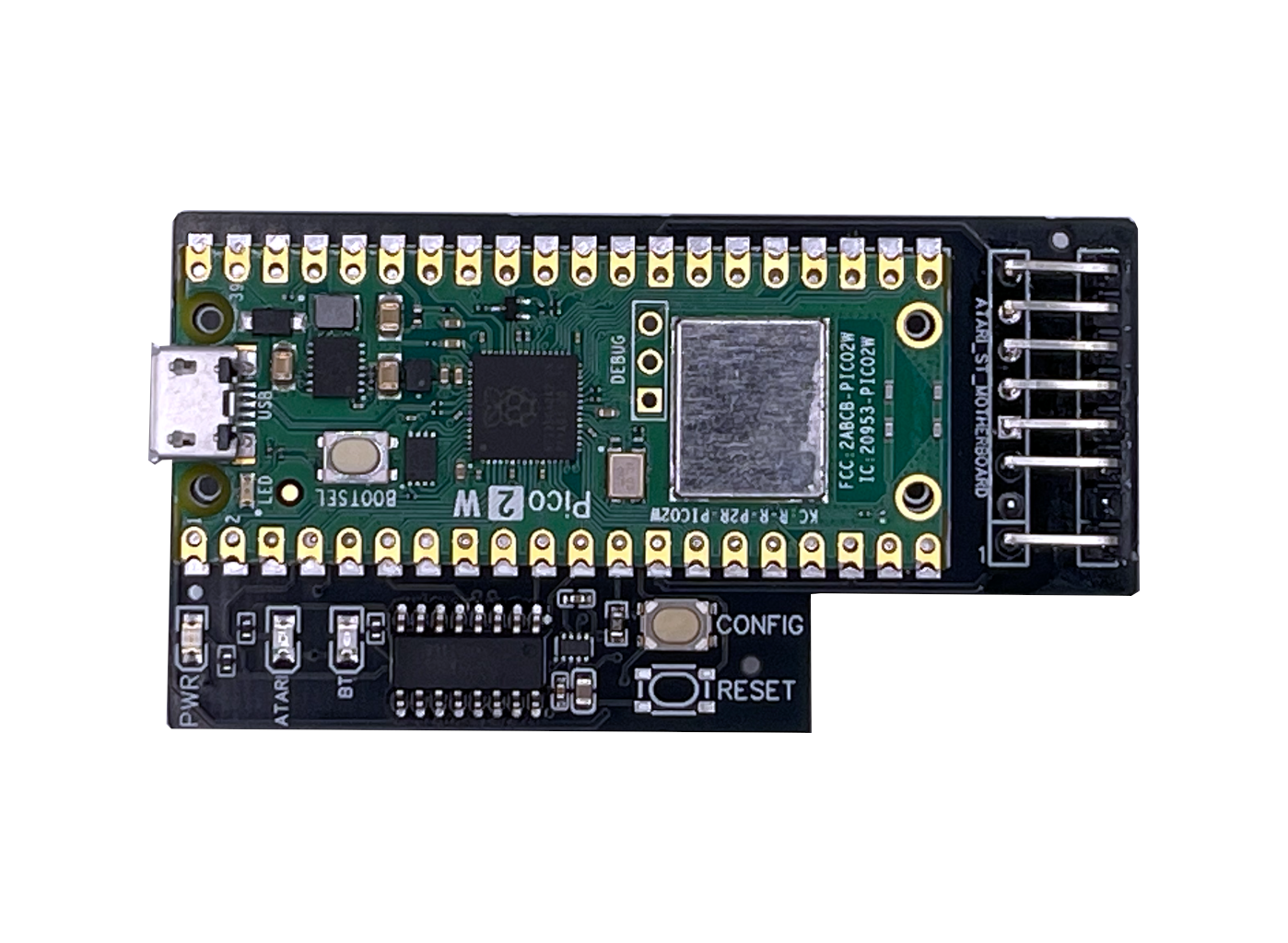
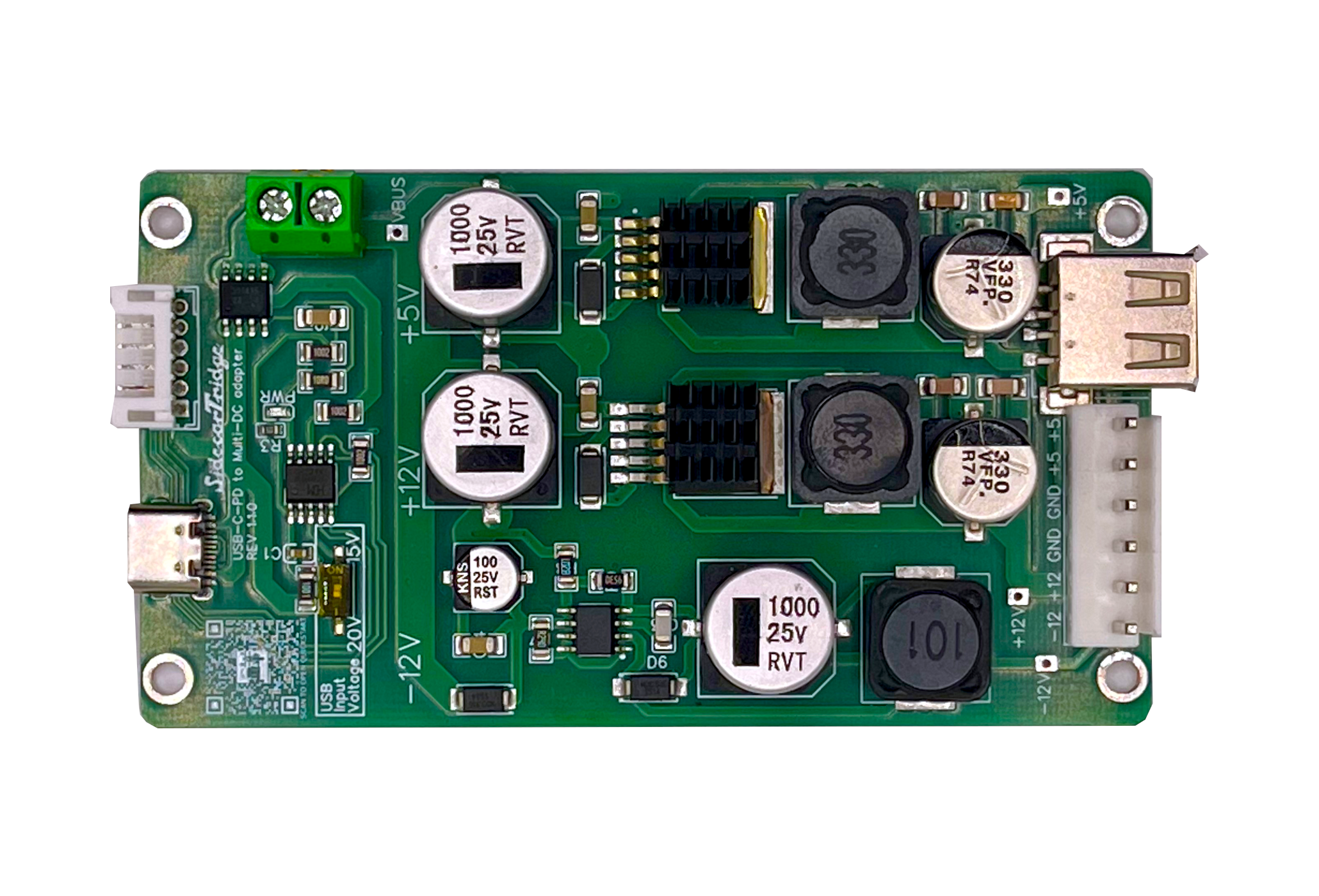
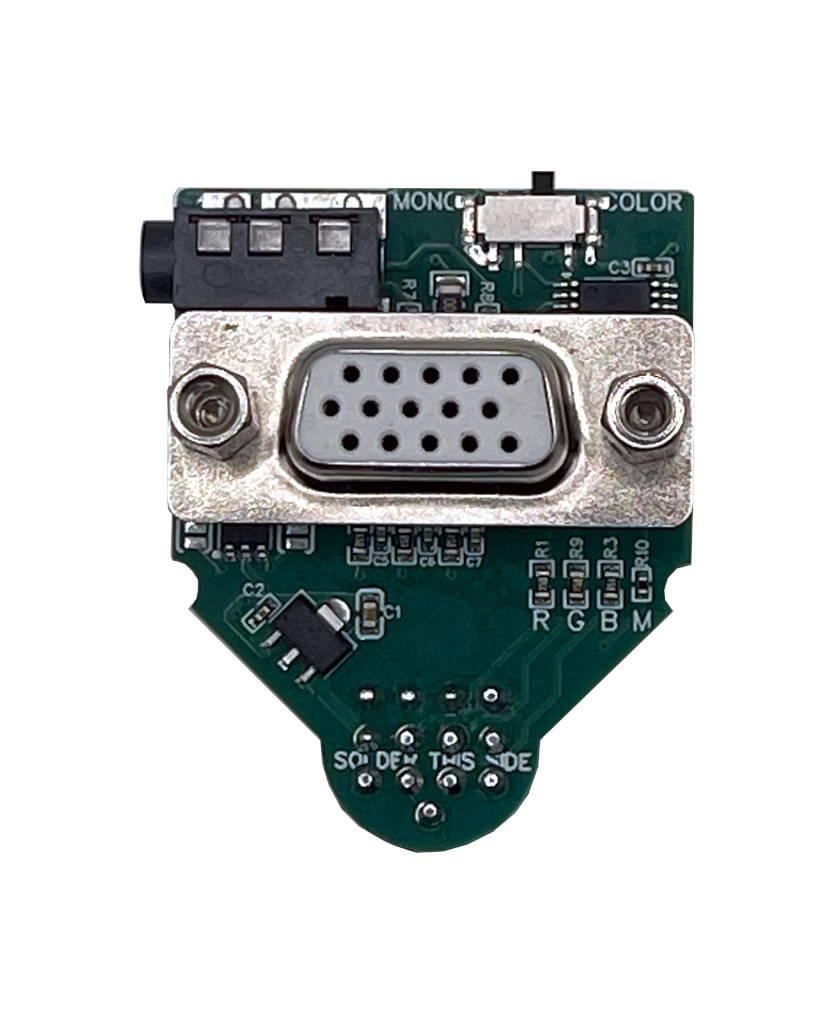
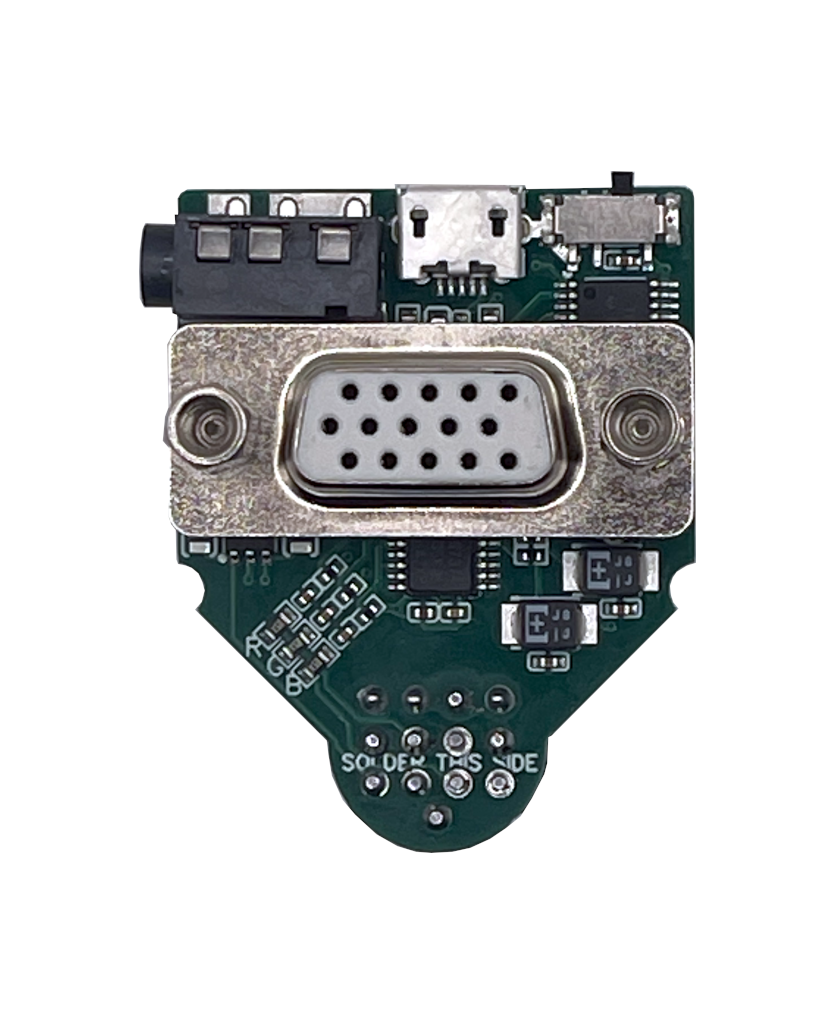
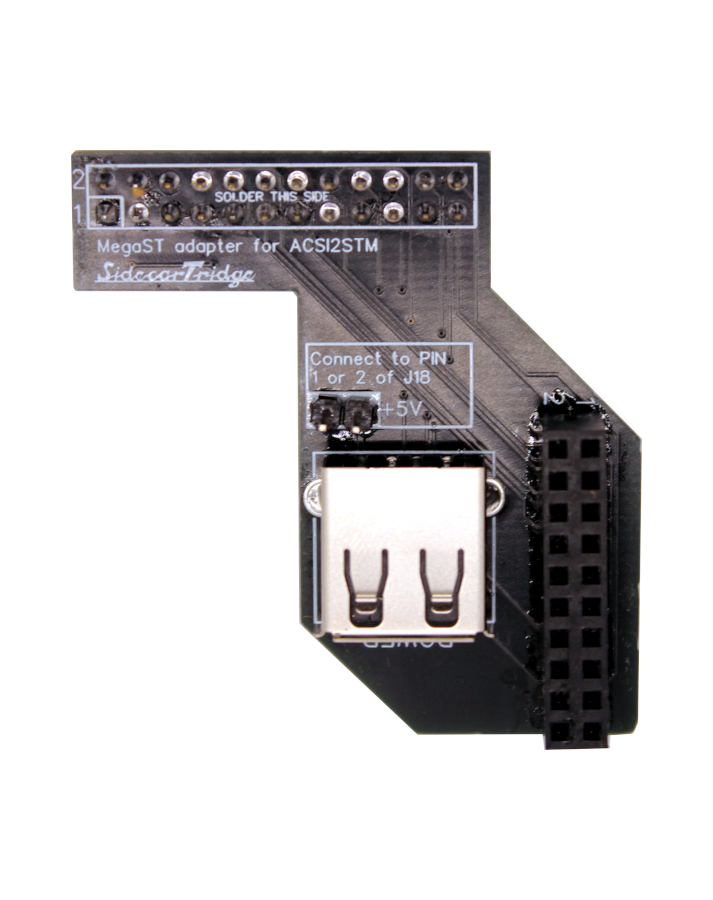
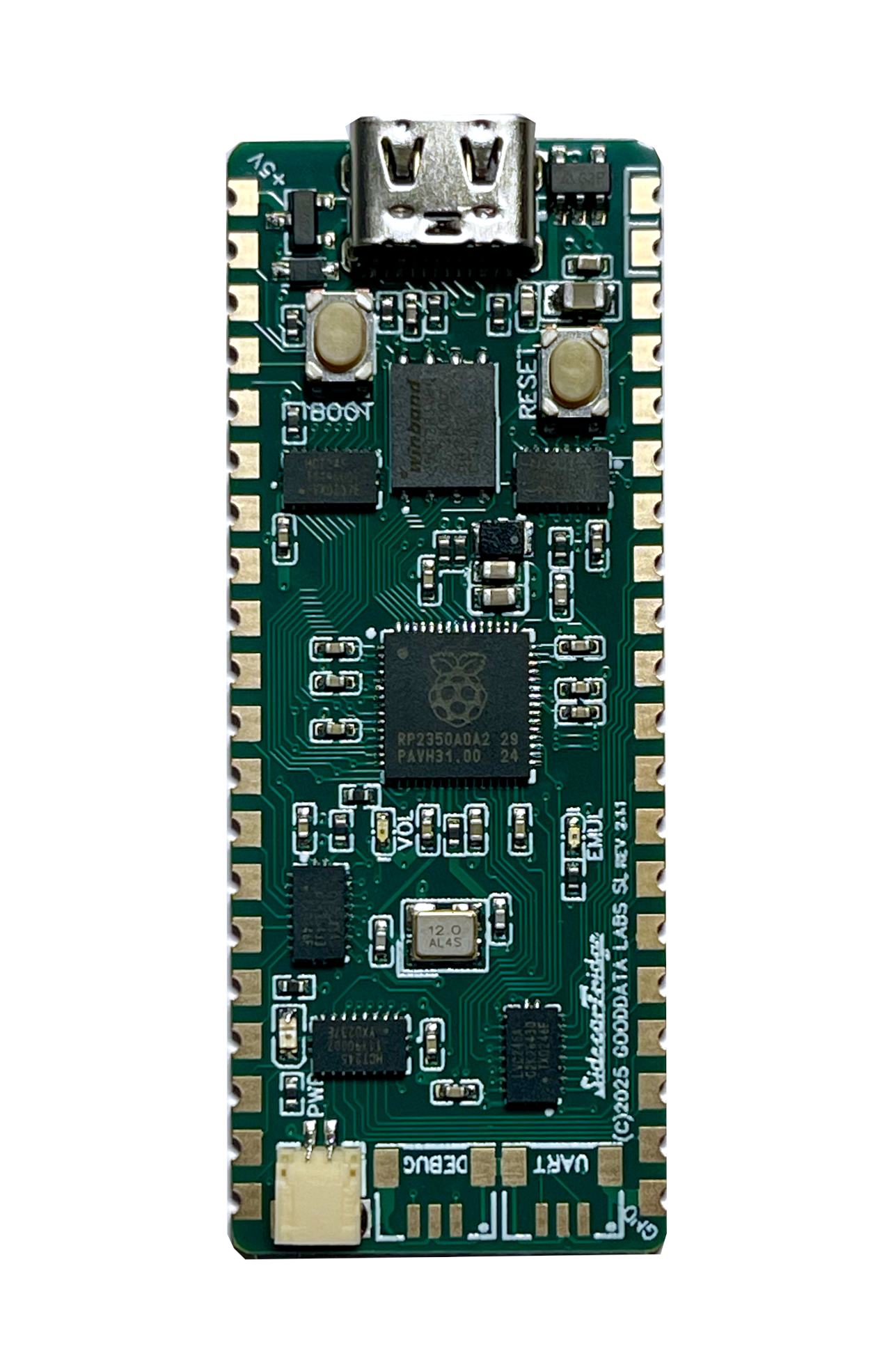
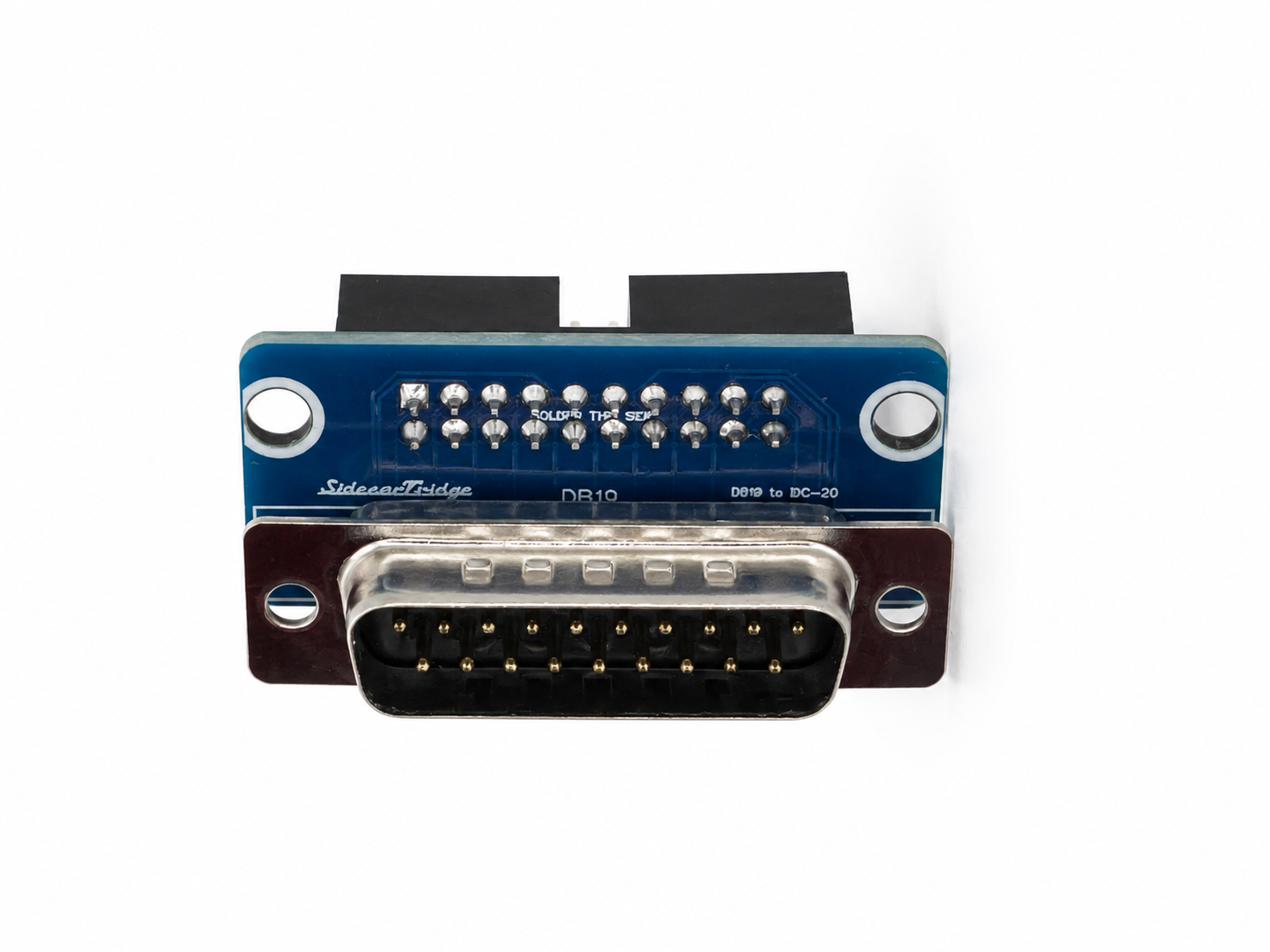
From €20 plus taxes. Ships from Spain. Atari ST and STE with the 7-pin internal keyboard connector.
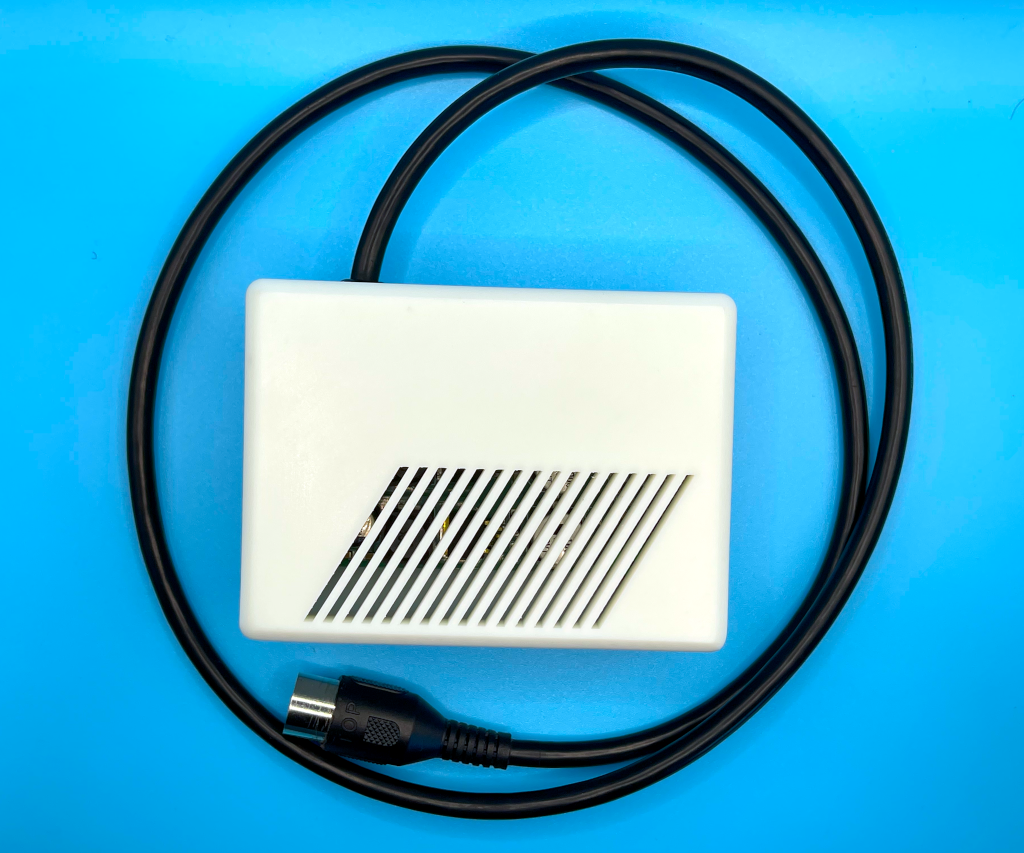
The SidecarTridge Croissant is an internal keyboard emulator that brings modern Bluetooth input to the Atari ST and STE without turning the machine into an external-box project. It plugs inline on the 7-pin internal keyboard header and behaves like the IKBD the operating system expects. The original keyboard path stays available as a pass-through whenever you want stock behaviour.
Plugs into the 7-pin internal keyboard header inside the Atari case. No external dongle, no ribbon hanging off the side, no permanent motherboard modification on supported machines.
Pair a Bluetooth keyboard (plus the matching mouse or supported gamepad) and use it on the Atari while keeping the machine behaviourally honest. Croissant is built around the IKBD model the operating system expects, not a simplistic key-translation layer.
Pass-through mode keeps the original Atari input path active. Boot stock when you want stock behaviour and switch to Bluetooth when you want a modern input setup.
Pick Bluetooth or pass-through at boot and Croissant keeps using that mode on future power-ons until you change it again. No jumpers, no rework, no opening the case to swap behaviour.
Set pairing and the default startup mode from any modern browser. Croissant exposes its own Wi-Fi access point on first setup and joins your network afterwards.
Firmware updates land through the on-board micro-USB connector. New features and fixes stay one cable away, no JTAG, no programmer, no Atari-side rituals.
from €20 plus taxes
Ships from Spain with the latest stable firmware preloaded. You provide a Bluetooth input device of your choice plus a micro-USB cable for firmware updates. A modern phone or laptop is enough to run the web configuration interface.
Full step-by-step in the Croissant quickstart and the hardware installation guide.
| Atari model | Status |
|---|---|
| Atari 520 STF / STFM (with 7-pin internal keyboard connector) | Supported |
| Atari 1040 STF / STFM (with 7-pin internal keyboard connector) | Supported |
| Atari 1040 STE (with 7-pin internal keyboard connector) | Supported |
| Atari “short ST” motherboards C070115 / C070243 | Not supported (18-pin connector, external PSU) |
| Atari Mega ST / Mega STE | Not supported (use the external Soufflè dongle) |
| Atari TT / Falcon | Not supported (different keyboard architecture) |
Compatibility ultimately depends on the connector on your motherboard, not the model badge. Open the case before you order if you are not sure which connector your machine uses.
Croissant is designed for Atari ST and STE machines that use the 7-pin internal keyboard connector and an internal power supply. Both 520 STF/STFM and 1040 STF/STFM/STE families are in scope as long as the motherboard exposes that connector.
The well-known short ST motherboards C070115 and C070243 use an 18-pin keyboard connector and an external power supply. The connector is mechanically and electrically different, and Croissant cannot mate with it.
Those use a different internal layout. The right product for them is the external Soufflè dongle, documented in the keyboard emulator introduction.
Yes. The internal shield is a Faraday cage by design and blocks the 2.4 GHz Bluetooth and Wi-Fi signals Croissant needs. Closing the case back on top of the shield will not work.
Croissant is designed for inline installation on the supported 7-pin connector. As with any internal upgrade on a vintage computer, careful handling matters. Follow the installation instructions step by step and make sure the board cannot short against any metal parts before closing the case.
Yes. Croissant includes a pass-through mode that preserves the original Atari input path end to end. Boot in pass-through when you want stock behaviour and switch to Bluetooth mode when you want modern wireless input.
No. Croissant is a Bluetooth and pass-through product. If you need USB-input mode, the right hardware variant is Soufflè, not Croissant.
Atari ST-family software talks to the IKBD to handle keyboard input plus everything else routed through that controller. Emulating the IKBD protocol keeps compatibility with software that expects the original controller architecture. A simpler translator would feel close, but it would also break corner cases that matter on the Atari.
Initial setup and normal configuration are handled through the Croissant web interface over Wi-Fi. Firmware updates are installed through the on-board micro-USB connector.
From the Croissant firmware download page. Use the micro-USB connector on the board to flash it.
Probably not. Croissant is meant to be joyful and stress-free, and it spends its life chatting on the 2.4 GHz band. Make peace with radio waves first, then come back and we will still be here.
Yes, if you enjoy running real Atari hardware, you are comfortable opening the case and you want a modern Bluetooth input path without giving up the stock keyboard. Croissant is a homebrew product built for hobbyists who like experimenting; if you want a sealed appliance with a single-vendor warranty stack, this is not that.
Open a ticket from the contact page so we can route it to the right place. Hardware-side support for the boards we sell is handled directly by SidecarTridge.
Croissant has been assessed for European (CE) and UK (UKCA) conformity. Official Declarations of Conformity and EMC Assessment reports for revision CROISSANT-IKBD REV1.1.0:
EU / CE
UK / UKCA