





SidecarTridge TOS Emulator Firmware
The SidecarTridge TOS Emulator firmware runs on Raspberry RP2040 or RP2350 and enables communication with the Atari ST/MegaST/STE/MegaSTE.
You can read more about the hardware and availability on the SidecarTridge TOS Emulator product page.
Release Types
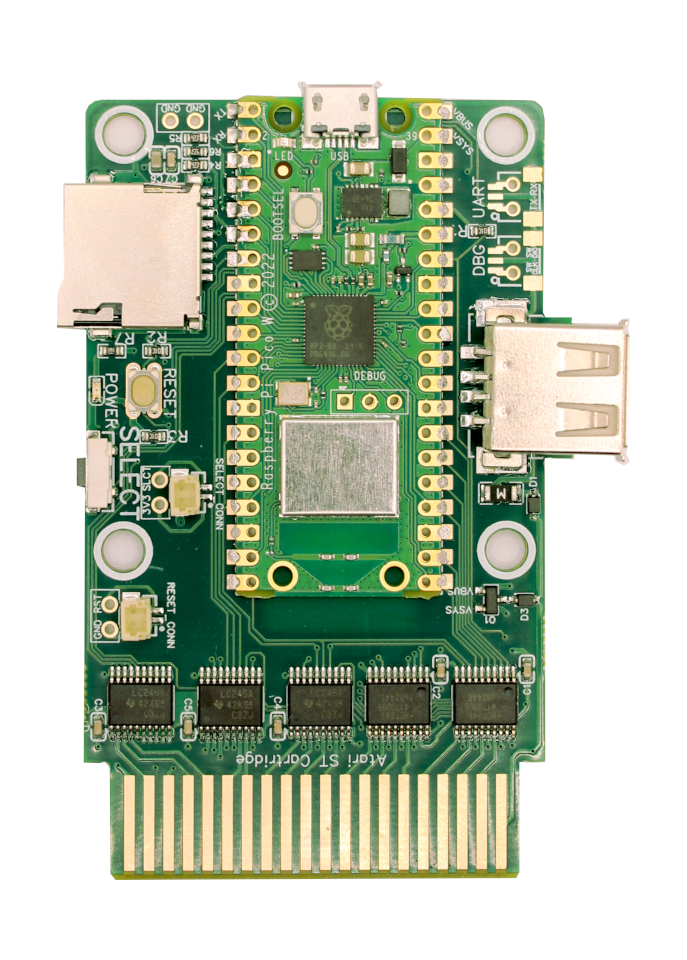
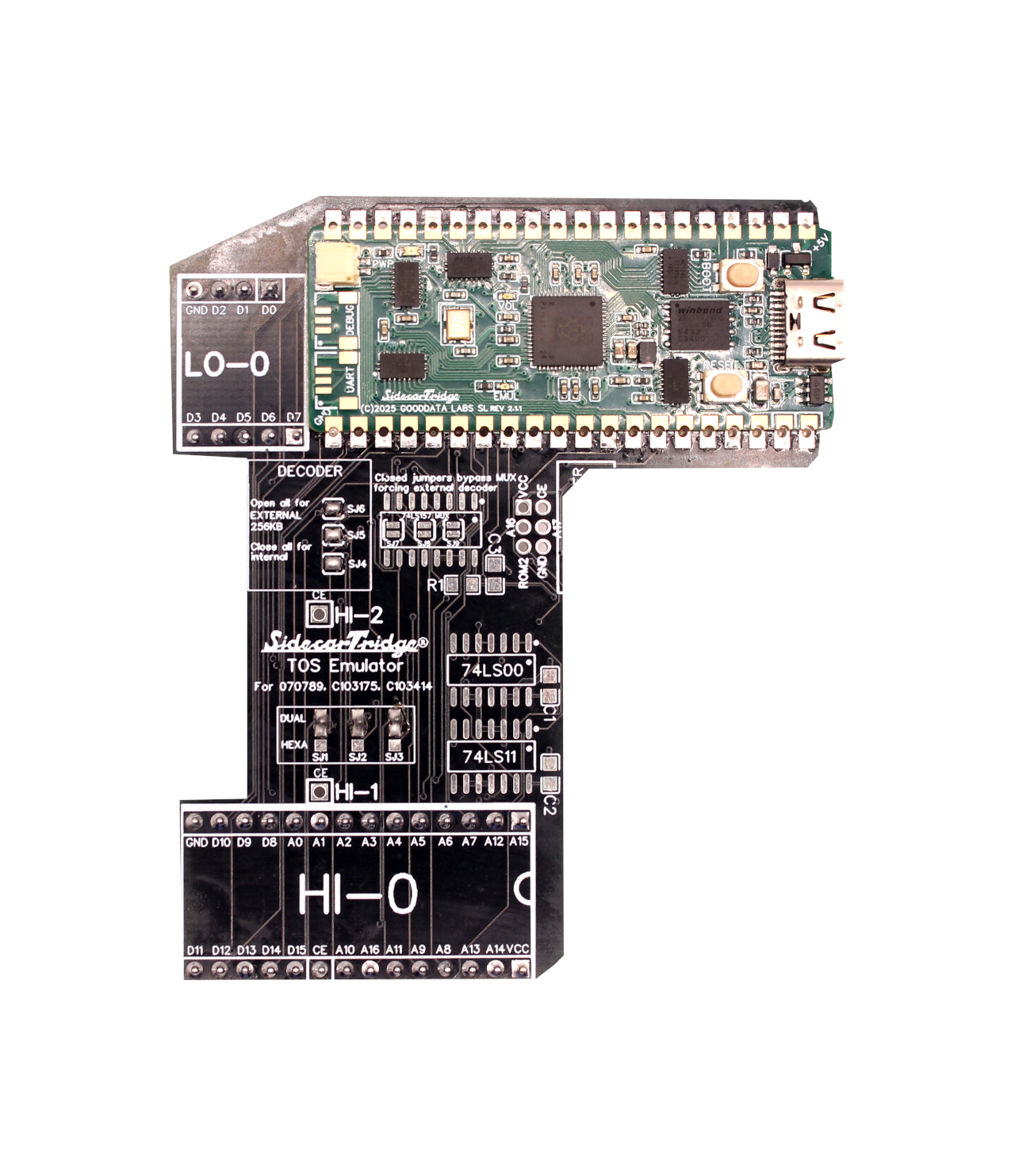
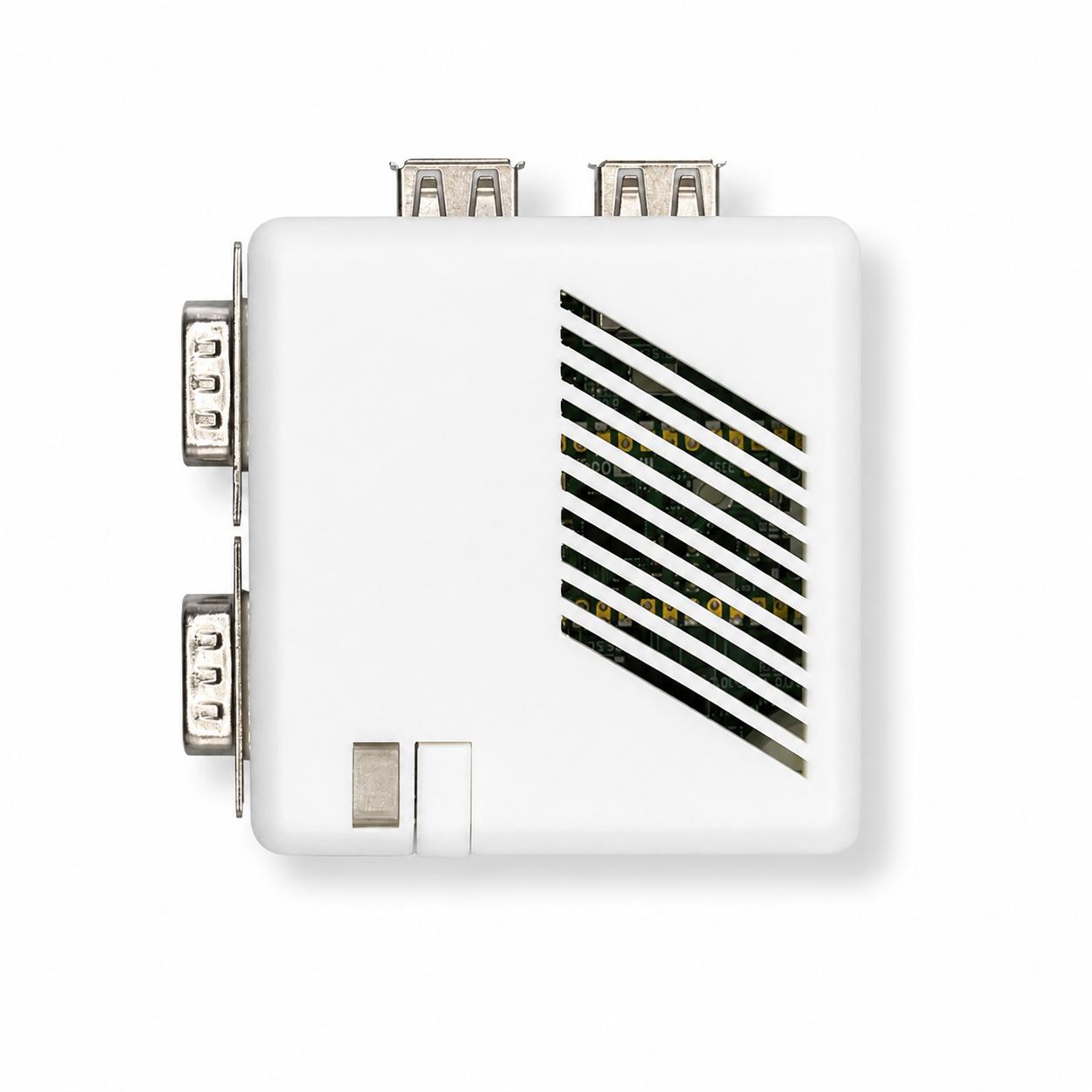
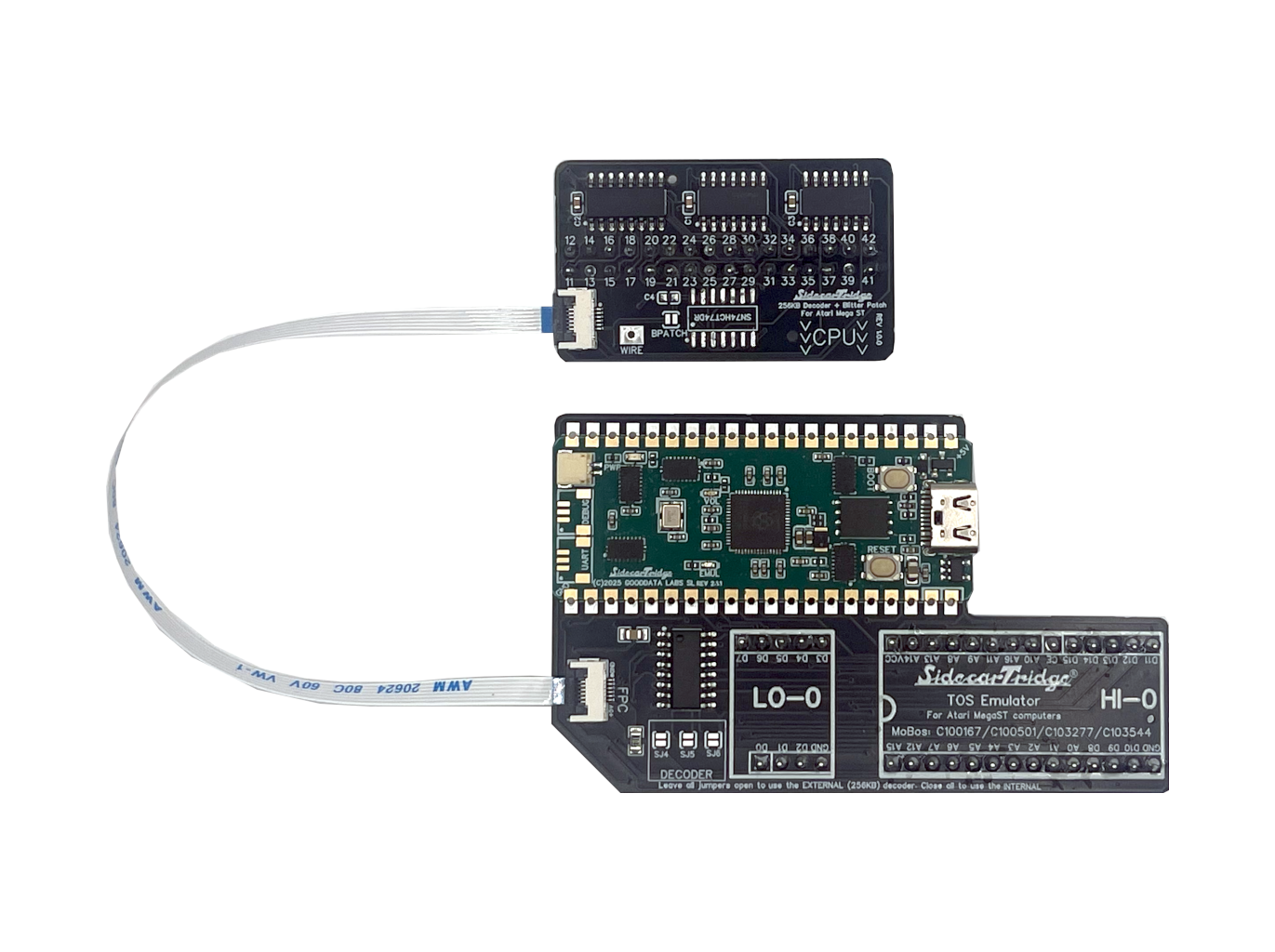
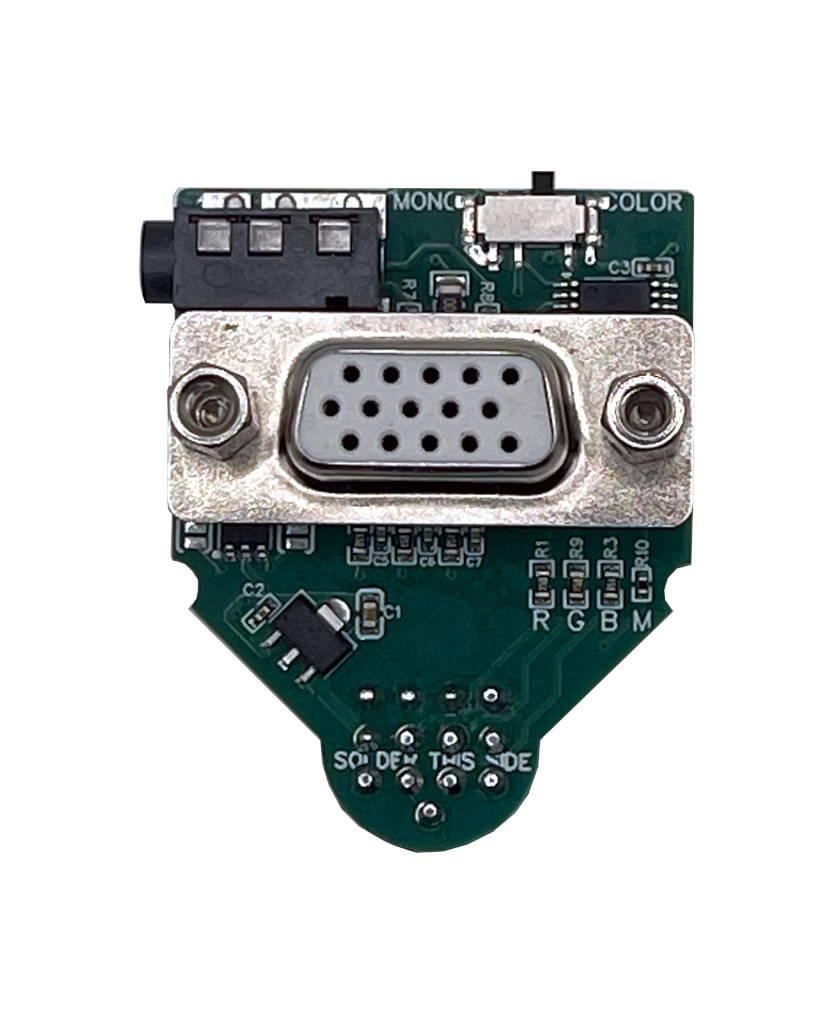
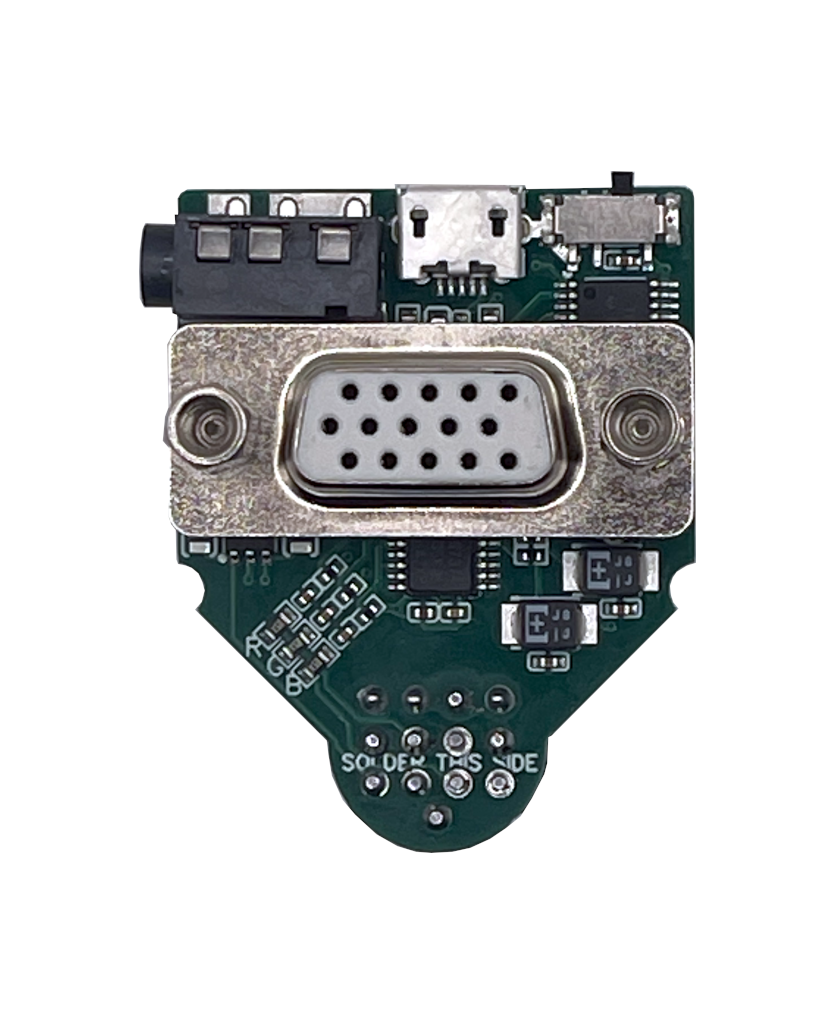
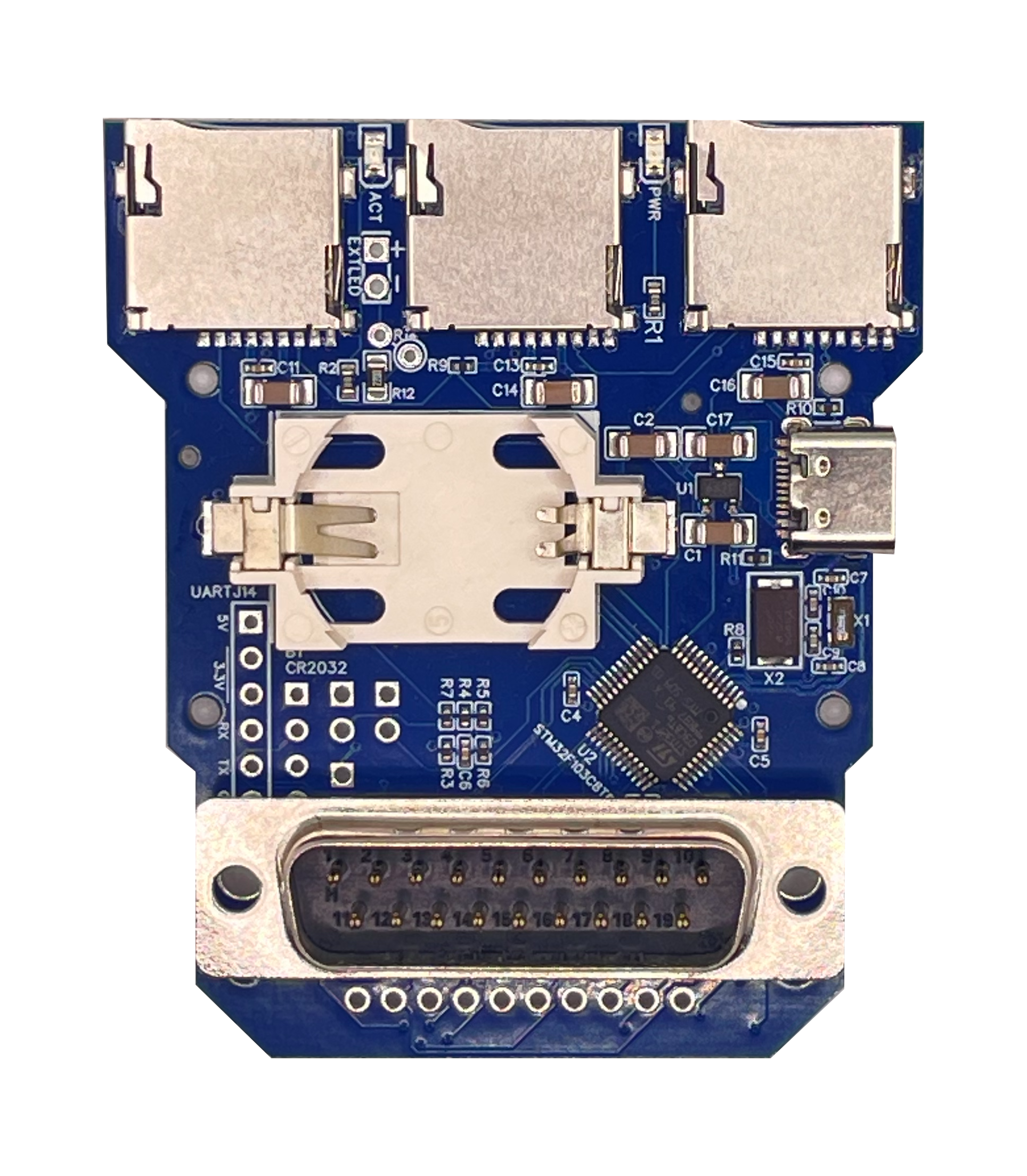
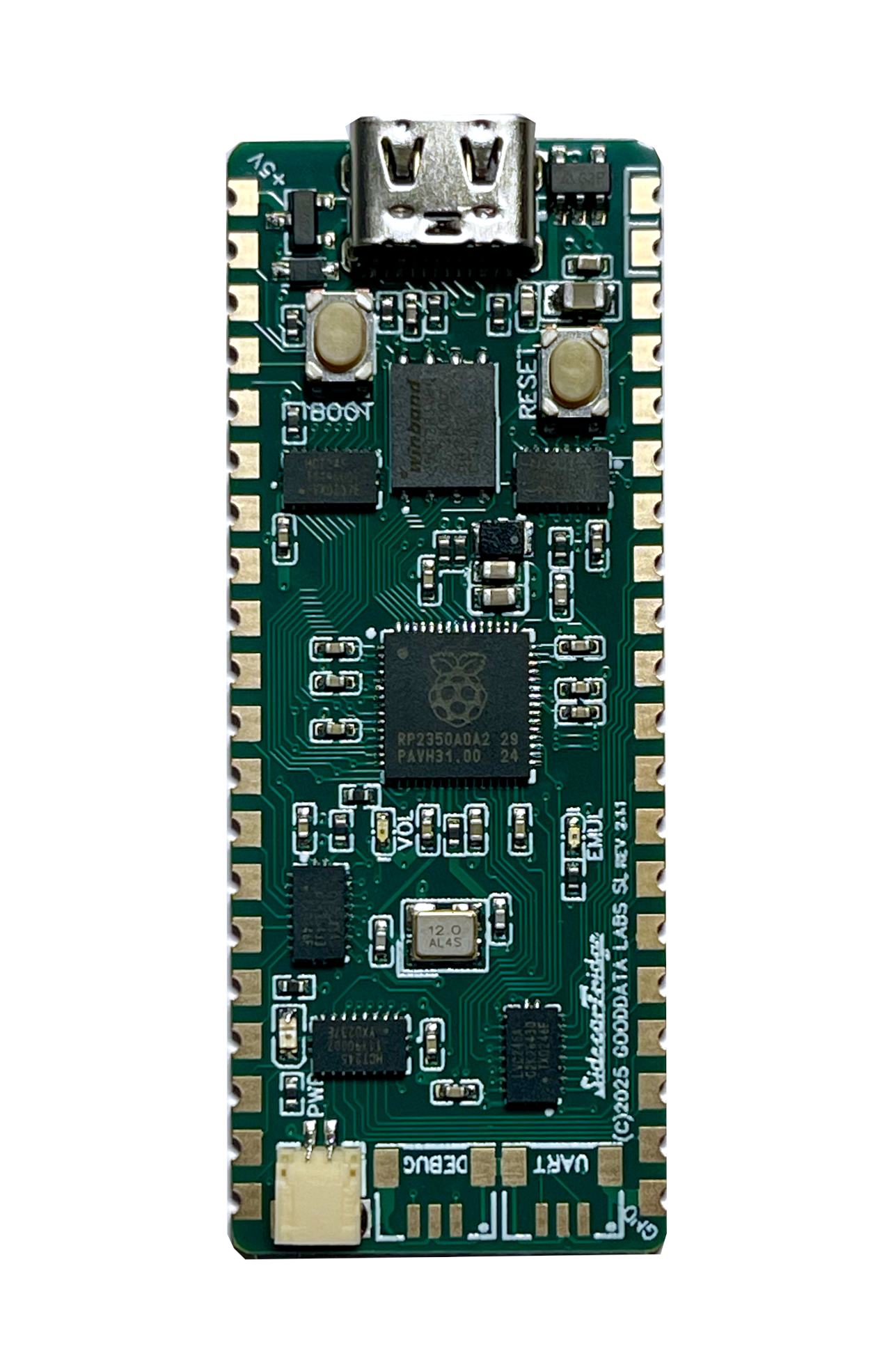
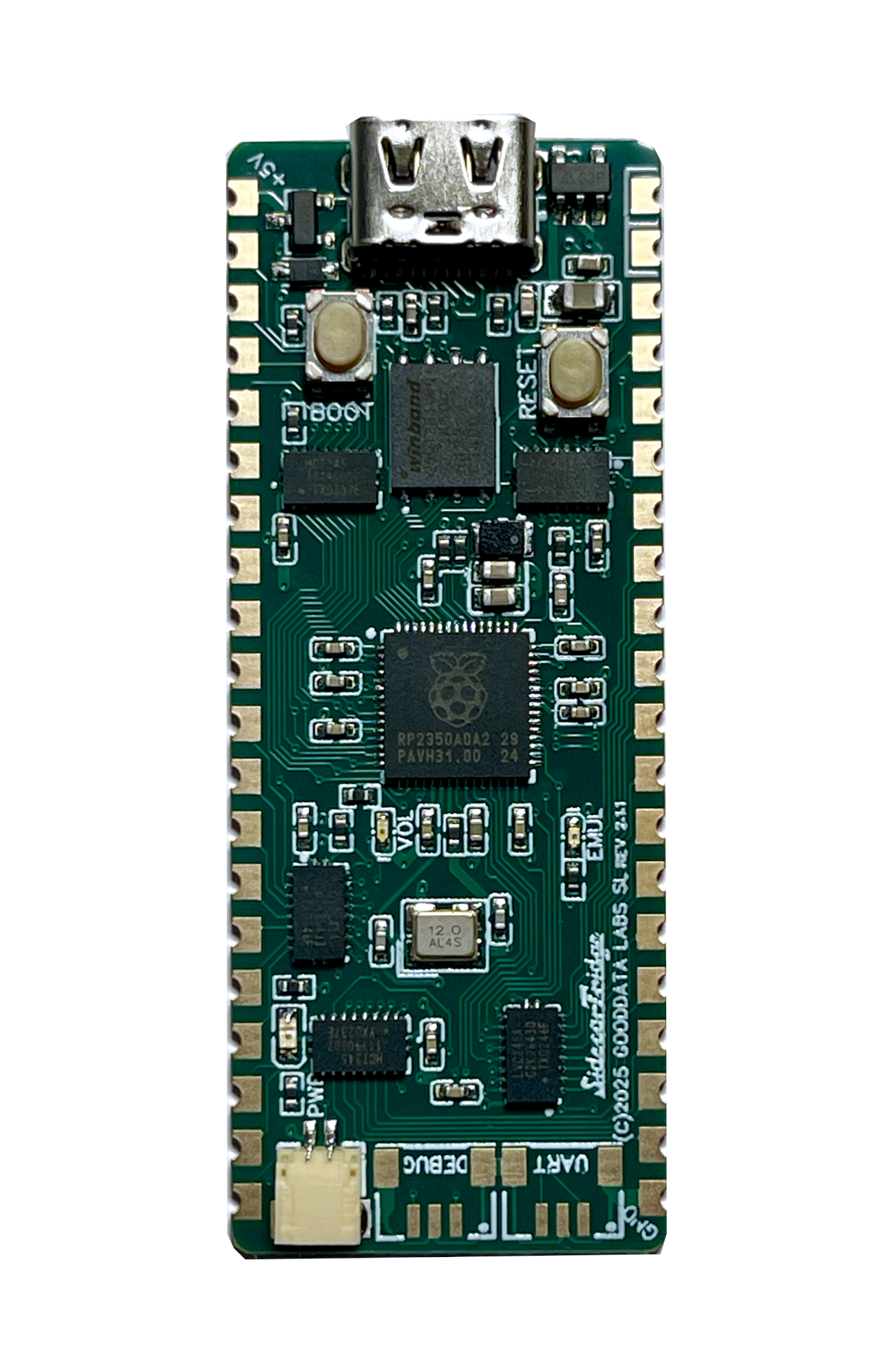
Board revision 3 of the TOS Emulator is based on the Raspberry Pi RP2350 microcontroller and is mounted directly on top of the computer’s carrier board with a soldered castellated board. This version is wider, and when connected via USB or to the computer, there is a red LED to indicate power. It also has a green LED to indicate the firmware is running, and an orange LED to indicate the internal USB drive is mounted.
ALL BOARDS SHIPPED AFTER MID JUNE 2025 ARE BOARD REVISION 3.
Installing or updating the firmware is as simple as copying the firmware file to the RP2350 USB drive. Please follow the Firmware installation guide.
Coming from firmware v3.x? Read Upgrading to v4.0.0 first: v4.0.0 needs the new SWITCHER.TOS and the new rescue switcher ROM.
🚀 Latest STABLE Release for board revision 3STABLE
You can read the Change Log for the latest features and improvements.
These firmware versions will DELETE and OVERWRITE the existing TOS ROM images.
-
Firmware for ST/STF/STFM/MegaST new installation: sidecartridge-tos-rp2350a-emutos-192k-full-v4.0.0.uf2
-
Firmware for STE/MegaSTE new installation: sidecartridge-tos-rp2350a-emutos-256k-full-v4.0.0.uf2
Latest STABLE Releases v4.0.0 (UPGRADE)
These firmware versions will NOT overwrite the existing TOS ROM images and are valid for any Atari ST/STF/STFM/MegaST/STE/MegaSTE model.
- Firmware for upgrading all models: sidecartridge-tos-rp2350a-v4.0.0.uf2
SWITCHER.TOS Application
The SWITCHER.TOS application is a straightforward TOS application for Atari ST computers, enabling you to hot-swap between different TOS versions on the SidecarTridge TOS Emulator.
Latest STABLE release v4.0.0
- TOS Application: Copy to your Atari ST computer and remove the trailing version number renaming to
SWITCHER.TOSand run it SWITCHER.TOS.v4.0.0 - .ST floppy disk image: Floppy image file in .ST format compatible with SidecarTridge Multi-device and other floppy emulators like Gotek. switcher-v4.0.0.st
### Rescue Switcher ROM
In case the SWITCHER.TOS application fails or becomes corrupted, you can use the rescue ROM to restore functionality. Please choose the appropriate version for your setup. Latest versions also include diagnostic tools.
Latest Rescue Switcher ROM v4.0.0
-
192KB ROM for Atari ST/STF/STFM/MegaST : RESCUE_SWITCHER_v4.0.0_192KB.img
-
256KB ROM for Atari STE/MegaSTE : RESCUE_SWITCHER_v4.0.0_256KB.img
### Previous versions
You can find previous versions of the Rescue Switcher ROM below in the Github repository
✅ Before You Start
Before updating your SidecarTridge TOS Emulator firmware:
- Ensure the TOS binary files are safe and backed up. The firmware update will overwrite existing TOS ROM images.
- Ensure your TOS Emulator is connected via USB.
- Have the
.uf2firmware file ready to copy. - Follow the Firmware installation guide for step-by-step instructions (board revision 3), or the firmware v2.x guide for board revisions 1 and 2.
- Upgrading a board revision 3 from firmware v3.x? Follow Upgrading to v4.0.0.
ℹ️ What’s the Difference Between STABLE, BETA, and ALPHA Releases?
-
STABLE Release STABLE
Fully tested, production-quality firmware.
Recommended for normal use on real Atari ST machines. Safe, reliable. -
BETA Release BETA
A release candidate. Includes new features or fixes that are still being tested.
Suitable for experienced users or developers who want to try the latest improvements. May have minor bugs. -
ALPHA Release ALPHA
Experimental firmware. Early version of new features under active development.
Intended for developers, testers, and very advanced users. May be unstable or incomplete.
👉 If in doubt, always use the STABLE release.