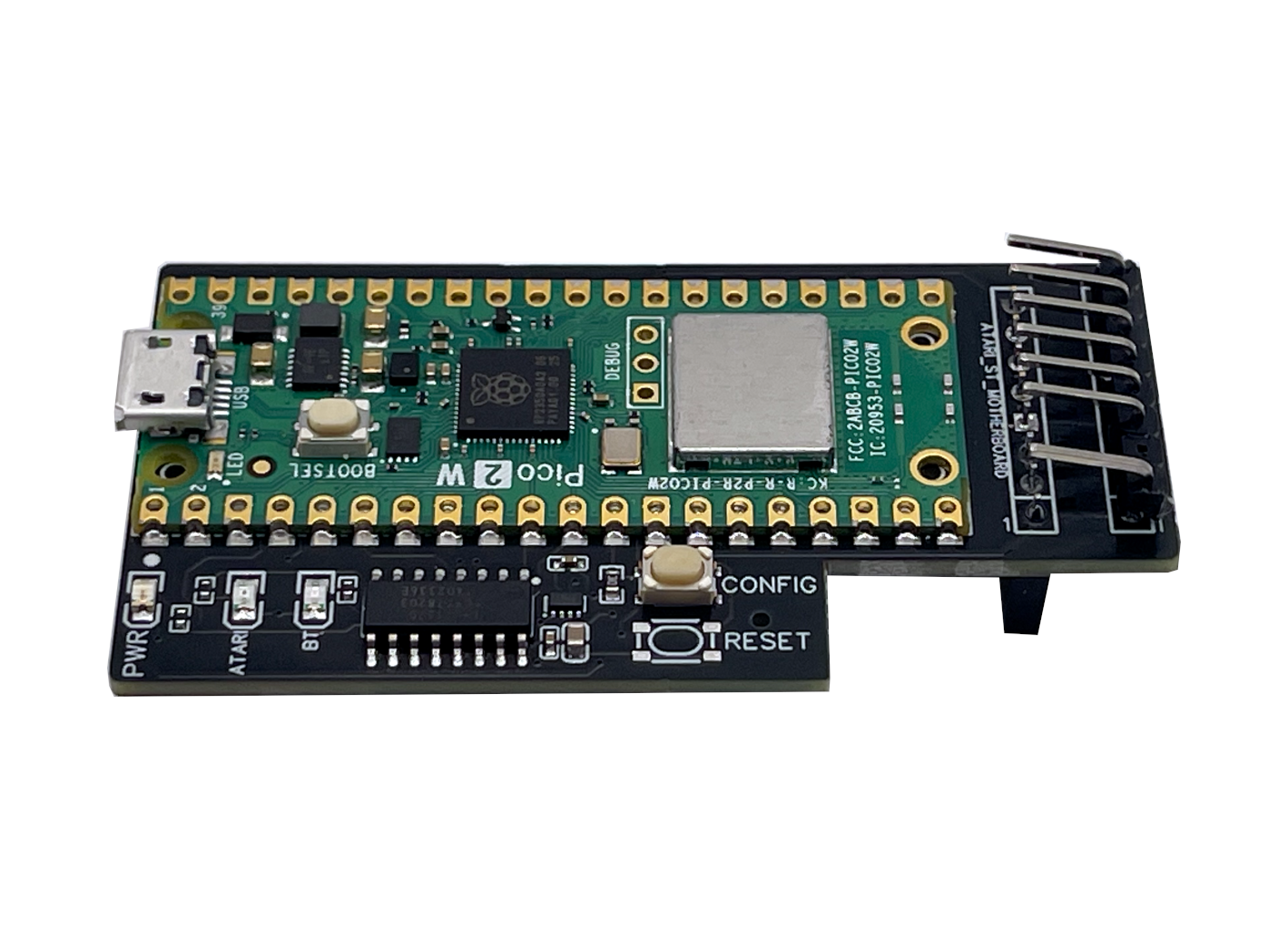





Internal IKBD keyboard emulator for Atari ST and STe
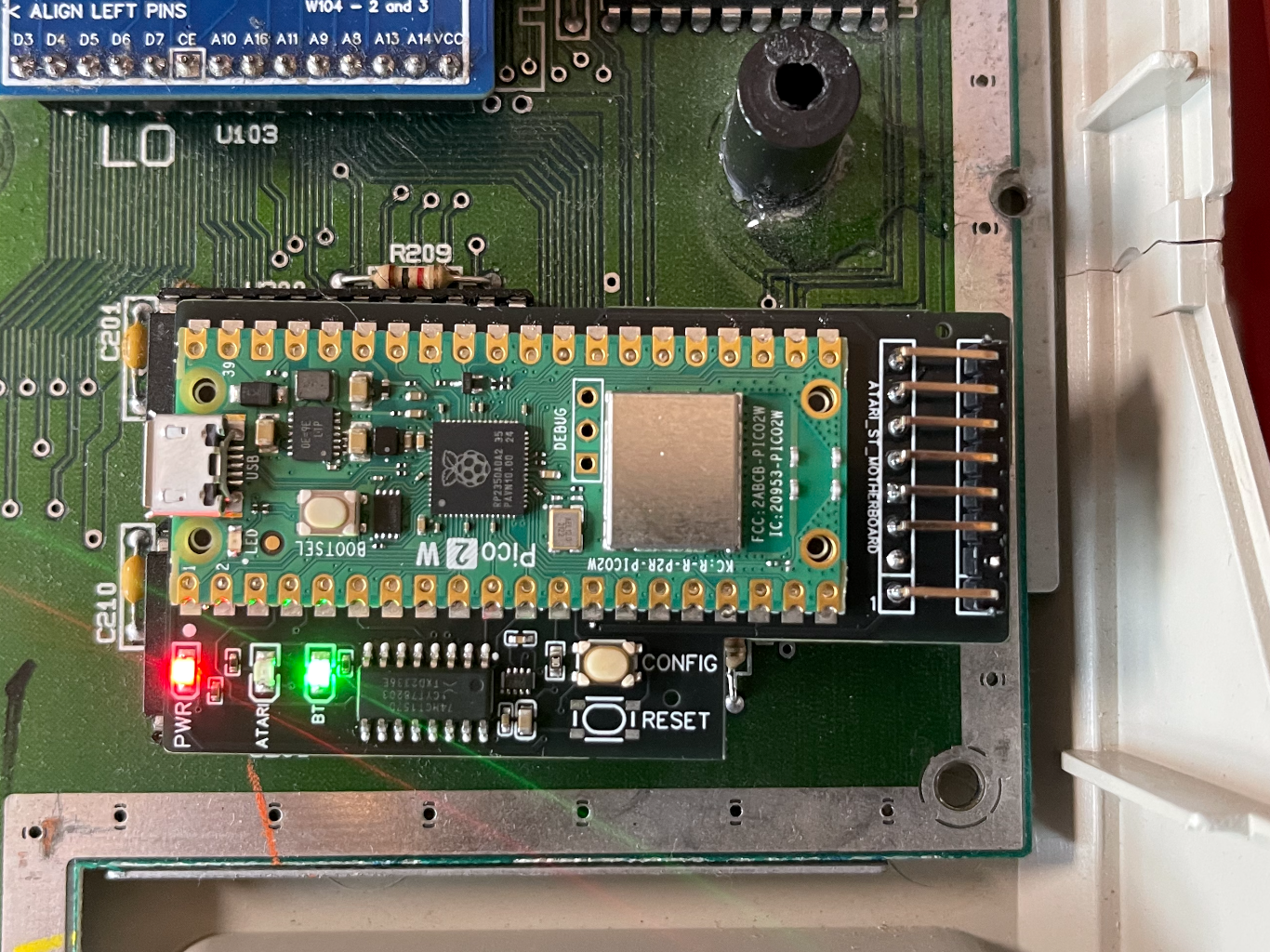
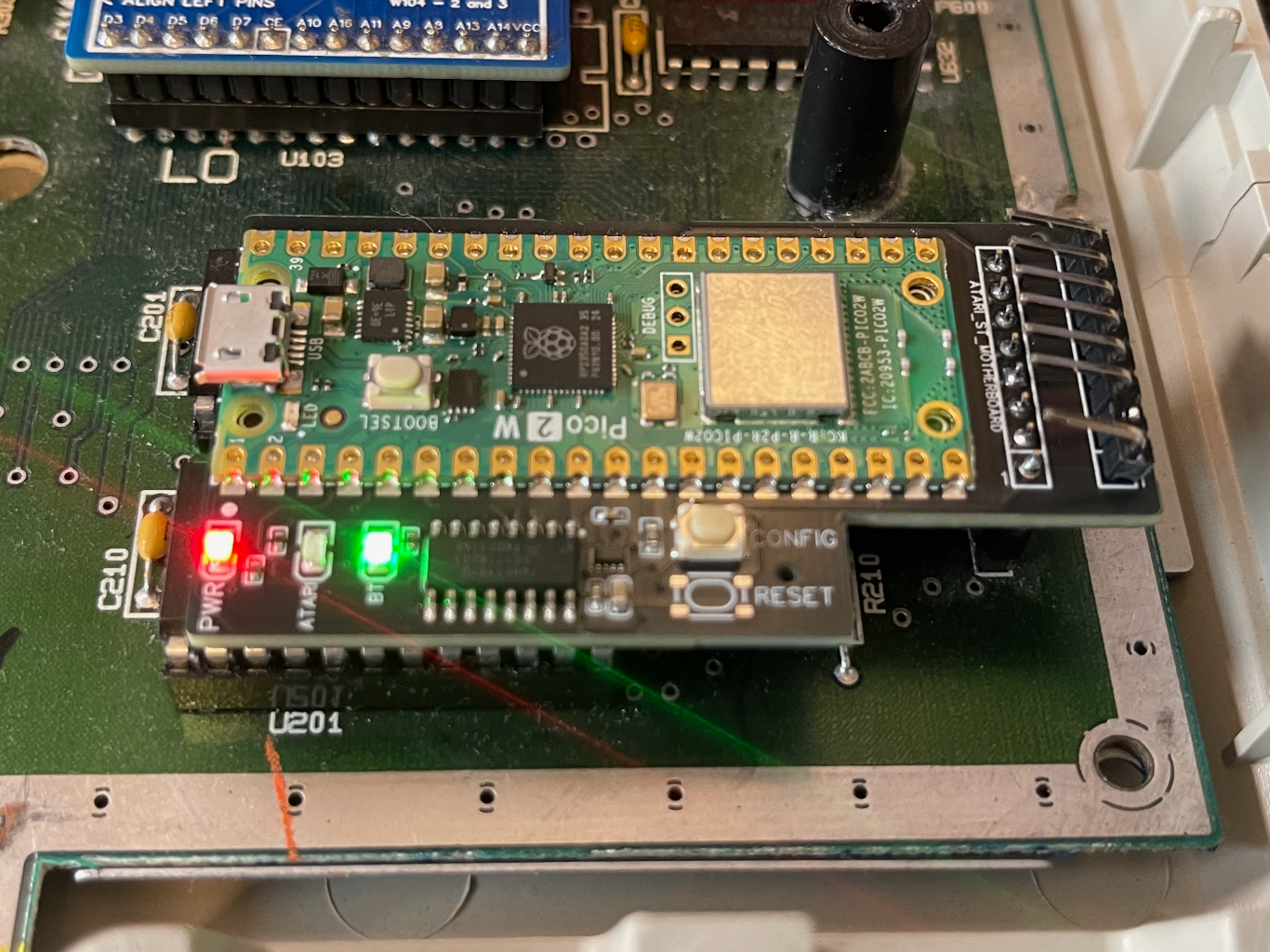
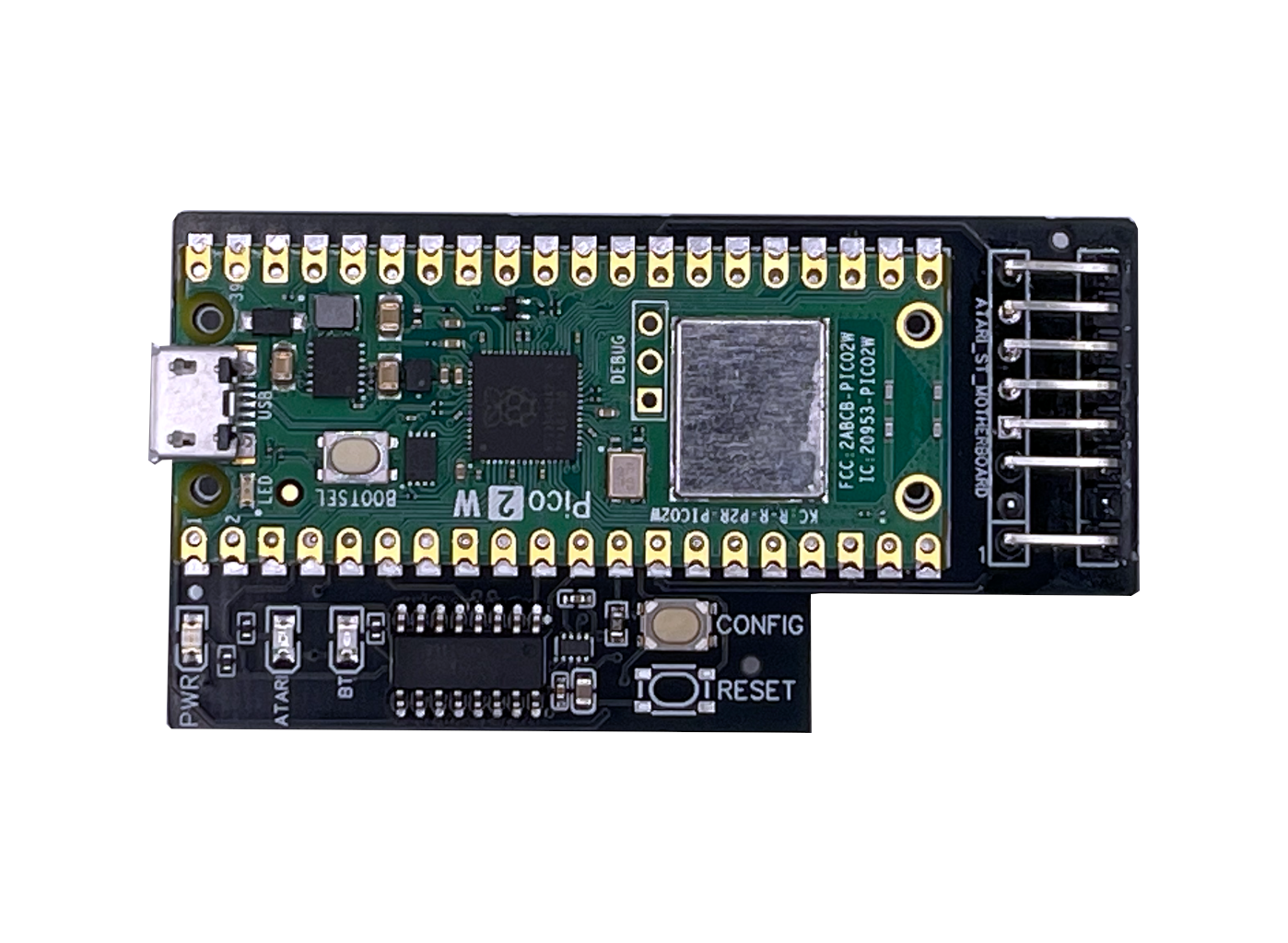
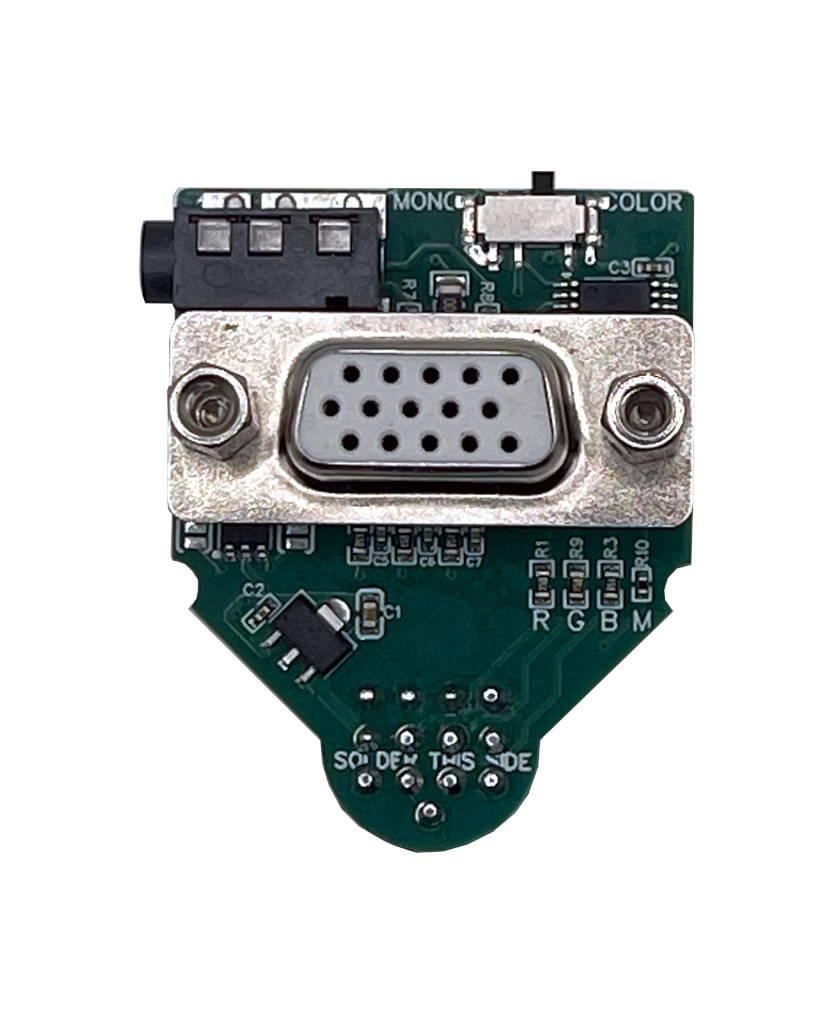
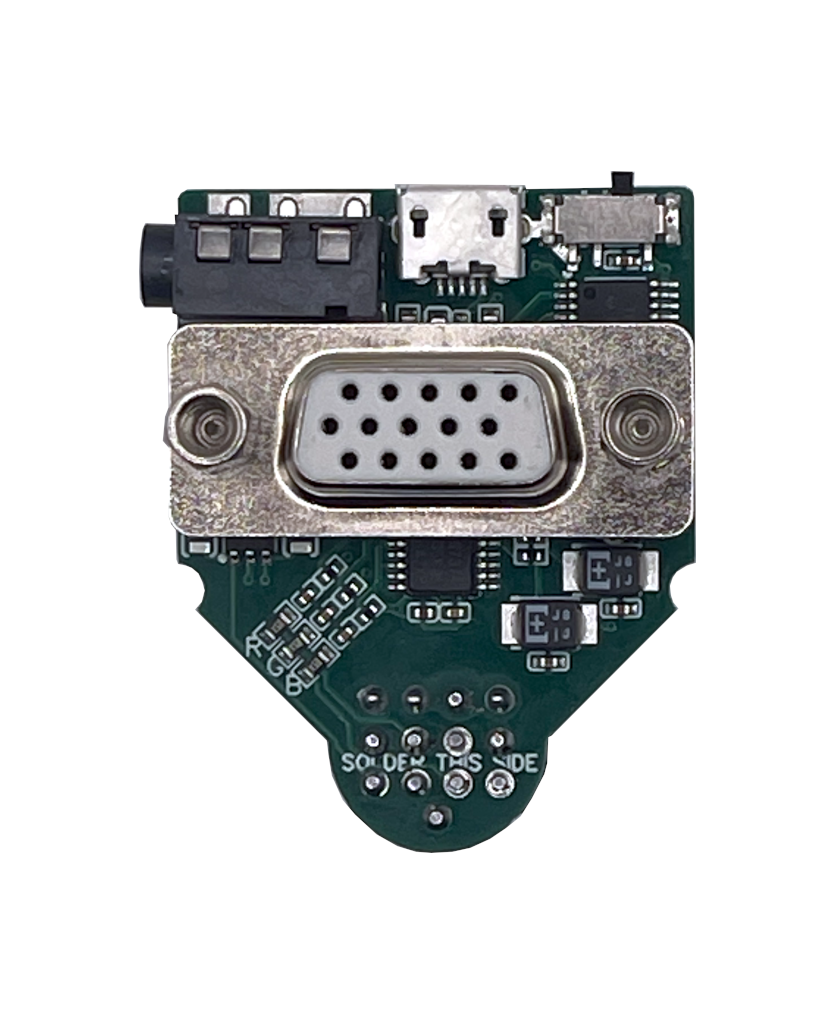
The SidecarTridge Croissant is an internal keyboard emulator for Atari ST and Atari STe computers with the 7-pin internal keyboard connector. It installs inline between the motherboard and the original keyboard path, bringing modern Bluetooth input to the machine without turning it into an external-box project.
Unlike adapters that only translate keystrokes, Croissant is designed around the IKBD behavior expected by Atari ST-family software. That matters for keyboard handling, mouse behavior, joystick-style inputs, and overall compatibility with software that expects the original controller architecture.
Why Choose SidecarTridge Croissant?
- Bluetooth without giving up the Atari feel: Use Bluetooth keyboards, mice, and supported gamepads while keeping the machine internally integrated.
- Original hardware path still available: Croissant provides a pass-through mode so the original keyboard, mouse, and joystick path can remain active when you want stock behavior.
- No permanent motherboard modification on supported systems: On compatible machines, installation is an inline board fitment rather than a soldering project.
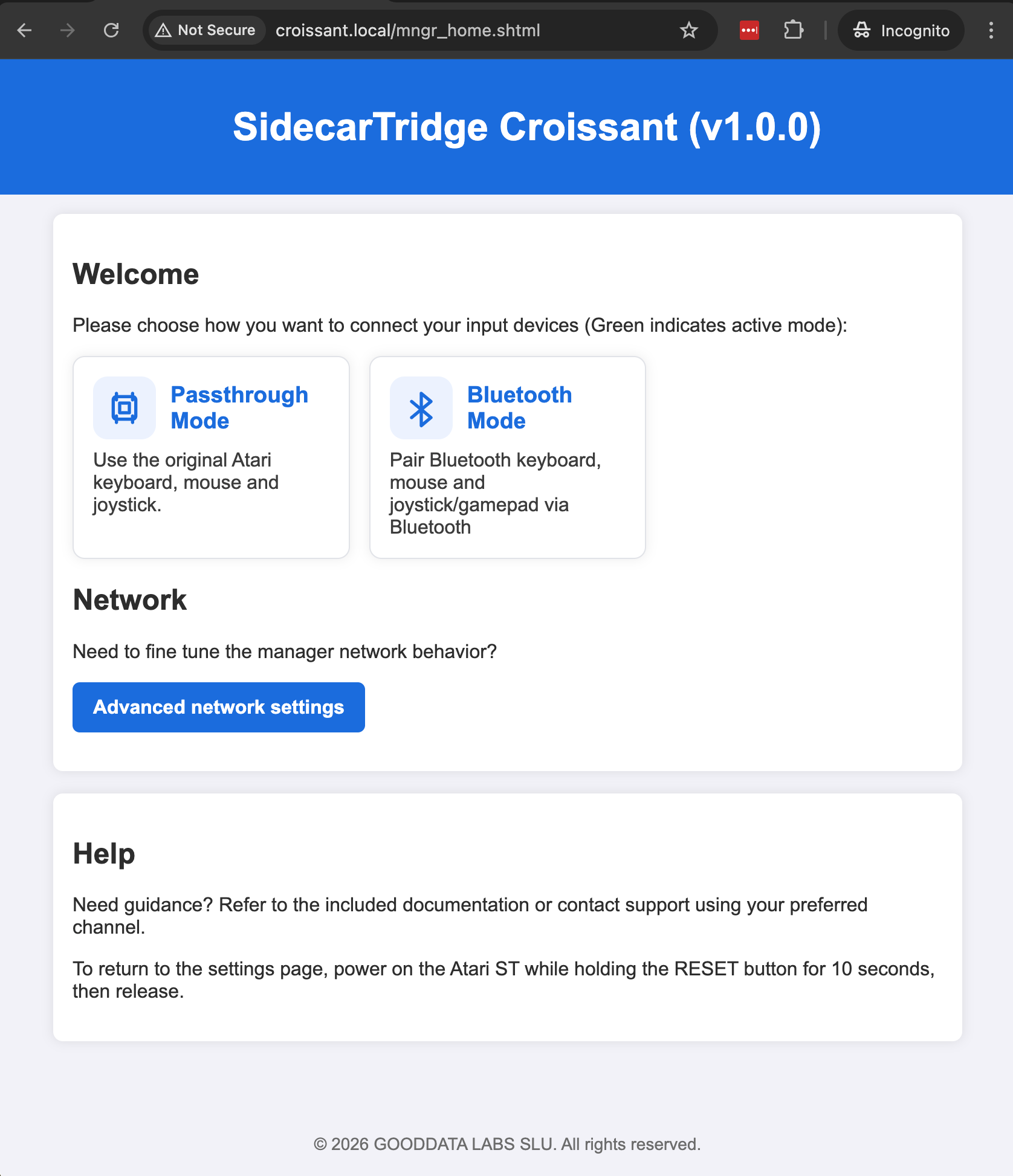
- Modern setup workflow: Configure the device through a Wi-Fi web interface instead of hunting for jumpers or special tools.
- Field-updatable firmware: Firmware updates are done through the board’s micro-USB connector.
Key Features
- Internal inline design for Atari ST and STe systems with the 7-pin keyboard connector.
- Bluetooth keyboard, mouse, and gamepad support for modern wireless input.
- Pass-through mode that preserves the original keyboard, mouse, and joystick path.
- Boot-time mode selection so you can choose Bluetooth or pass-through behavior without reworking the installation.
- Wi-Fi access point and station modes for browser-based configuration.
- Micro-USB firmware updates when a new release is available.
- Compatibility-oriented IKBD behavior instead of a simplistic key-translation approach.
How It Works
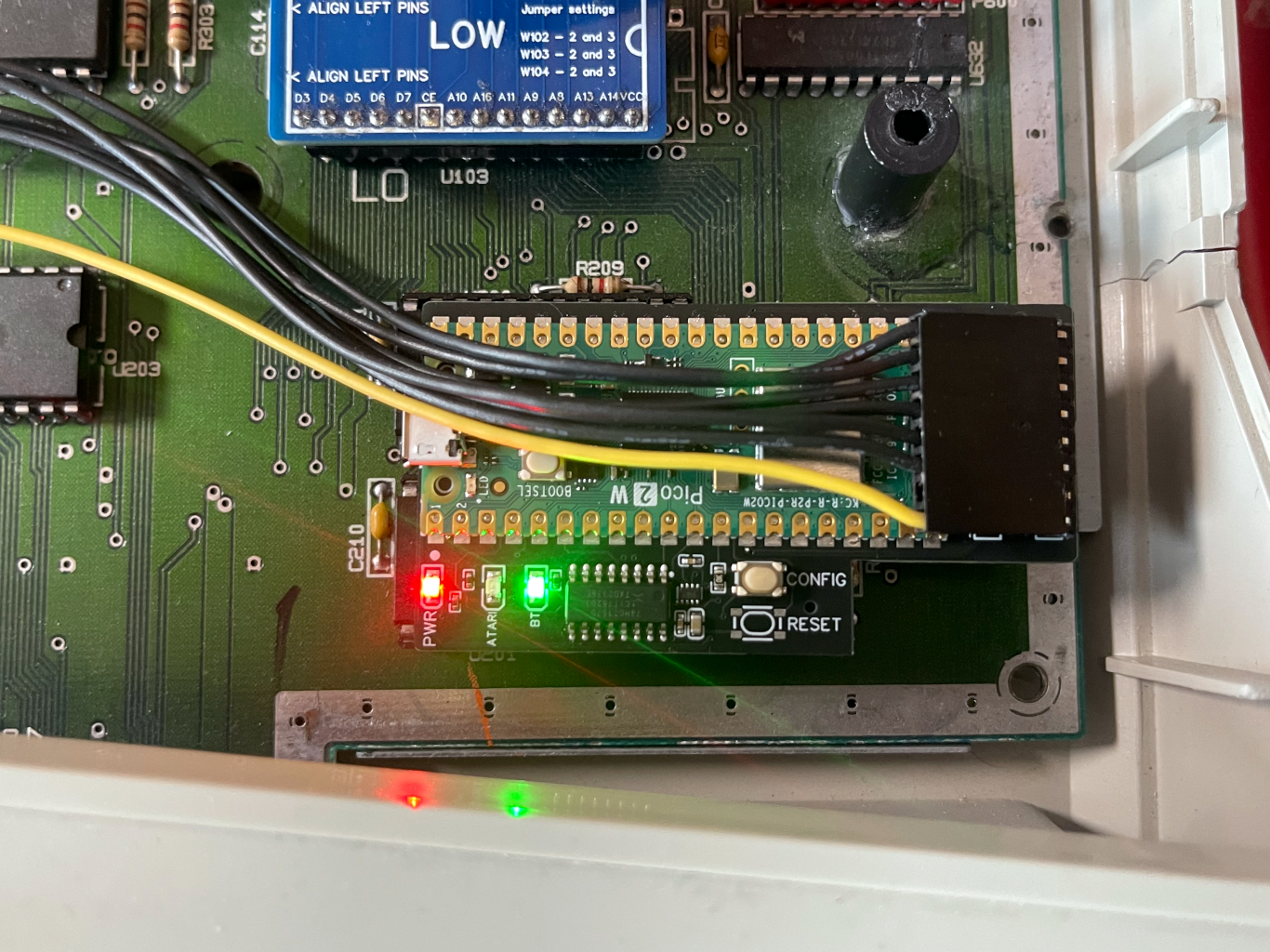
Croissant plugs into the Atari motherboard’s internal keyboard header, and the original keyboard ribbon cable reconnects to the Croissant board. Once installed, the board sits in the keyboard path and can either:
- start in Bluetooth mode, where it provides modern wireless input while behaving like the Atari expects, or
- start in pass-through mode, where the original keyboard path remains active.
The default startup mode is configured through the built-in web interface over Wi-Fi. For day-to-day use, the device runs inside the computer with no external enclosure or dongle attached. The micro-USB connector is mainly for first-time setup and firmware updates.
Installation does require opening the computer and removing the internal metal shield. The shield acts as a Faraday cage and blocks Bluetooth and Wi-Fi signals, so Croissant is not intended to operate with the shielding installed.
Video Gallery
Before You Buy
Croissant is the right product if you have an Atari ST or Atari STe with an internal power supply and the 7-pin internal keyboard connector.
It is not compatible with the well-known “short ST” motherboards C070115 and C070243. Those machines use an 18-pin keyboard connector instead and are easy to recognize because they have an external power supply.
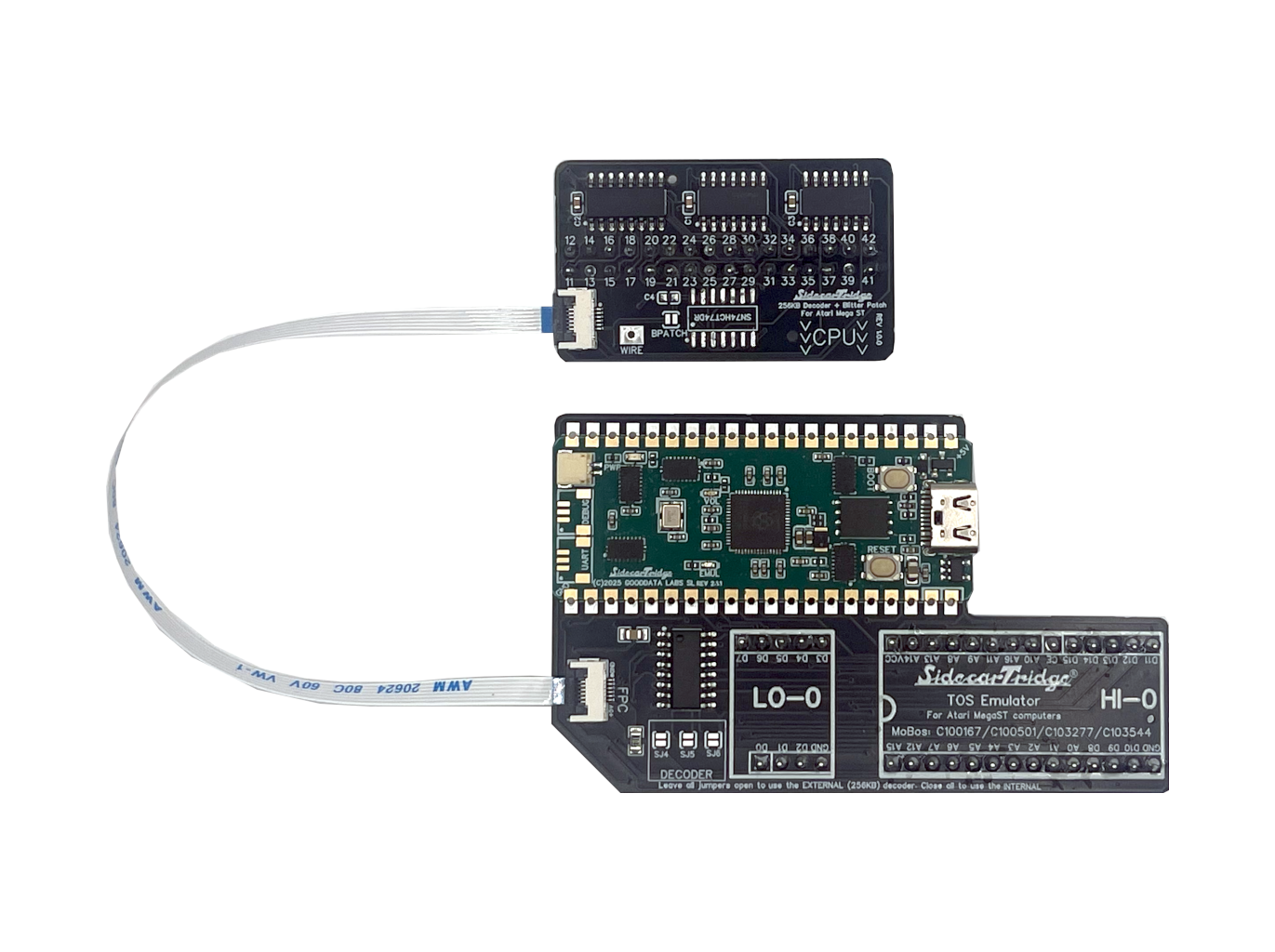
If you are looking for the external dongle version for Atari Mega ST / Mega STe, see the Soufflè section in the keyboard emulator documentation.
Frequently Asked Questions
What Atari models are supported?
Croissant is designed for Atari ST and Atari STe machines that use the 7-pin internal keyboard connector and an internal power supply.
It is not for short ST motherboards C070115 and C070243, which use the 18-pin connector and external PSU.
Does the original keyboard still work?
Yes. Croissant includes a pass-through mode that preserves the original keyboard path. This lets you keep the original input hardware behavior available when that is the mode you want to boot.
Can I use USB keyboards or mice with Croissant?
No. Croissant is a Bluetooth + pass-through product. If you need USB-input mode, the correct hardware variant is Soufflè, not Croissant.
Do I need to solder or modify my Atari?
On supported machines, Croissant is an inline internal installation and does not require soldering. You do, however, need to open the computer, remove the metal shield, fit the board, and reconnect the keyboard cable correctly.
Does the metal shield really need to be removed?
Yes. The internal shield blocks the radio signals used by Bluetooth and Wi-Fi, so Croissant is not intended to be used with the shield installed.
How do I configure or update it?
Initial setup and normal configuration are handled through the Croissant web interface over Wi-Fi. Firmware updates are installed through the micro-USB connector.
Can it damage my Atari?
It is designed for the supported Atari ST and STe hardware and for inline installation on the correct connector. As with any internal upgrade on a vintage computer, safe handling matters. Follow the installation instructions carefully, check connector orientation, and make sure the board cannot short against metal parts before closing the case.
Is this product for me?
This is a homebrew product designed for hobbyists with a keen interest in experimenting with their computers. If you seek a seamless, Apple-like experience, it will not meet your expectations.
Wi-Fi and Bluetooth are evil and I wear a tinfoil hat when they’re on. Is this device for me?
Probably not. The Croissant Keyboard Emulator is meant to be joyful and stress-free, and it spends its life chatting on the 2.4 GHz band. Make peace with radio waves first, then come back and we’ll still be here.
Why can’t I access the store even though you ship to my country?
Access to our products and community spaces requires basic respect. We have zero tolerance for harassment, personal attacks, abusive behavior, or defamatory content toward our team or community. We operate under a simple principle: don’t be abusive. If that principle is violated, access will be revoked. We build for people who enjoy experimenting, not creating hostility.