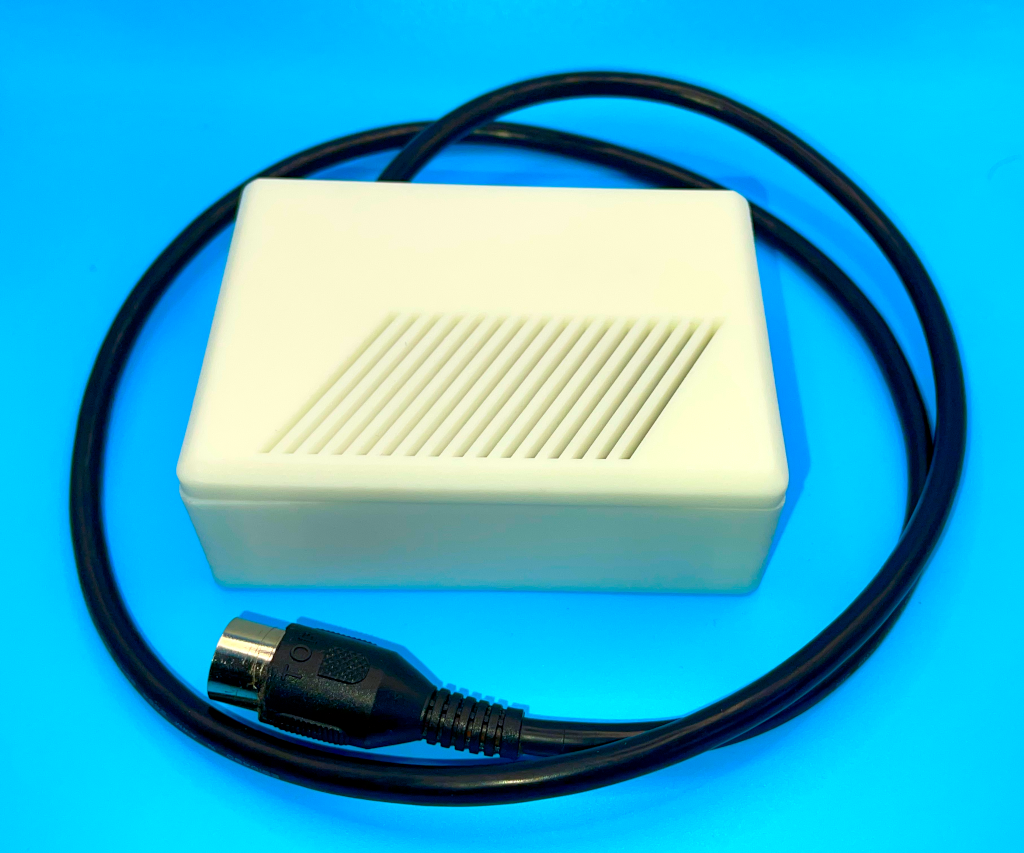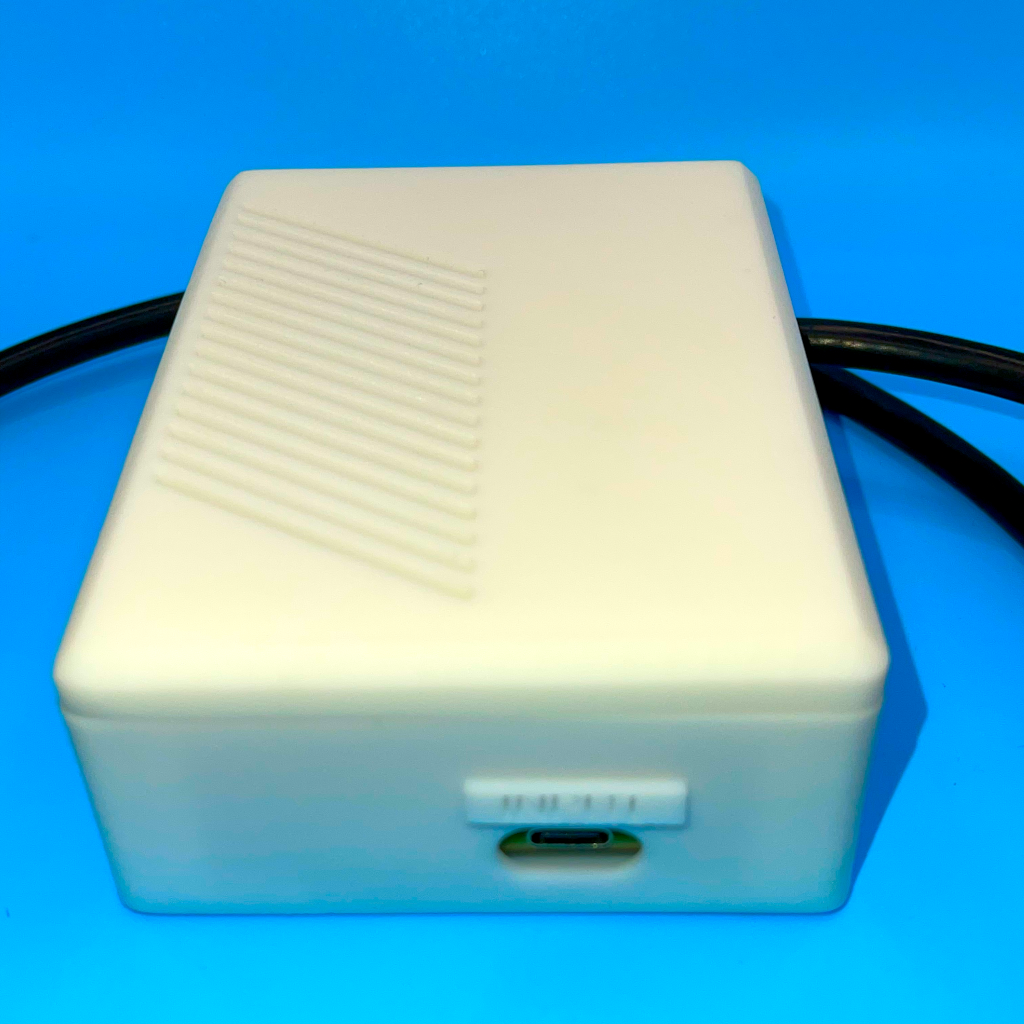



Replacement for the Original Atari ST External Power Brick
Old Atari ST power supplies have one job: deliver solid rails and stay boring. After ~40 years, many of them are… not boring anymore.
Dried capacitors, tired regulators, drifting voltages and intermittent faults show up as random crashes, floppy weirdness, video glitches, unexplained emulator errors, and in the worst case: damaged boards. If you run expansions (and especially if you run a SidecarTridge setup), a weak PSU is usually the first domino to fall.
This unit is a complete modern replacement for the original external Atari ST PSU.
Clean rails. Quiet operation. No mains voltage inside the computer. You keep the ST running the way it should: stable, predictable, and safe.
What it is (and why it’s different)
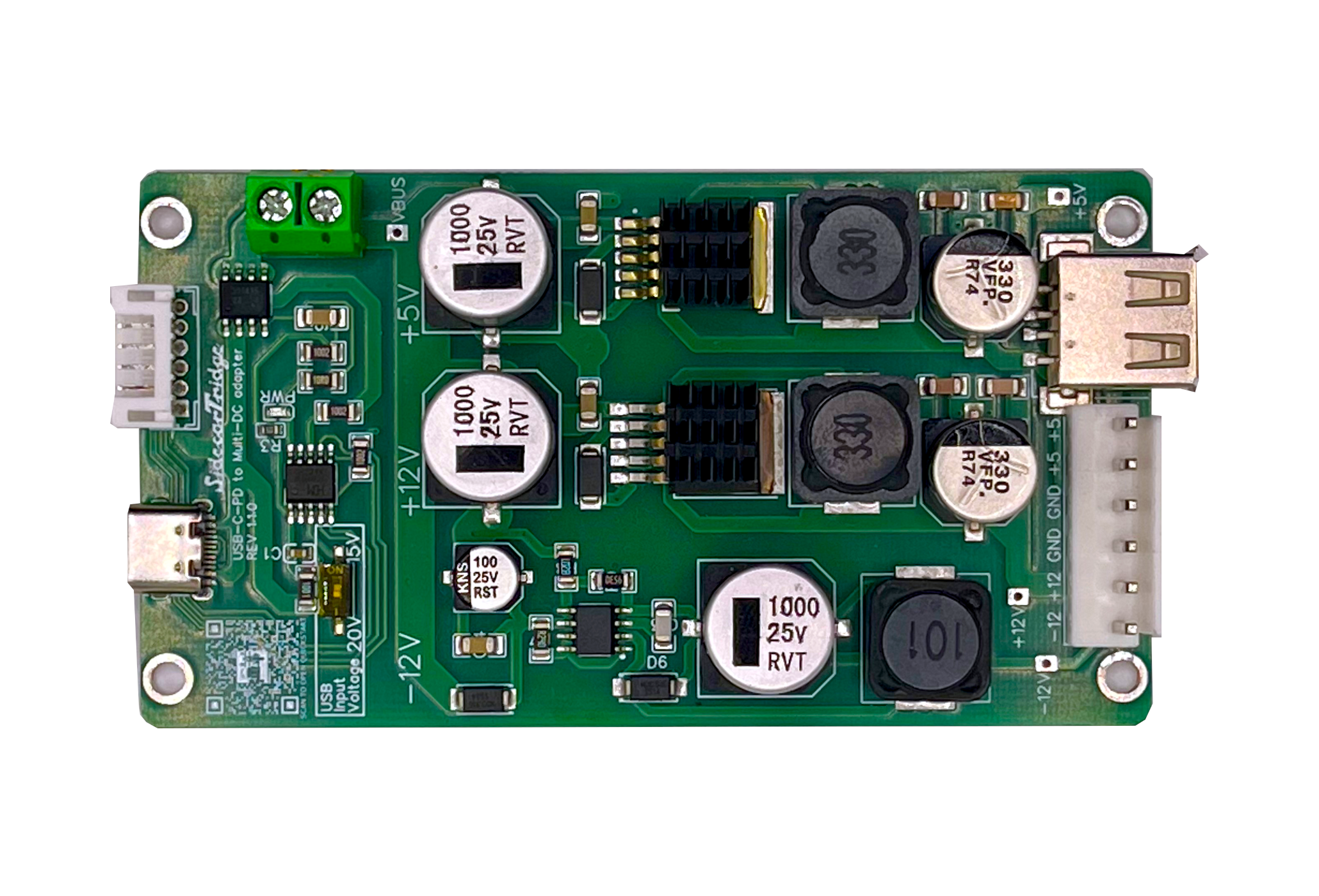
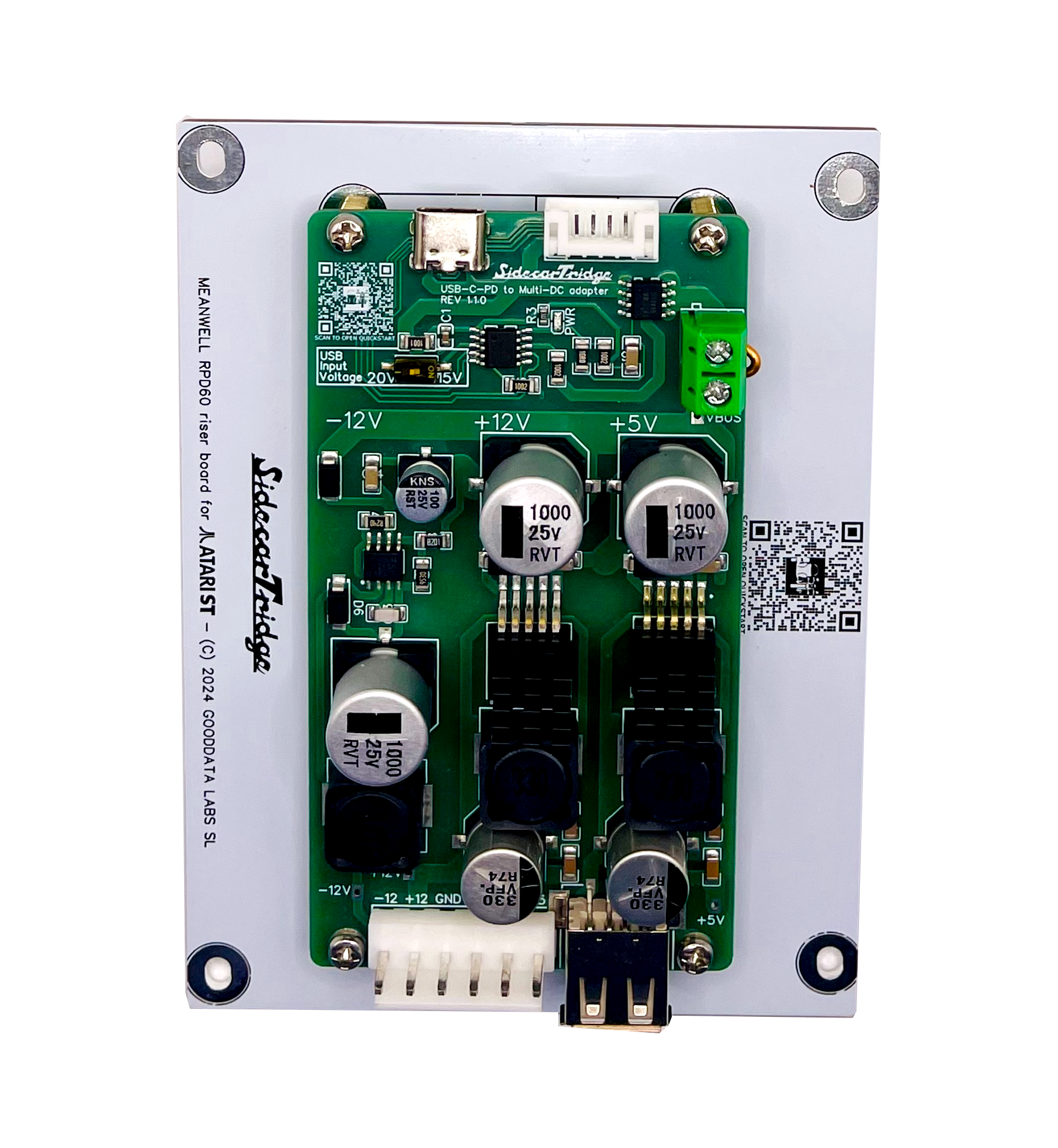
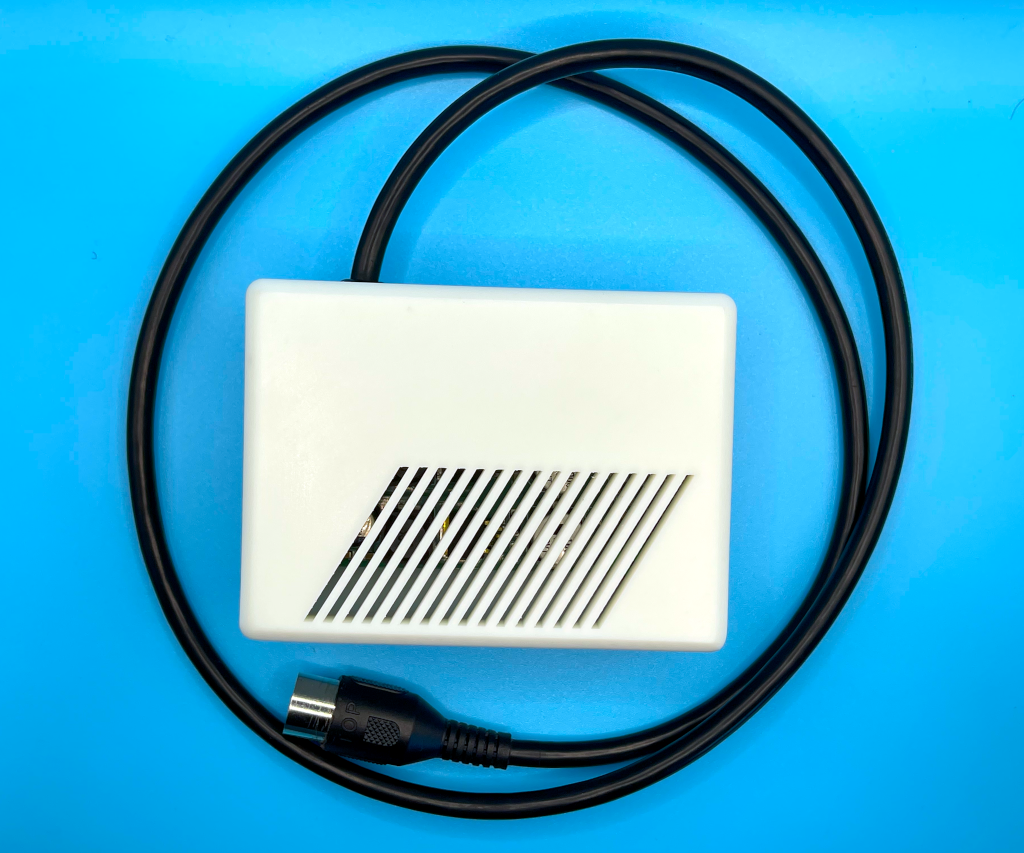
This is a fully assembled external PSU, built around the proven SidecarTridge USB-C PD Multi-Rail power board, installed in a custom enclosure with a high-quality manufactured harness.
It replaces the original Atari external PSU brick directly.
You connect:
- USB-C PD charger → PSU
- PSU → Atari ST power input
Done.
No opening the computer. No internal modifications. No soldering.
What It Delivers
The PSU generates the exact rails required by early external-PSU Atari ST models:
- +5 V
- +12 V
- −12 V
All rails are:
- Independently regulated
- Clean and stable
- Designed for modern expansion loads
This is especially important if you run:
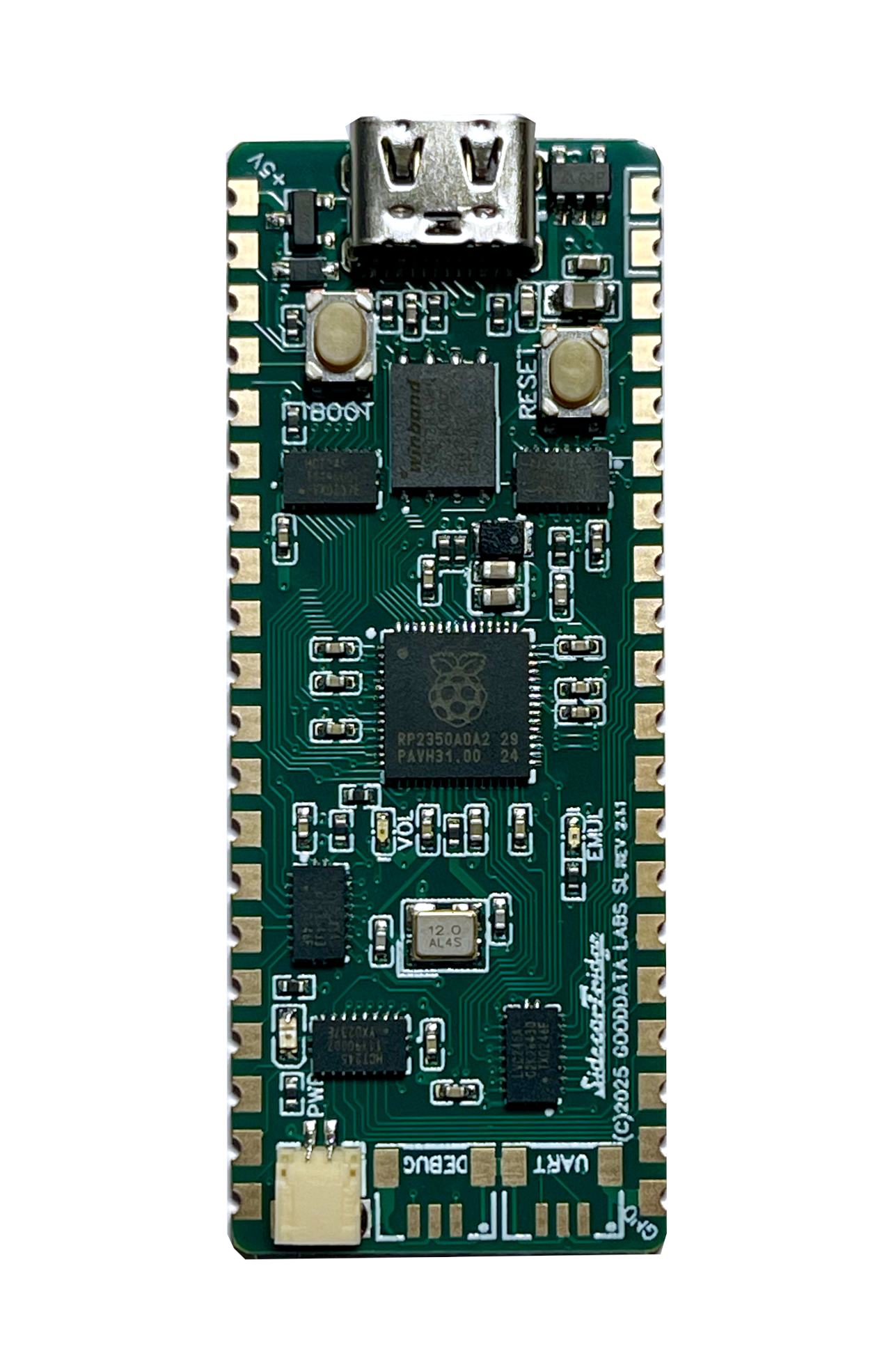
- SidecarTridge Multi-Device, TOS Emulator, or other add-on boards
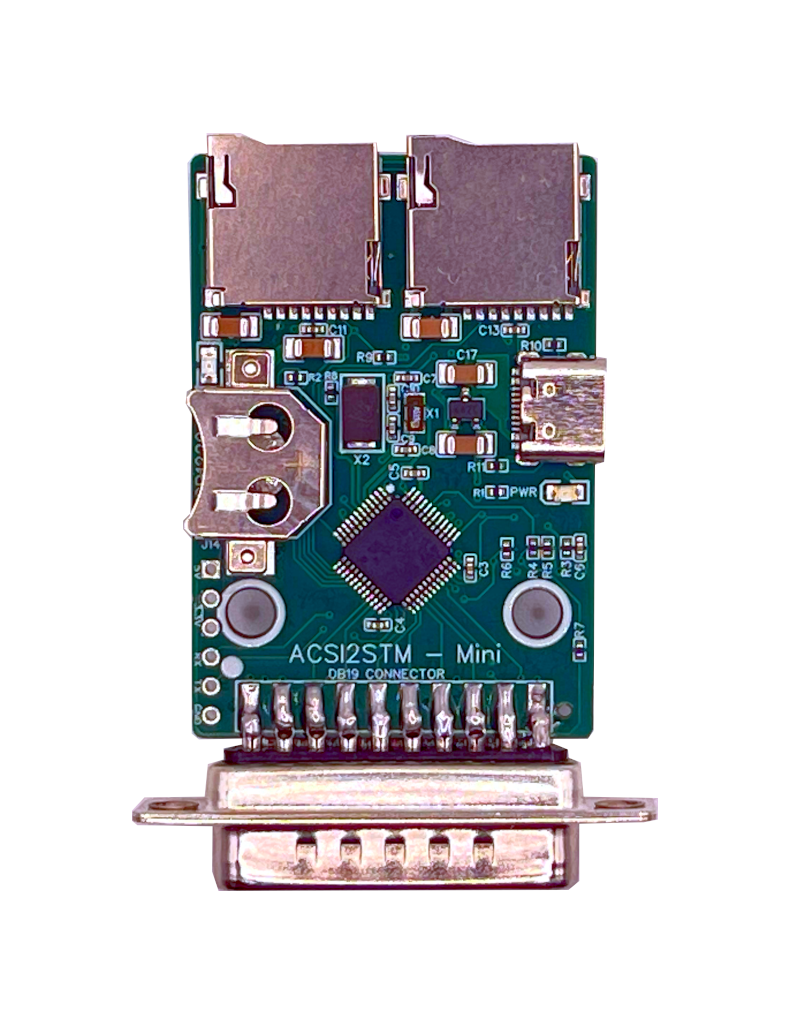
- ACSI2STM
- SatanDisk
Most “mysterious” expansion problems are actually weak +5 V rails from tired power bricks.
Built for Reliability
Unlike generic USB-C trigger boards or DIY PD adapters, this is:
- Purpose-designed for Atari ST power requirements
- Built using the official SidecarTridge multi-rail design
- Professionally assembled cable harness
- Housed in a dedicated resin enclosure
There is no AC mains inside the unit. The USB-C charger handles the high-voltage side. The PSU only works with low-voltage DC.
Safer. Cooler. More efficient.
USB-C PD Charger Requirements
Required
- USB-C Power Delivery (PD 3.0)
- Support for 15 V and 20 V profiles
- Recommended: 45 W minimum
- Cable rated for 45 W or higher (most USB-C PD cables are)
Important
- QC-only chargers are NOT supported
- PPS-only chargers are NOT supported
- Some PD 3.1 / EPR chargers may not negotiate correctly
If in doubt, use a tested laptop-class charger from a reputable brand. Tested adapters list.
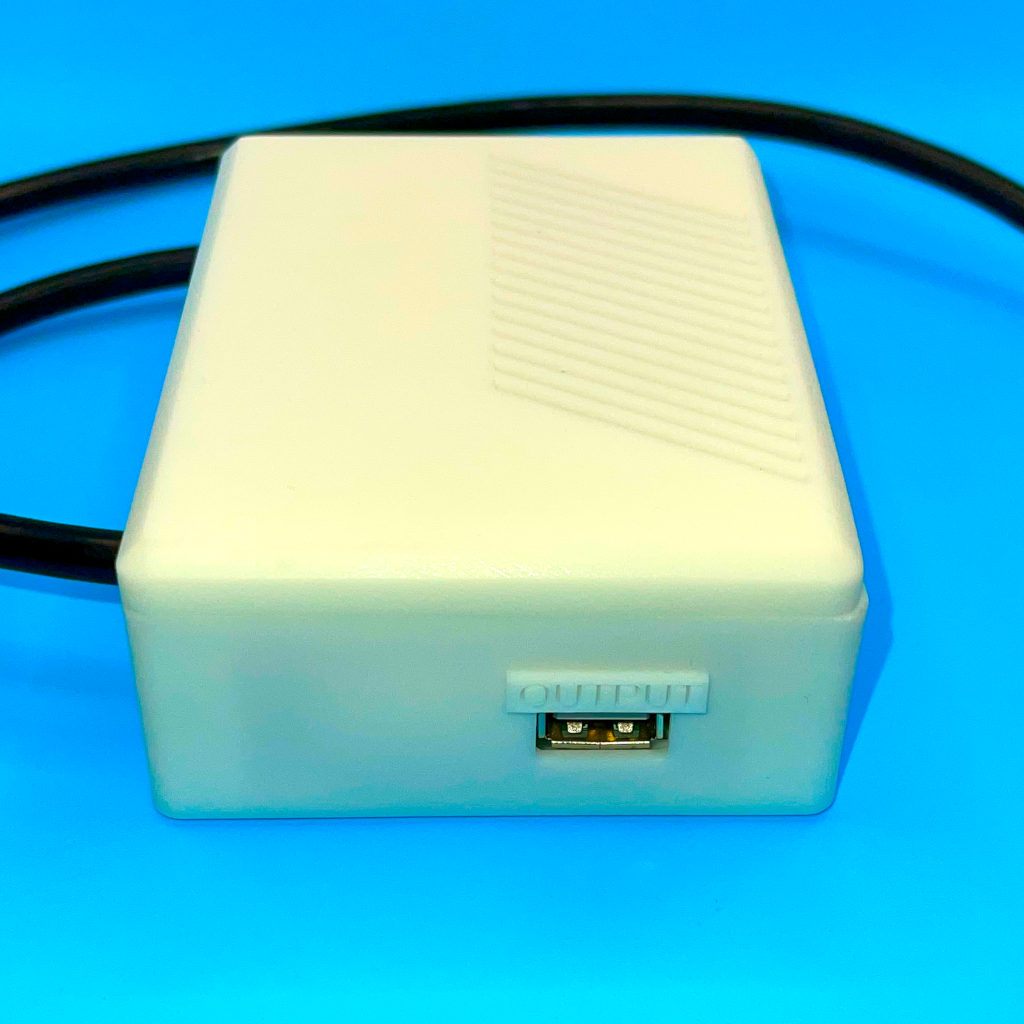
Integrated +5 V USB-A Output
The enclosure also provides a regulated +5 V USB-A output.
This can be used to power external storage devices like ACSI2STM, SatanDisk, or Gotek that can’t be powered from the ST’s internal lines.
Keep your power distribution clean and controlled.
Compatibility
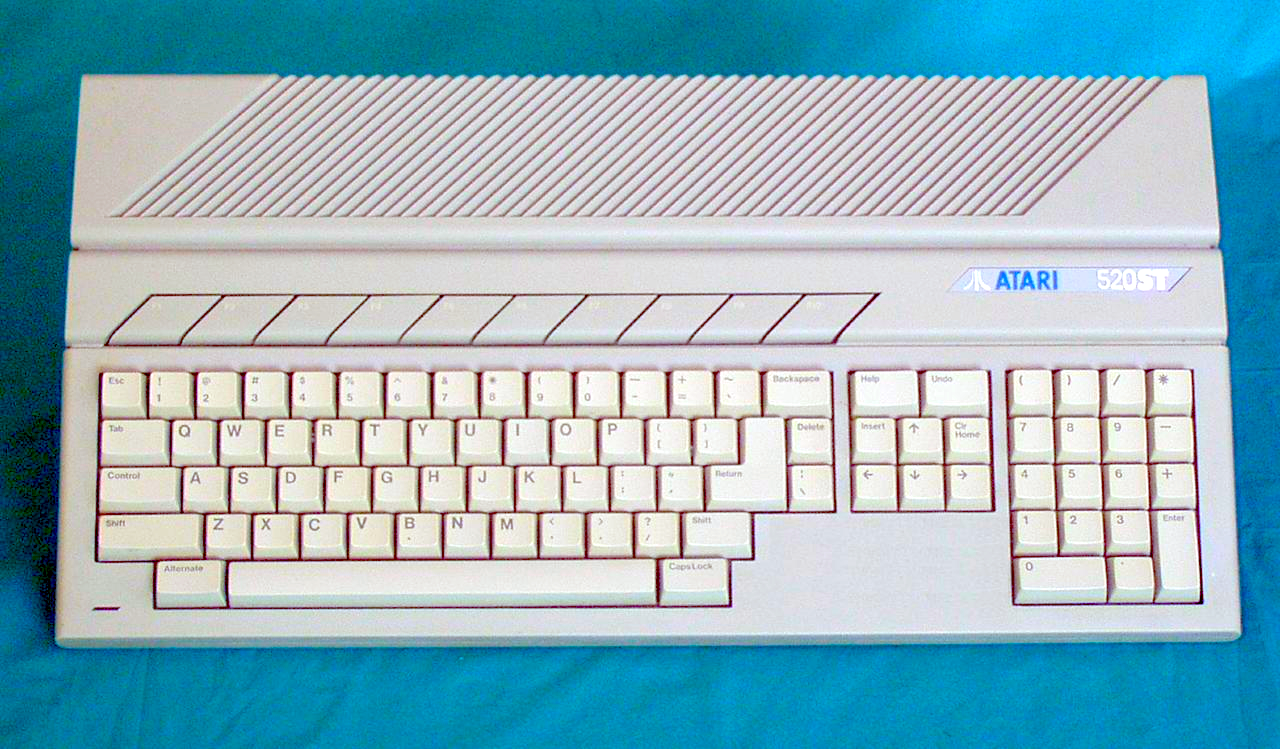
Designed for early Atari 520ST models (aka “short” models) with external PSU. This includes computers with the following motherboard revisions:
- C070115
- C070243
If you are unsure about your model, check before ordering. Need a drop-in internal PSU kit for STF/STE/Mega models instead? See the internal USB-C PD kit →
Why Replace the Original Brick?
Because it’s the weakest link.
Symptoms of aging Atari external PSUs:
- Random crashes
- Floppy read/write errors
- Video instability
- Warm or humming brick
- Measured +5 V below spec
Replacing the power source often fixes “mystery instability” instantly.
Power is the foundation. Everything else depends on it.
Contents
The External USB-C PD PSU for Atari ST includes:
- White resin enclosure, precision manufactured
- SidecarTridge USB-C PD Multi-Rail power board, pre-installed and fully wired
- 4 × M2 × 8 mm screws
-
1 meter high-quality cable harness, built by a specialized cabling manufacturer
- JST-VH 3.96 mm 6-pin connector
- 7-pin DIN connector for the Atari ST
- Rubber feet, pre-installed to prevent slipping and keep the enclosure stable on your desk
Everything is delivered fully assembled and ready to use.
No soldering. No internal modifications. No assembly required.
Connect your USB-C PD charger, plug the DIN connector into your ST, and power up.
Installation
Get a USB-C PD charger that meets the requirements. Unplug the old brick. Plug this in.
Frequently Asked Questions
What USB-C PD Power Adapter Do I Need?
You need a USB-C PD power adapter that can deliver at least 45W. We recommend using a high-quality, certified USB-C PD charger from reputable brands to ensure safety and reliability. Avoid using low-quality or unbranded chargers, as they may not provide stable power and could potentially damage your equipment.
Most modern USB-C PD chargers used for laptops and tablets meet these requirements. Please refer to the documentation site for a recommended list of USB-C PD power adapters.
What version of the USB-C PD standard is required?
The PSU requires a USB-C PD 3.0 compliant charger. Some chargers with PD 3.1 may not work properly—specifically chargers with support for Extended Power Range (EPR)—although they announce backwards compatibility with PD 3.0.
Do I need to open my Atari ST to install the PSU?
No. This is a complete external PSU replacement.
Unplug the old brick. Plug this in.
What is the weight of the PSU unit?
Approximately 250 grams.
Can the PSU harm my computer?
Since the PSU has been designed to meet the power requirements of the Atari ST series, it is unlikely to harm your computer. However, it is essential to follow the installation instructions carefully to ensure that the PSU is connected correctly and securely. If you have any concerns or questions about the installation process, please contact us for assistance.
Can the PSU power other devices like ACSI2STM, SatanDisk or Gotek?
Yes, the PSU provides a +5 V USB-A output that can be used to power storage units that can’t be powered from the ST’s internal power lines, such as ACSI2STM, SatanDisk, or Gotek. However, please ensure that the total power consumption of the connected devices does not exceed the output capabilities of the PSU.
I don’t have a compatible USB-C PD charger. Can you recommend one?
As a supporter of European brands, the Raspberry Pi 45 W USB-C Power Supply is an excellent and affordable option that meets all the requirements. However, any laptop-class USB-C PD charger from a reputable brand that supports the required power profiles (15 V or 20 V) and delivers at least 45 W should work. We recommend checking the list of tested USB-C PD power adapters for specific models that have been verified to work with our PSU.