




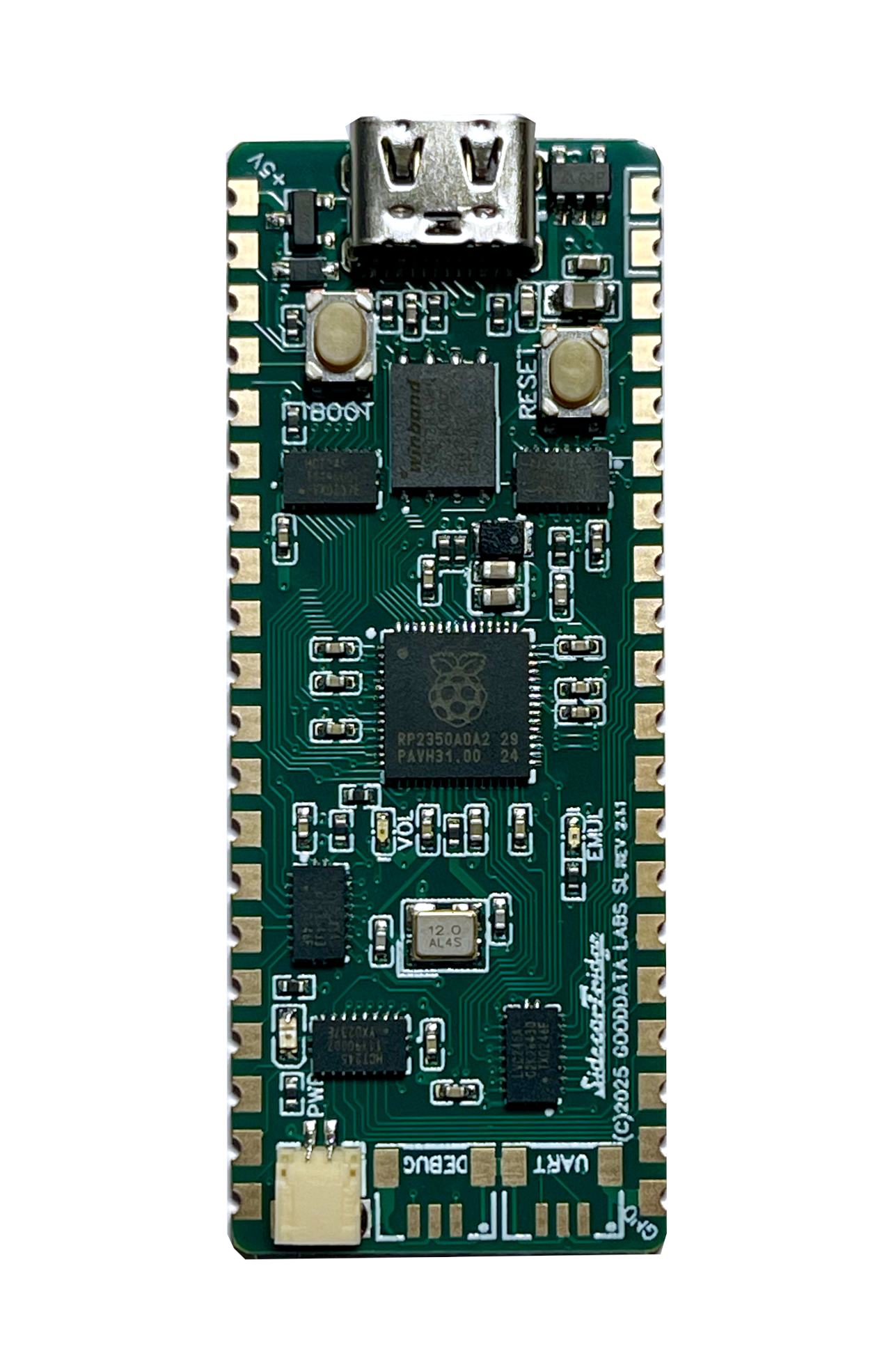
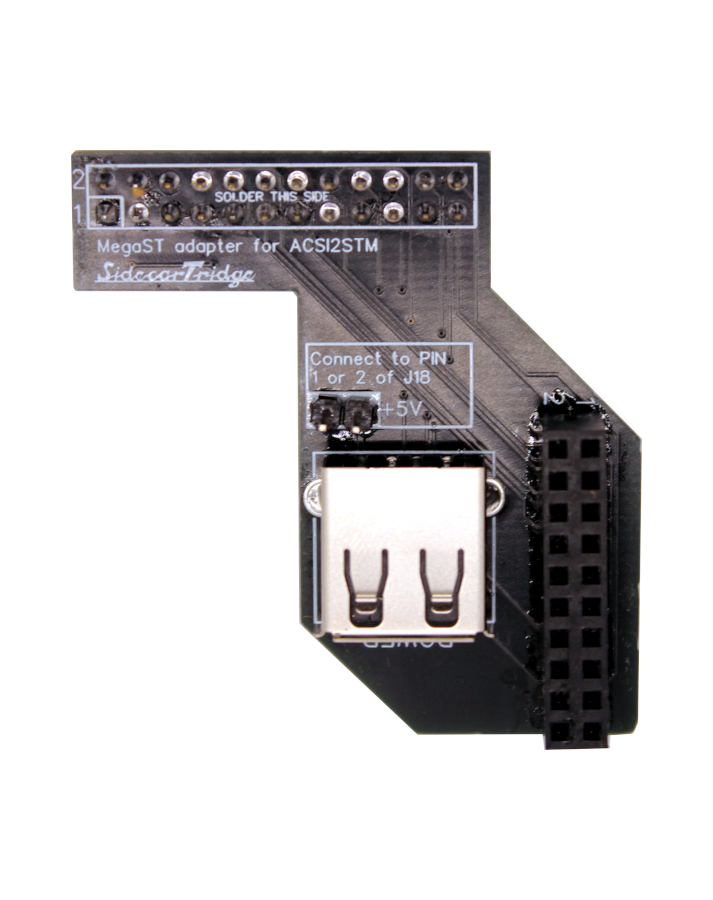
The tiniest hard disk device for Atari ST/MegaST/STE/MegaSTE
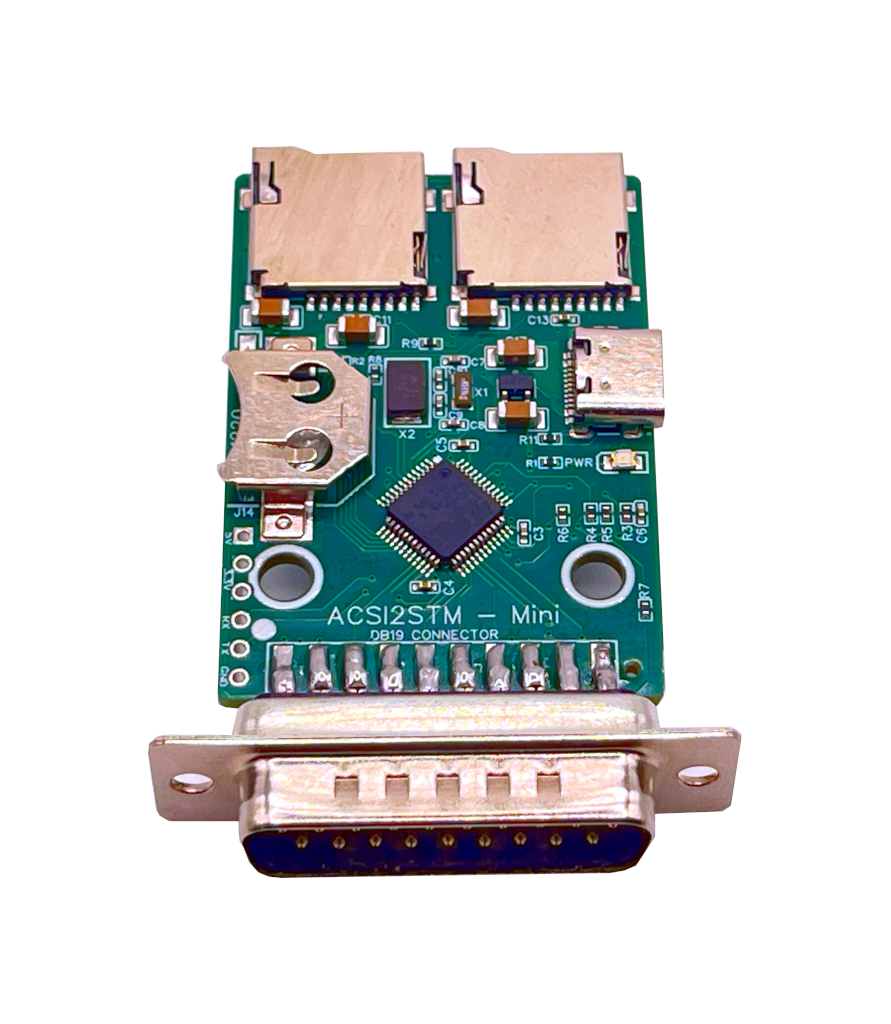
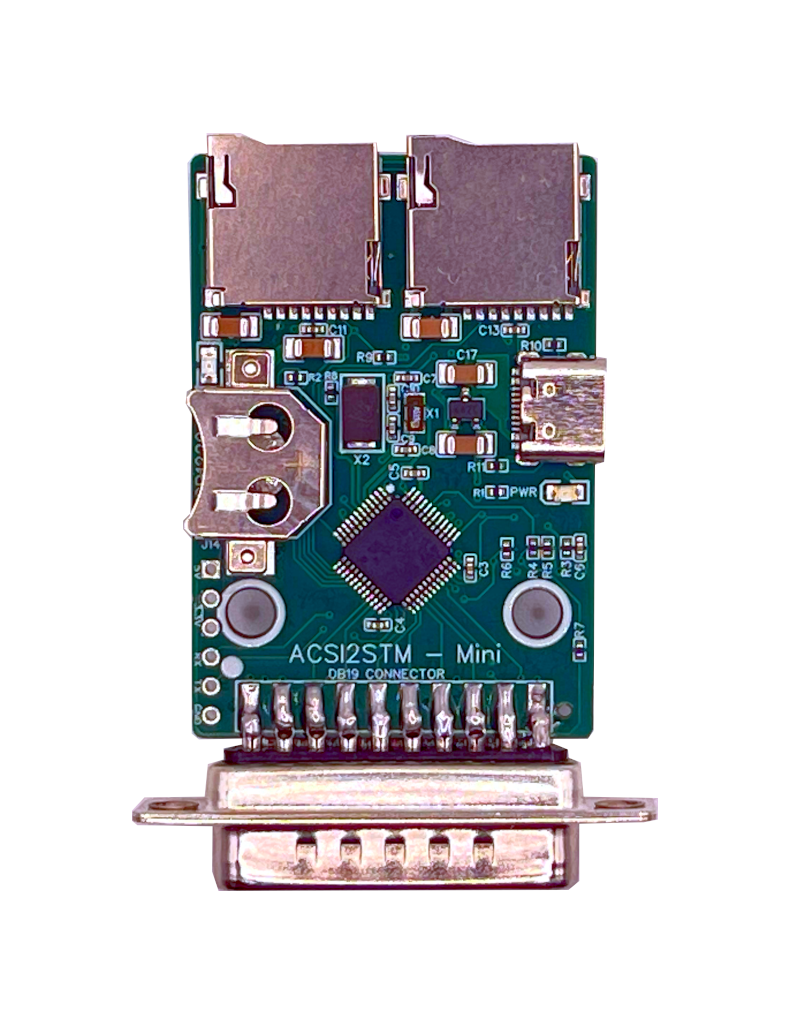
The ACSI2STM Mini is an ultra-compact, open-source modern hard disk device for Atari ST computers. Despite its tiny footprint, it lets you use modern SD cards as mass storage through the Atari’s ACSI port. Powered by an STM32 microcontroller, it delivers a reliable and cost-effective way to add solid-state storage to vintage Atari systems—without the bulk.
Same firmware, same capabilities as the ACSI2STM Compact, redesigned into the smallest possible form factor.
Hardware and Design
After extensive testing of the original ACSI2STM, SidecarTridge introduces a refined version focused on one clear goal: minimum size, maximum reliability.
-
Extremely Small Footprint: The ACSI2STM Mini is built on a 65 mm × 35 mm PCB, making it one of the smallest ACSI hard disk emulators available. It takes up virtually no space and keeps your Atari setup clean and uncluttered.
-
Direct DB-19 Connection: The compact board integrates a solid D-SUB DB-19 connector for a firm, dependable link to the Atari ACSI port, eliminating the loose-connection issues common with aging machines.
-
4-Layer PCB in a Mini Format: Despite its size, the board uses a 4-layer PCB to improve signal integrity and reduce noise, ensuring stable operation even on older, electrically noisy systems.
-
High-Quality microSD Slot: The same premium microSD connector used in the SidecarTridge Multi-device is fitted here, offering durability and a proper eject mechanism for easy card handling in a very small space.
-
Refined Crystal Oscillator Circuit: The oscillator circuit has been carefully recalibrated, with updated capacitor values to improve timing stability. This fixes rare boot and startup issues present in the original design. Full technical details are available in the linked GitHub issue discussion.
-
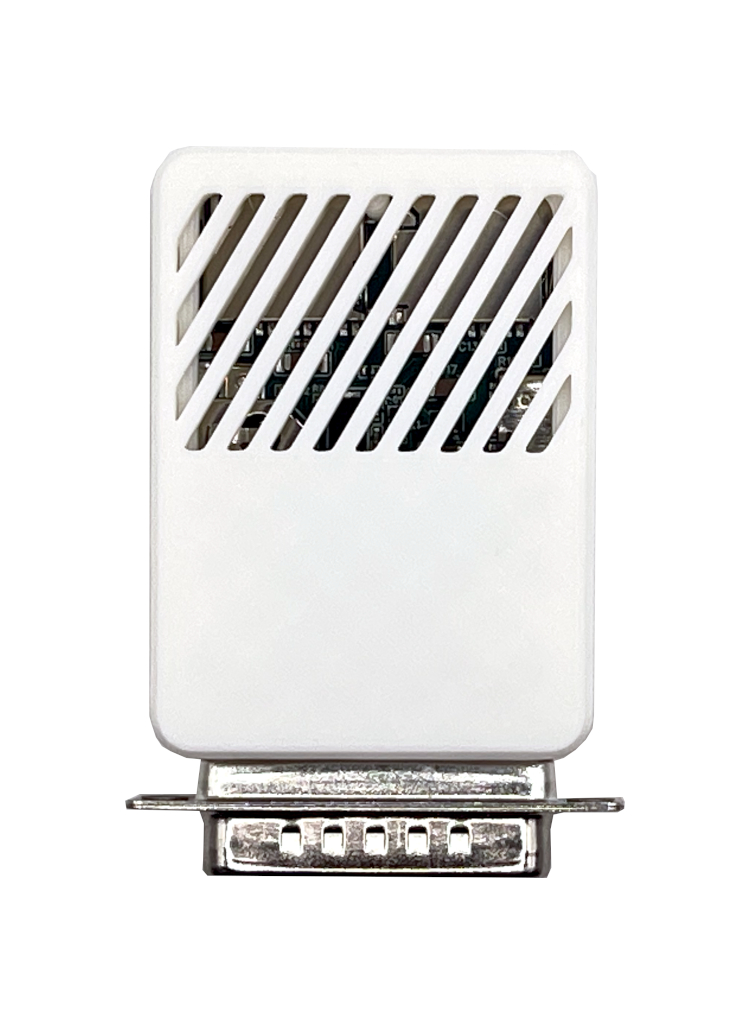
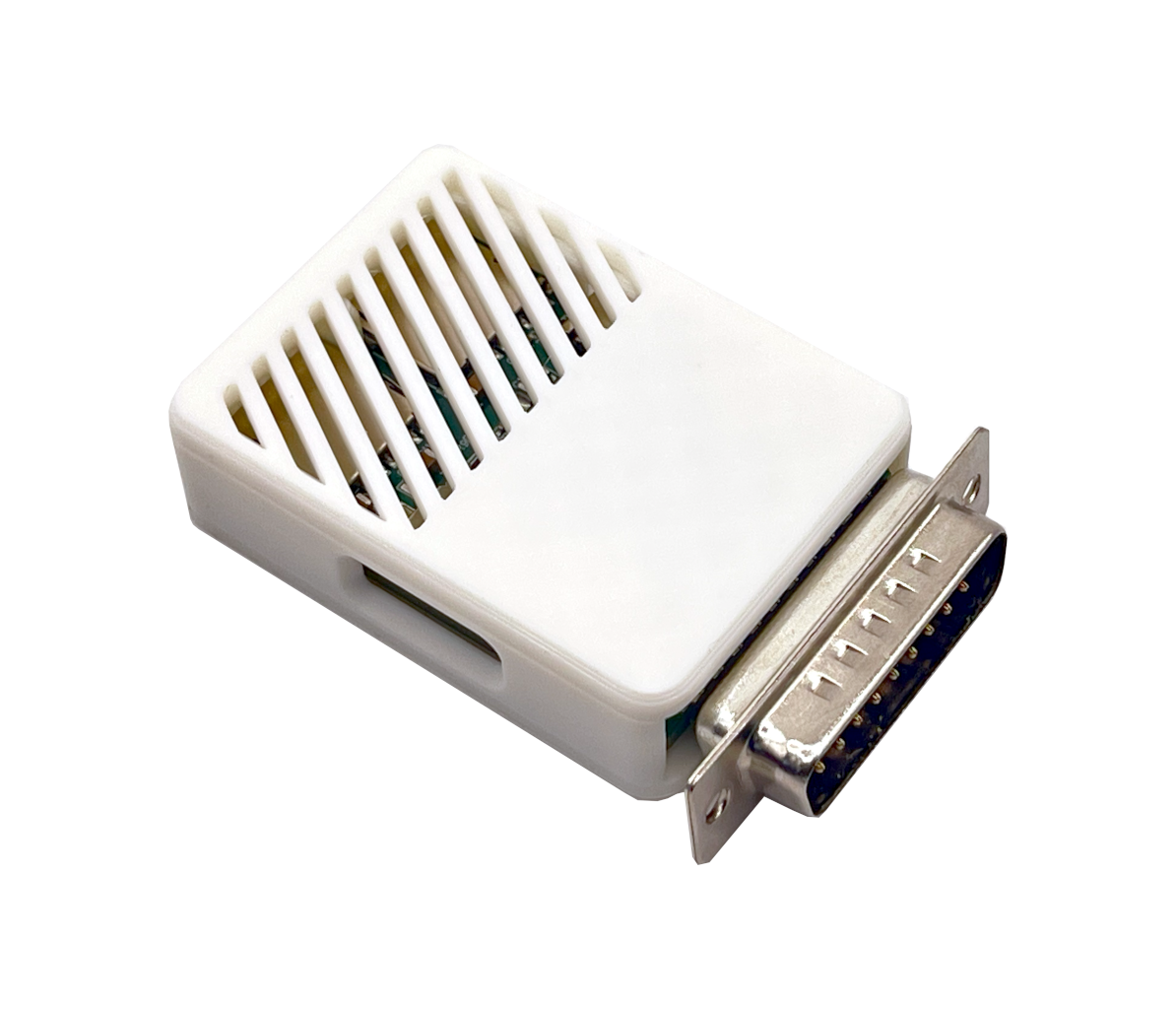
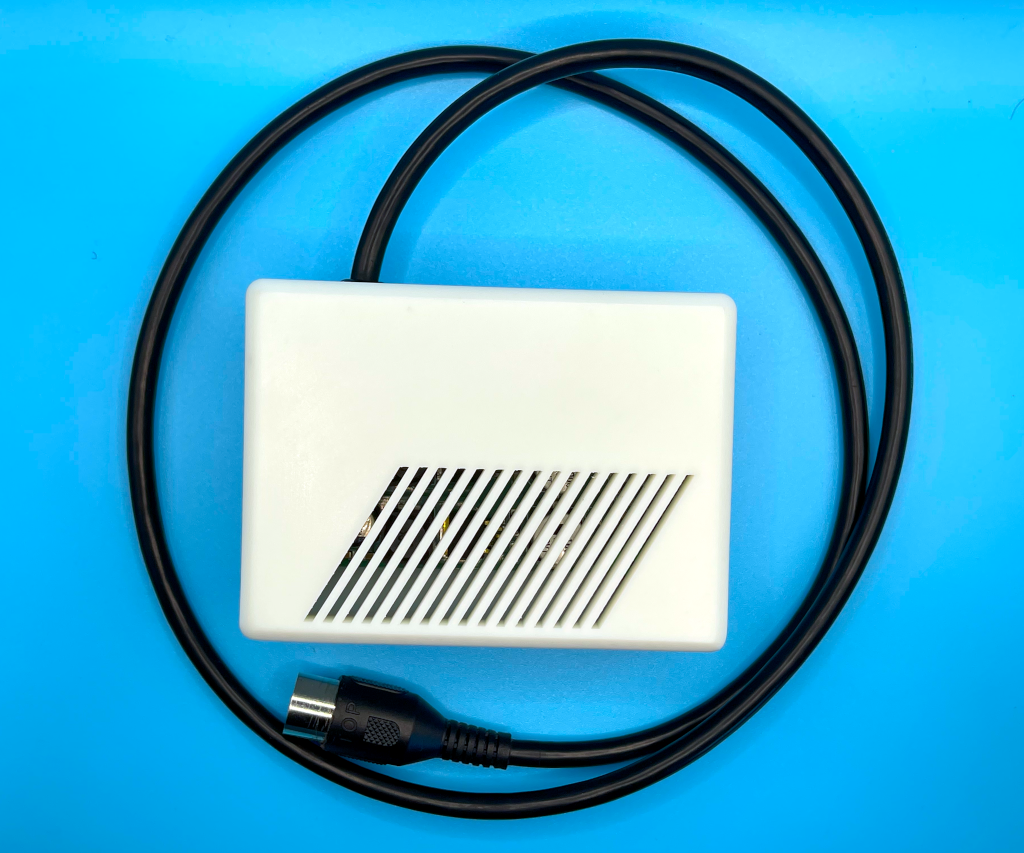
Purpose-built Enclosure Available: Unlike the Compact version, the Mini can be ordered with a custom enclosure for immediate, desk-ready use.
Functional Features (Same as ACSI2STM Compact)
The ACSI2STM Mini offers the same full feature set as its bigger brother, the ACSI2STM Compact, in a much smaller form factor:
-
Full Atari Compatibility: Works seamlessly with Atari 520 STF, 1040 STE, Mega ST, and Mega STE—identical compatibility to the ACSI2STM Compact.
-
Identical Operating Modes:
- GemDrive Mode: Native access to SD cards formatted as FAT16, FAT32, or ExFAT, with no drivers required. Files can be exchanged effortlessly between the Atari and modern computers.
- ACSI Mode: Full ACSI hard-disk emulation with multi-partition support, using standard Atari hard-disk drivers for maximum legacy software compatibility.
-
Built-in Real-Time Clock (RTC): UltraSatan-compatible RTC support is included, providing accurate system time just like the Compact version. Requires a 3 V lithium battery (CR1220 or CR1225, not included). (Smaller battery due to reduced board size.)
-
Upgradeable Firmware: Firmware updates are performed directly from the Atari, ensuring long-term support, improvements, and bug fixes—exactly the same update mechanism used by the ACSI2STM Compact.
Same features. Smaller board. No compromises.
Kits Available:
Choose board only if don’t want a case or you can 3D print one yourself. Choose board + enclosure for a ready-to-use desk setup.
ACSI2STM Mini board only:
When purchasing the ACSI2STM Mini, you’ll receive:
- A PCB with all components soldered and tested, including the DB-19 connector for the Atari ACSI port.
- Pre-installed latest stable firmware.
The user will need to provide:
- A USB-C cable to power the ACSI2STM.
- An SD, SDHC, or SDXC card to store files. They must be formatted in FAT16, FAT32, or ExFAT for GemDrive mode, or with Atari-compatible hard disk drivers for ACSI mode as described in the documentation.
- A functional Atari ST/MegaST/STE/MegaSTE/TT computer with an ACSI port.
- A 3V lithium battery (CR1220 or CR1225) for the RTC feature (optional).
ACSI2STM Mini board plus enclosure:
When purchasing the ACSI2STM Mini plus enclosure, you’ll receive:
- A PCB with all components soldered and tested, including the DB-19 connector for the Atari ACSI port.
- Pre-installed latest stable firmware.
- A custom 3D-printed enclosure designed specifically for the ACSI2STM Mini, providing protection and a professional look.
The user will need to provide:
- A USB-C cable to power the ACSI2STM.
- An SD, SDHC, or SDXC card to store files. They must be formatted in FAT16, FAT32, or ExFAT for GemDrive mode, or with Atari-compatible hard disk drivers for ACSI mode as described in the documentation.
- A functional Atari ST/MegaST/STE/MegaSTE/TT computer with an ACSI port.
- A 3V lithium battery (CR1220 or CR1225) for the RTC feature (optional).
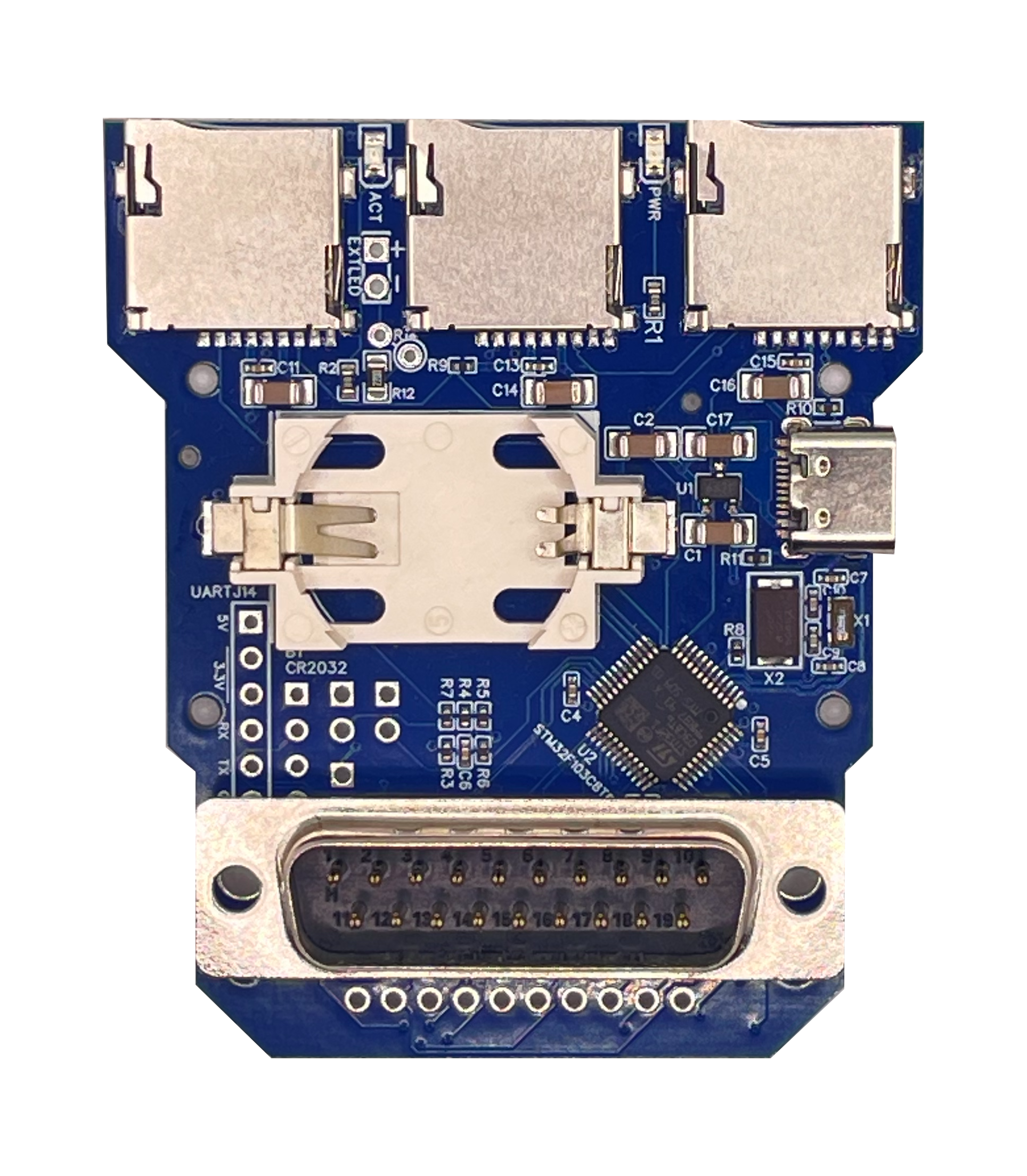
Comparing ACSI2STM Mini vs ACSI2STM Compact
| Feature | ACSI2STM Mini | ACSI2STM Compact |
|---|---|---|
| Audience | Users prioritizing size and simplicity | Users needing expansion and chaining |
| Dimensions | 65 mm × 35 mm | 70 mm × 60 mm |
| PCB Layers | 4-layer PCB | 4-layer PCB |
| ACSI Connector | Integrated DB-19 connector | Integrated DB-19 connector |
| Number of microSD Slots | 2 | 3 |
| Real-Time Clock (RTC) | Yes (CR1220 or CR1225) | Yes (CR2032) |
| Firmware Upgrade | Via Atari/Serial | Via Atari/Serial |
| Operating Modes | GemDrive & ACSI | GemDrive & ACSI |
| Power Supply | USB-C cable (not included) | USB-C cable (not included) |
| Enclosure Option | Yes | No |
| IDC20 Connector for Satan Disk | No | Yes |
| External LED Connector | No | Yes |
Installation
The ACSI2STM Mini is already pre-assembled and embeds the latest firmware, making it ready for use out of the box. The only steps required are to prepare an SD card and connect to your Atari system:
1. SD Card Preparation
- For GemDrive Mode: Format the SD card with FAT16, FAT32, or ExFAT to allow the Atari to access files directly without additional drivers.
- For ACSI Mode: Create disk images or partitions compatible with Atari’s hard disk drivers for legacy software.
2. Operation
- Insert the prepared SD cards into the slots.
- Connect the ACSI2STM to the Atari’s ACSI port.
- Power the ACSI2STM using a USB-C cable (not included).
- Power on the system. The Atari should detect the SD card as a hard drive, ready for file storage and retrieval.
This product is intended for users familiar with vintage computer hardware. While we offer support for hardware setup and firmware installation, the firmware is provided as-is. It is actively and continuously developed, and we encourage users to contribute by reporting bugs and suggesting features on the GitHub repository.
Frequently Asked Questions
Should I choose the ACSI2STM Mini or the Compact?
Choose the Mini if you want the smallest possible device with all core features. Choose the Compact if you need daisy-chaining, external LEDs, or SatanDisk compatibility.
Is the SidecarTridge ACSI2STM Mini compatible with the original ACSI2STM firmware?
Yes, the SidecarTridge ACSI2STM Mini is 100% compatible with the original ACSI2STM firmware.
What is the difference between GEMDRIVE and ACSI modes?
- GEMDRIVE Mode: Allows easy file transfers between Atari and modern PCs using FAT16, FAT32, or ExFAT formatted SD cards. No additional drivers are needed.
- ACSI Mode: Emulates a traditional ACSI hard drive, supporting legacy Atari software with custom partitions. Requires Atari hard disk drivers like HDDRIVER or ICD Pro.
Choose GEMDRIVE for convenience and modern workflows, and ACSI for full compatibility with vintage software.
Why do I need a USB-C cable?
The ACSI2STM Mini requires a USB-C cable to power the device because it cannot draw enough power from the Atari’s ACSI port. The USB-C cable should be connected to a USB power source, such as a computer, USB charger, SidecarTridge Multi-device, or a USB power bank.
Can I use the ACSI2STM Mini with SidecarTridge Multi-device?
Yes, the ACSI2STM Mini is compatible with the SidecarTridge Multi-device, allowing you to connect multiple devices to your Atari simultaneously. The SidecarTridge Multi-device can power the ACSI2STM Mini using its USB-C port, simplifying the setup and reducing cable clutter.
My Atari STE suffers from the Bad-DMA issue. Can I use the ACSI2STM Mini?
The latest firmware of the ACSI2STM Mini includes a workaround for the Bad-DMA issue on Atari STE computers called PIO mode. You must enable this mode by following the instructions in the documentation. PIO mode may reduce the performance of the ACSI2STM Mini by a factor of 10, but it ensures compatibility with Atari STE computers affected by the Bad-DMA issue.
Can I upgrade the firmware of the ACSI2STM Mini from the Atari itself?
Yes, the latest firmware of the ACSI2STM can be updated directly from the Atari using the firmware update utility. This feature ensures that you can benefit from future enhancements and bug fixes without needing additional hardware or tools.
What is the difference between the GEMDRIVE in the ACSI2STM and the SidecarTridge Multi-device?
Both implementations are inspired by the Hatari emulator. The GEMDRIVE in the ACSI2STM uses the specific messaging system of the ACSI device to communicate with the Atari, but in the SidecarTridge Multi-device, the GEMDRIVE uses the messaging system implemented over the cartridge port. Both try to bypass the limitations of the Atari ST operating system to access small disk drives.
I want a case for my device. Where can I find one?
Now you can buy the ACSI2STM Mini with a custom enclosure designed specifically for it. But you can also 3D print your own case using the STL files available in the Printables page,
Can I connect an External LED connector to the ACSI2STM?
No, the ACSI2STM Mini does not have an external LED connector. This feature is only available on the ACSI2STM Compact version.
Can I connect multiple ACSI2STM Mini devices to my Atari?
No, the device does not support daisy-chaining multiple ACSI2STM Mini devices. This feature is only available on the ACSI2STM Compact version.
Can I connect the ACSI2STM Mini to the IDC20 port of the Satan Disk adapter?
No, the ACSI2STM Mini is designed to connect directly to the Atari’s ACSI port via its DB-19 connector. It is not compatible with the IDC20 port of the Satan Disk adapter.
Can I connect the ACSI2STM Mini to the internal ACSI port of the Atari Mega STE?
No, the ACSI2STM Mini is designed to connect only to the external ACSI port of the Atari Mega STE via its DB-19 connector.
Is this product for me?
This is a homebrew product designed for hobbyists with a keen interest in experimenting with their computers. If you seek a seamless, Apple-like experience, it will not meet your expectations.
Why can’t I access the store even though you ship to my country?
Access to our products and community spaces requires basic respect. We have zero tolerance for harassment, personal attacks, abusive behavior, or defamatory content toward our team or community. We operate under a simple principle: don’t be abusive. If that principle is violated, access will be revoked. We build for people who enjoy experimenting, not creating hostility.
More information
- Documentation: You can read the guides in our documentation section.
- 3D Print Files: STL files for 3D printing the ACSI2STM Mini enclosure are available on Printables.
- Project Repository: Detailed guides and tutorials are available on the project’s GitHub repository, covering hardware setup, firmware installation, and SD card preparation.
- License: The ACSI2STM is an open-source project released under the GNU License. You can access the source code and contribute to the project on the GitHub repository.
Same features. Smaller board. No compromises.