



SidecarTridge Kickstart Emulator Firmware
The SidecarTridge Kickstart Emulator firmware runs on Raspberry RP2350 and enables communication with the Amiga 500/2000.
Need hardware specs or ordering info? See the SidecarTridge Kickstart Emulator product page.
Release Types
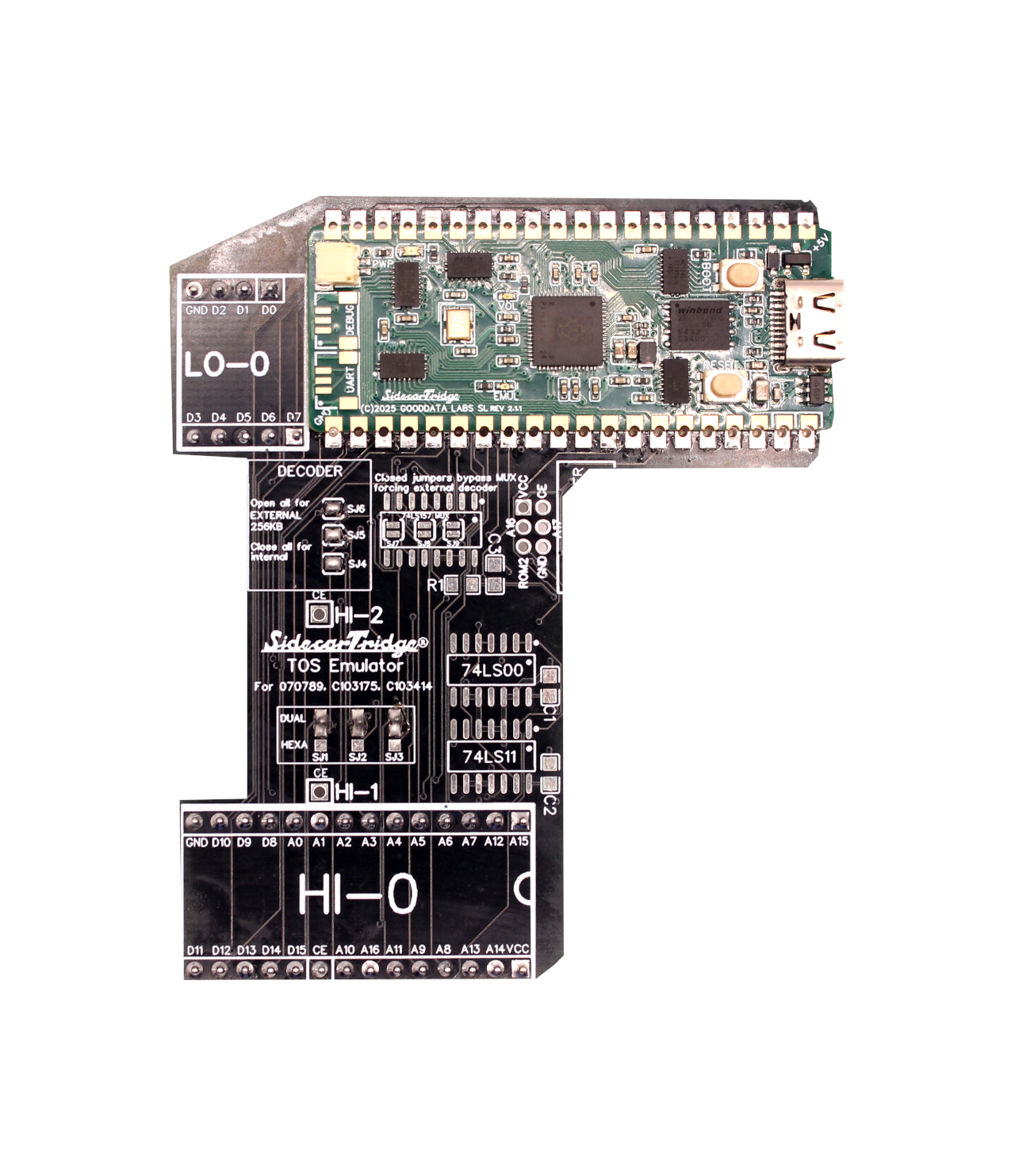
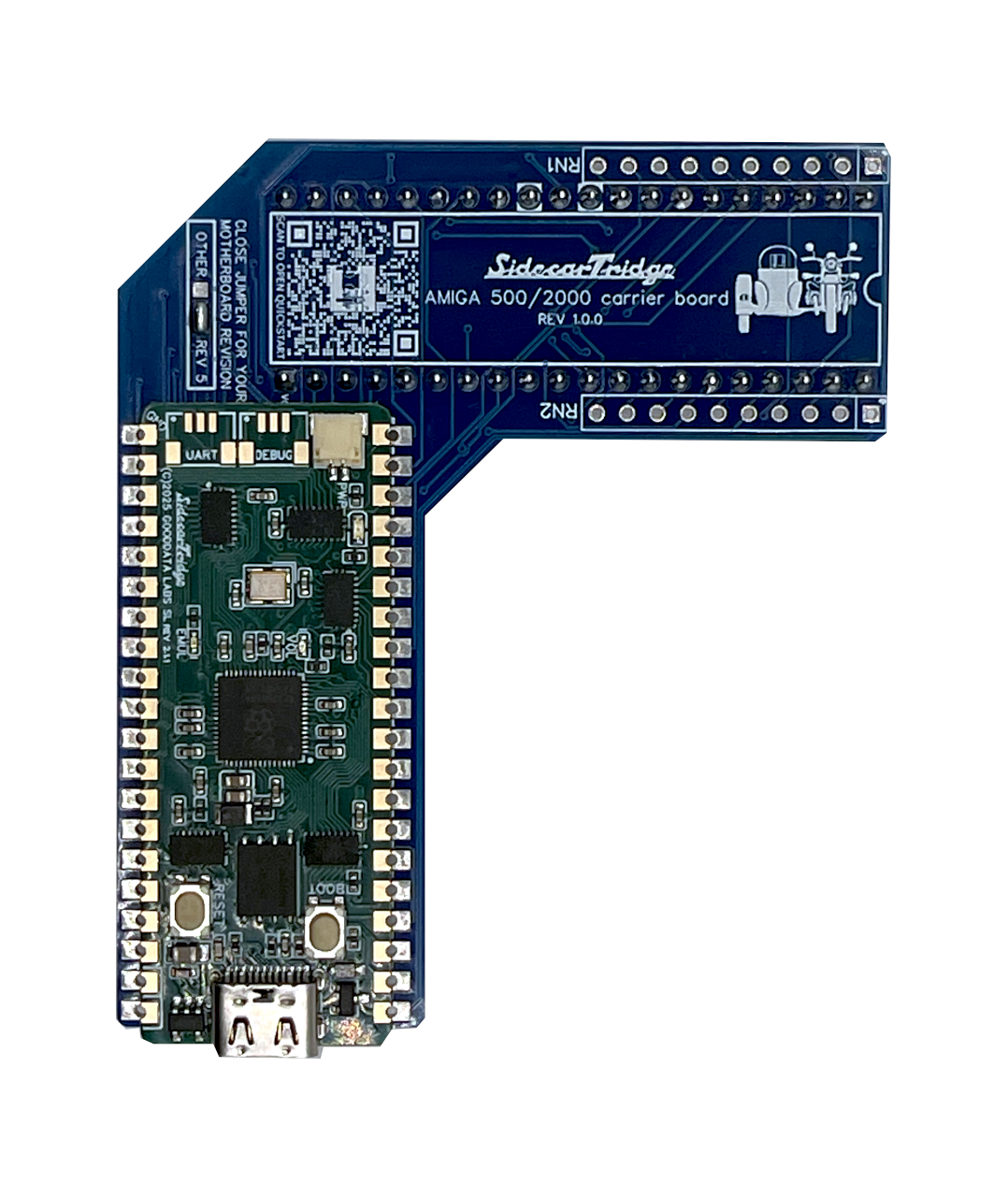
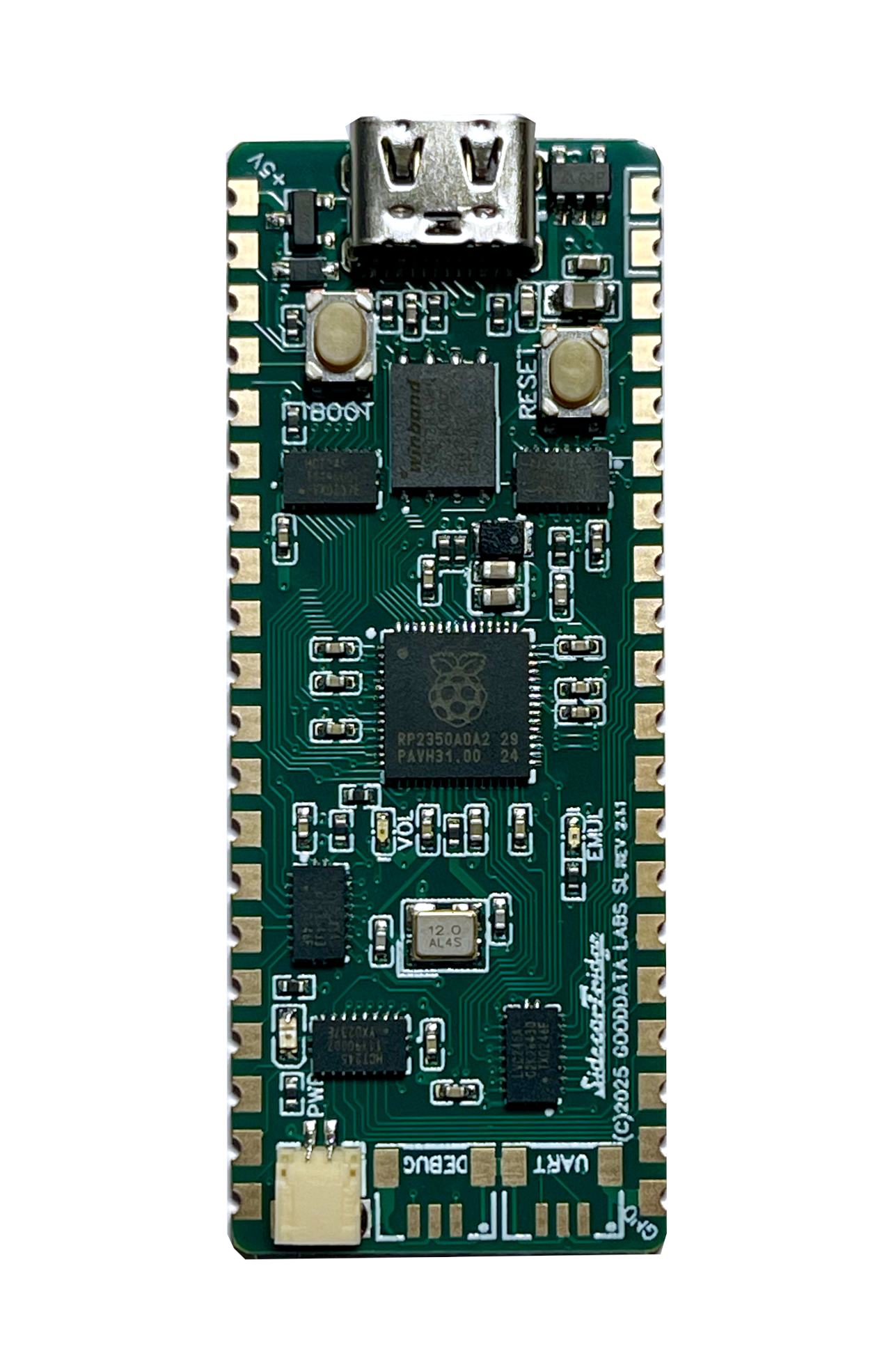
A v3 Kickstart Emulator board is based on the Raspberry Pi RP2350 microcontroller and is mounted directly on top of the computer’s carrier board with a soldered castellated board. This version when connected via USB or to the computer, there is a red LED to indicate power. It also has a green LED to indicate the firmware is running, and an orange LED to indicate the internal USB drive is mounted.
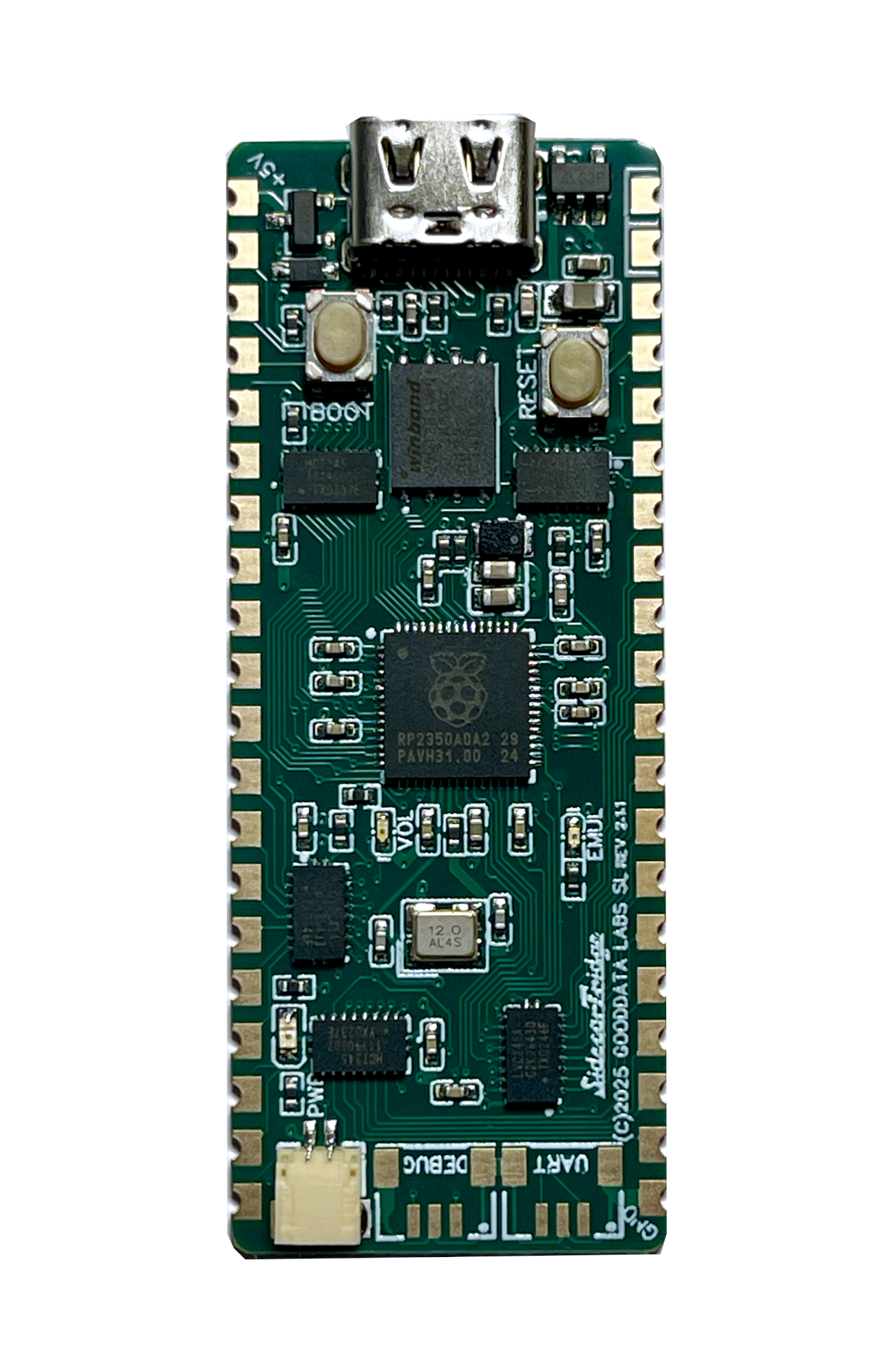
Installing or updating the firmware is as simple as copying the firmware file to the RP2350 USB drive. Please follow the Update the firmware guide.
🚀 Latest STABLE Release for v3 BoardsSTABLE
You can read the Change Log for the latest features and improvements.
These firmware versions will DELETE and OVERWRITE the existing ROM images.
- Firmware for Amiga 500/2000 new installation: sidecartridge-kickstart-diagrom-v3.1.0.uf2
Latest STABLE Releases v3.1.0 (UPGRADE)
These firmware versions will NOT overwrite the existing ROM images and are valid for any Amiga 500/2000 model.
- Firmware for upgrading all models: sidecartridge-kickstart-v3.1.0.uf2
SWITCHER Application
The SWITCHER application is a straightforward Amiga OS application for Amiga computers, enabling you to hot-swap between different ROM versions on the SidecarTridge Kickstart Emulator.
Latest STABLE release
- Amiga OS Application: Copy to your Amiga computer and remove the trailing version number renaming to
SWITCHERand run it SWITCHER.v3.1.0 - .ADF floppy disk image: Floppy image file in .ADF format compatible with floppy emulators like Gotek. switcher-v3.1.0.adf
- .ST floppy disk image for EmuTOS: Floppy image file in .ST format compatible with EmuTOS. switcher-v3.1.0.st
✅ Before You Start
Before updating your SidecarTridge Kickstart Emulator firmware:
- Ensure the Kickstart binary files are safe and backed up. The firmware update will overwrite existing Kickstart ROM images.
- Ensure your Kickstart Emulator is connected via USB.
- Have the
.uf2firmware file ready to copy. - Follow the Update the firmware guide for step-by-step instructions.
ℹ️ What’s the Difference Between STABLE, BETA, and ALPHA Releases?
-
STABLE Release STABLE
Fully tested, production-quality firmware.
Recommended for normal use on real Amiga 500/2000 machines. Safe, reliable. -
BETA Release BETA
A release candidate. Includes new features or fixes that are still being tested.
Suitable for experienced users or developers who want to try the latest improvements. May have minor bugs. -
ALPHA Release ALPHA
Experimental firmware. Early version of new features under active development.
Intended for developers, testers, and very advanced users. May be unstable or incomplete.
👉 If in doubt, always use the STABLE release.