





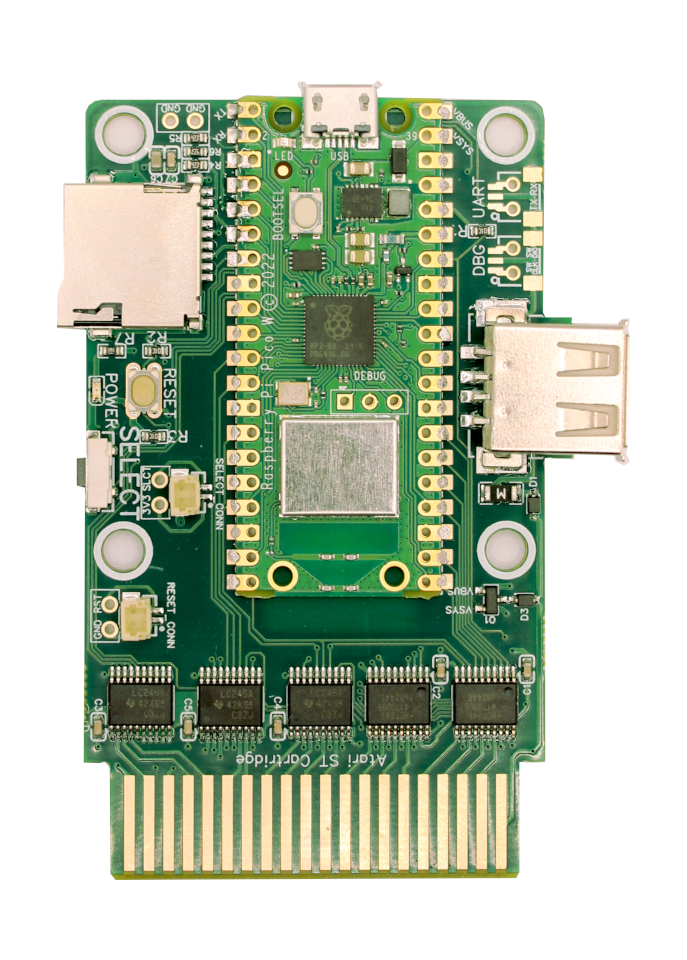
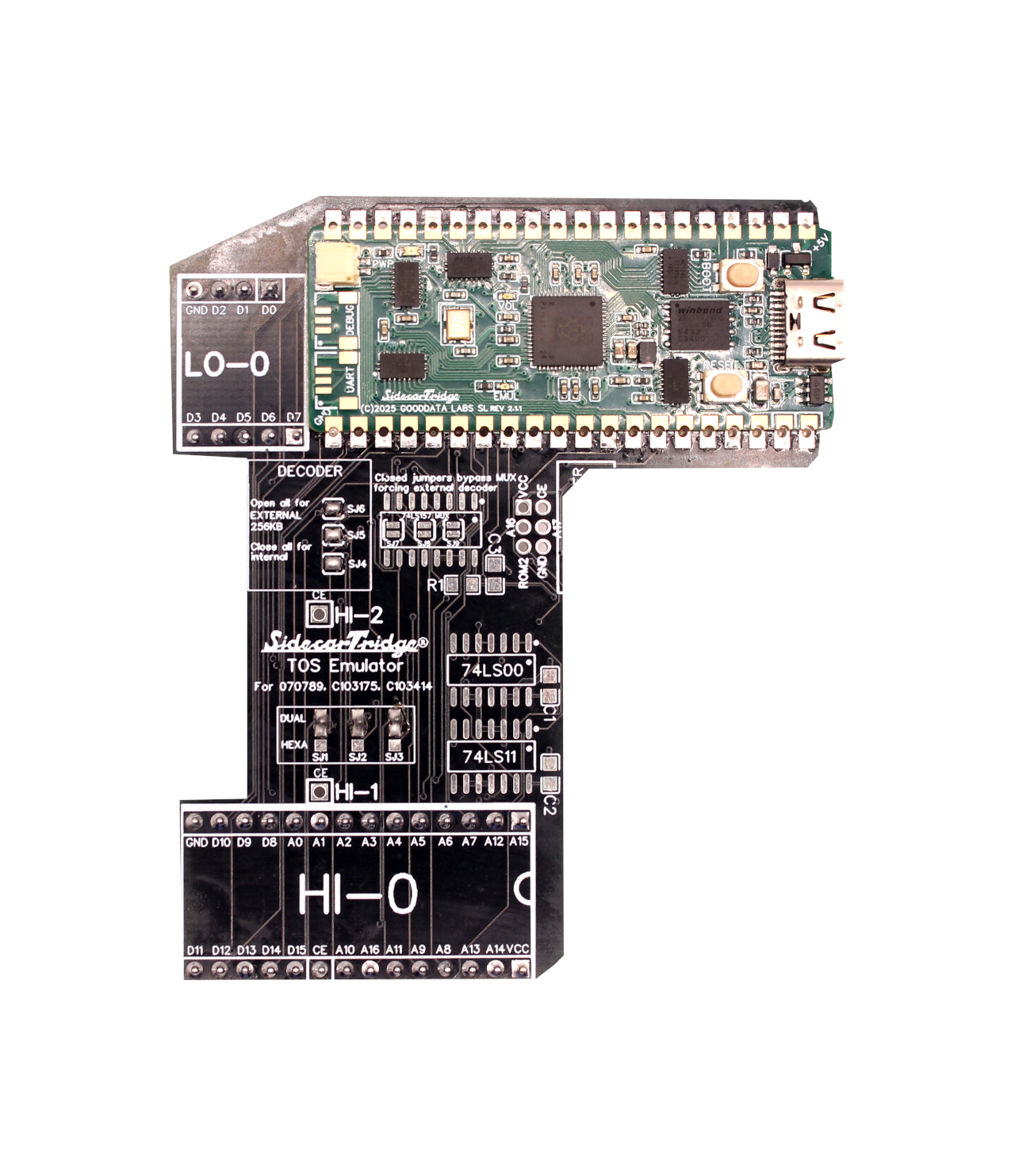
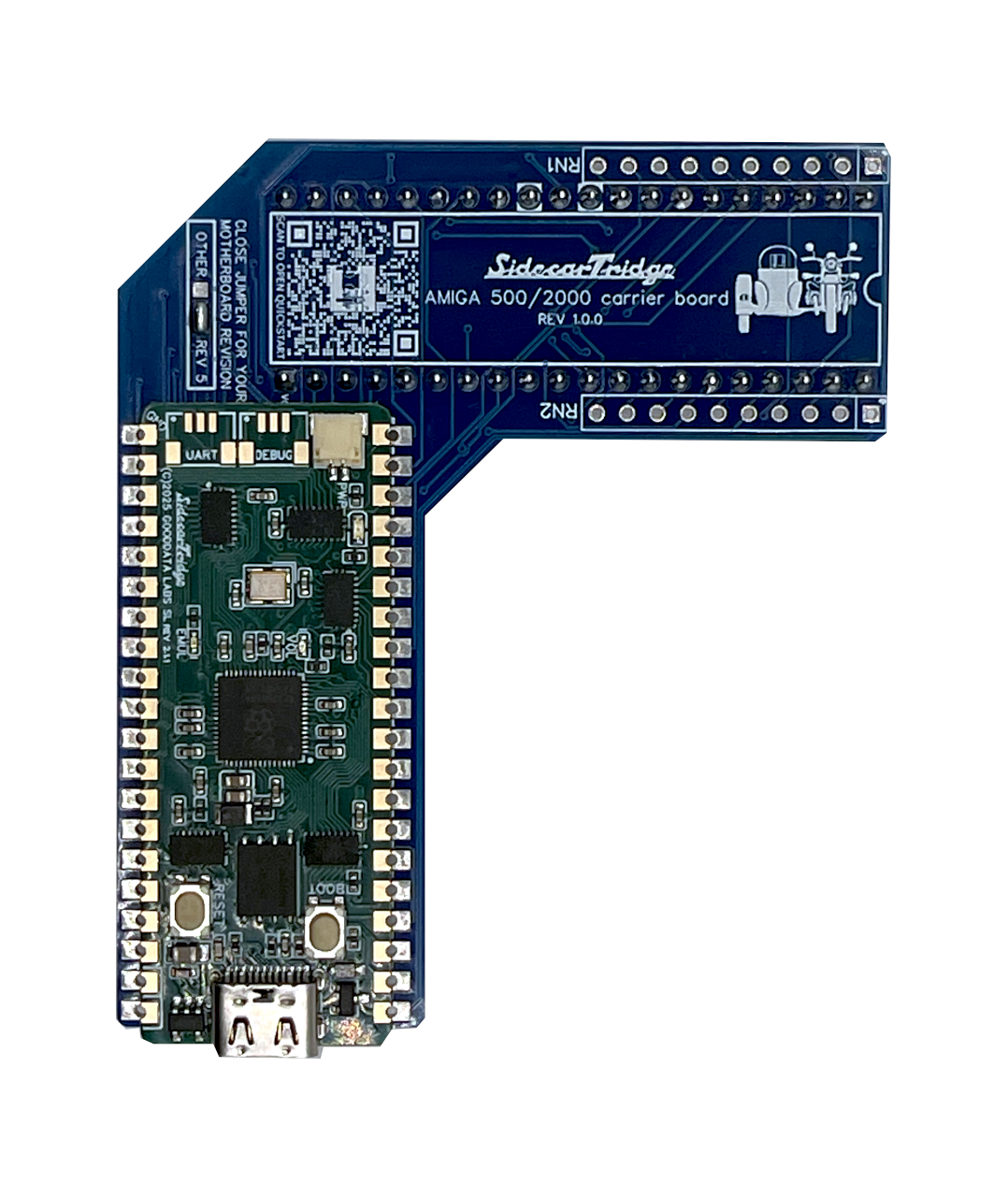
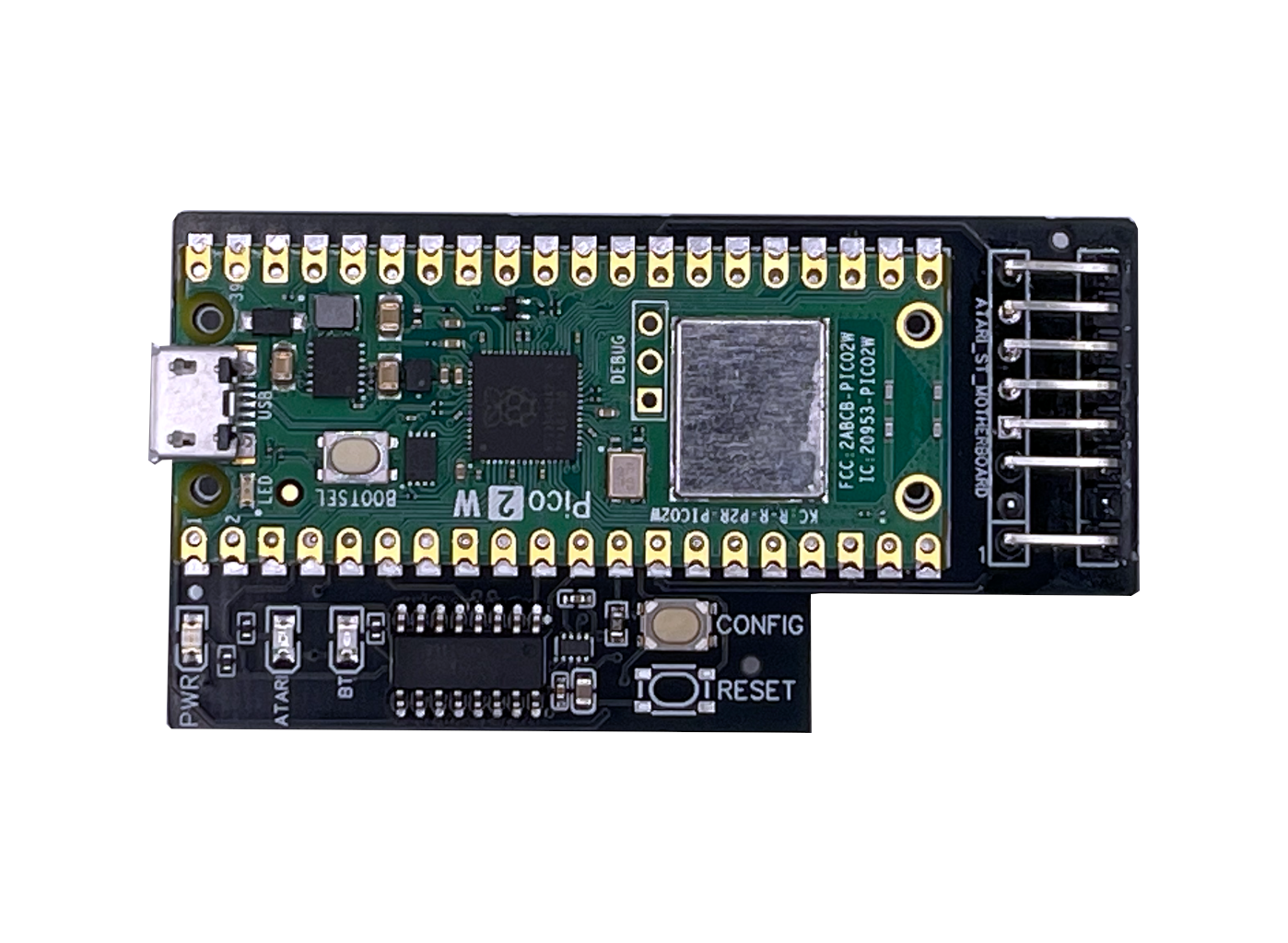
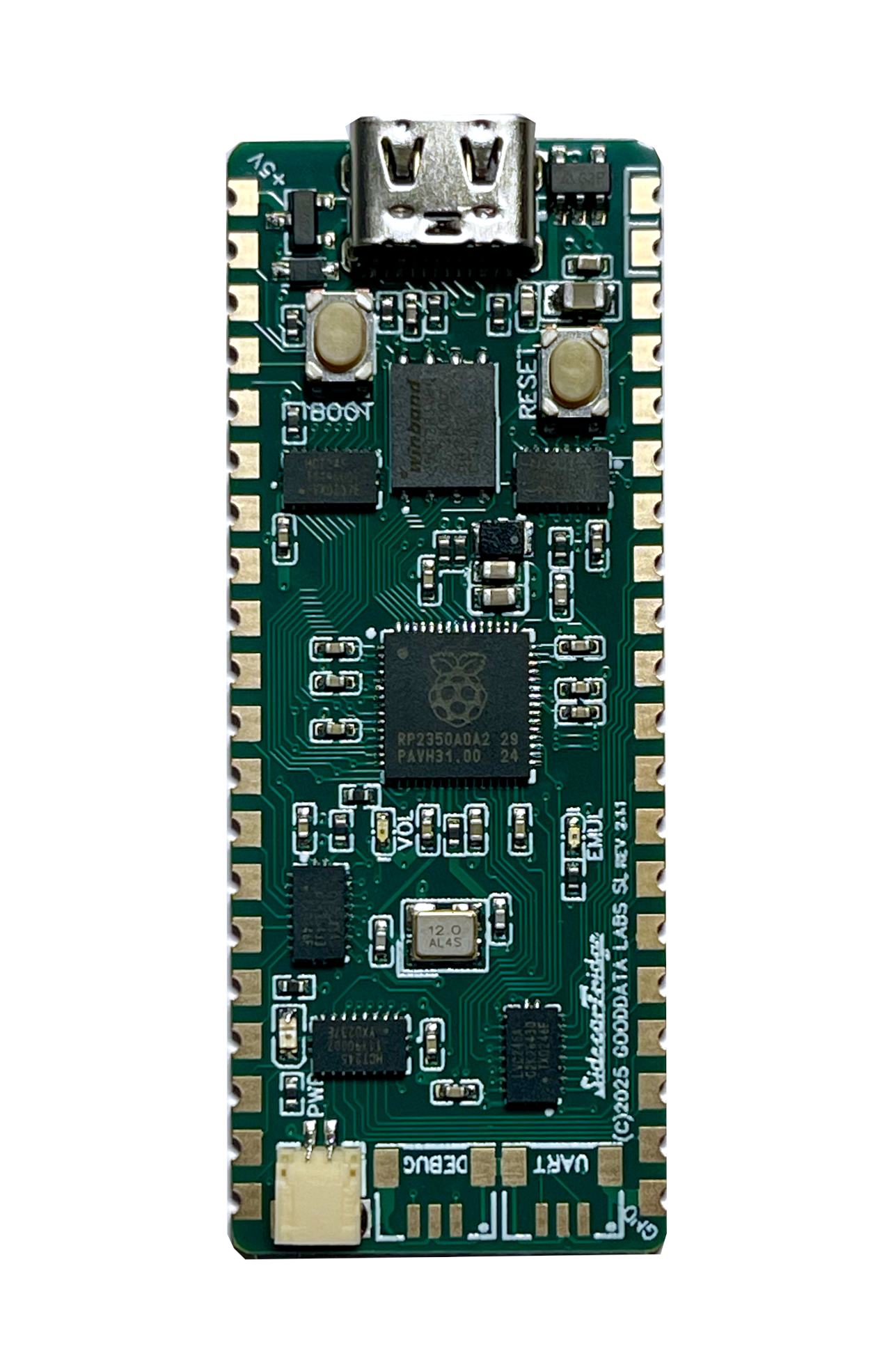
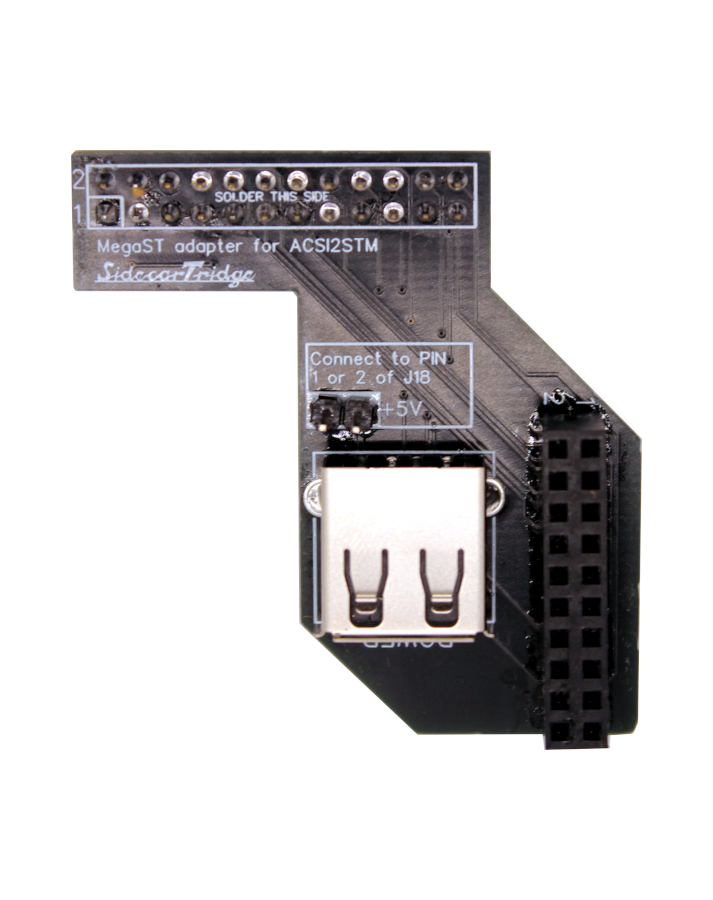
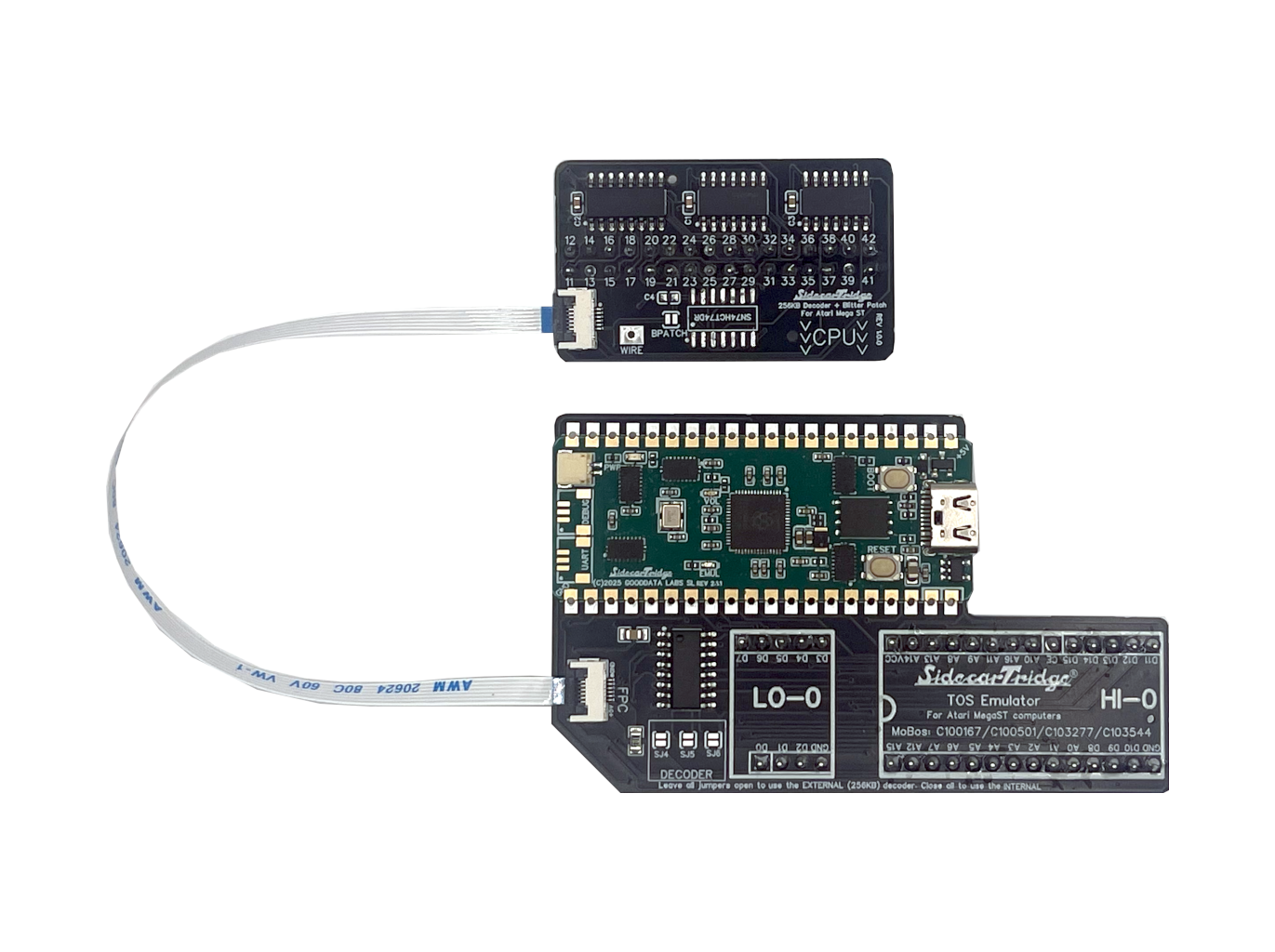
This quickstart applies to the current Mega ST-only, solderless 256KB Decoder that plugs into the MEGABUS connector and requires the SidecarTridge TOS Emulator carrier board revision 4 or newer.
1. Before you buy
- Confirm you own a Mega ST. This decoder no longer targets 520/1040 ST families. Open the case and note the motherboard code silkscreened near the front edge.
- Make sure you have (or will receive) the rev4 Mega ST carrier board. The decoder links to the SidecarTridge TOS Emulator via the bundled 6-pin ribbon cable.
- Match your PCB code to the supported list below.
| Mega ST motherboard | Carrier board | Status |
|---|---|---|
| C100167-001 Rev. 4.02 | Rev 4.0 | ✅ Supported |
| C100167-001 Rev. B2 | Rev 4.0 | ✅ Supported |
| C100167-001 Rev. 5.02 | Rev 4.0 | ✅ Supported |
| C100501-001 (2 ROMs) | Rev 4.0 | ✅ Supported |
| C103277 Rev 2.22 | Rev 4.0 | ✅ Supported |
| C103544-001 (2 ROMs) | Rev 4.0 | ✅ Supported |
If your board number is not listed, pause and contact us before ordering.
2. What ships in the Mega ST kit
- SidecarTridge TOS Emulator (RP2350) prepared for Mega ST
- Mega ST carrier board revision 4 (multiplexer + sockets)
- SidecarTridge 256KB Decoder board with MEGABUS edge connector
- 6-pin flat cable that links decoder and carrier
This is a solderless workflow: you plug the decoder into the MEGABUS, drop the carrier into the ROM sockets, and bridge both with the ribbon cable.
3. Installation overview
- Remove the Mega ST lid and RF shield to expose the MEGABUS connector.
- Press the decoder straight into the MEGABUS (components up, arrows pointing toward the 68000).
- Install the rev4 carrier board in the ROM sockets and route the 6-pin cable between both boards.
- Double-check that no cable or shield touches the decoder before powering on.
- Follow the SidecarTridge TOS Emulator wizard to choose and flash your ROM set.
Full step-by-step photos live in the official hardware installation guide.
4. Learn more / troubleshoot
- Product docs hub: SidecarTridge TOS 256KB Decoder
- Carrier firmware + ROM workflows: SidecarTridge TOS Emulator docs
- Need help? Browse the troubleshooting section or contact us.